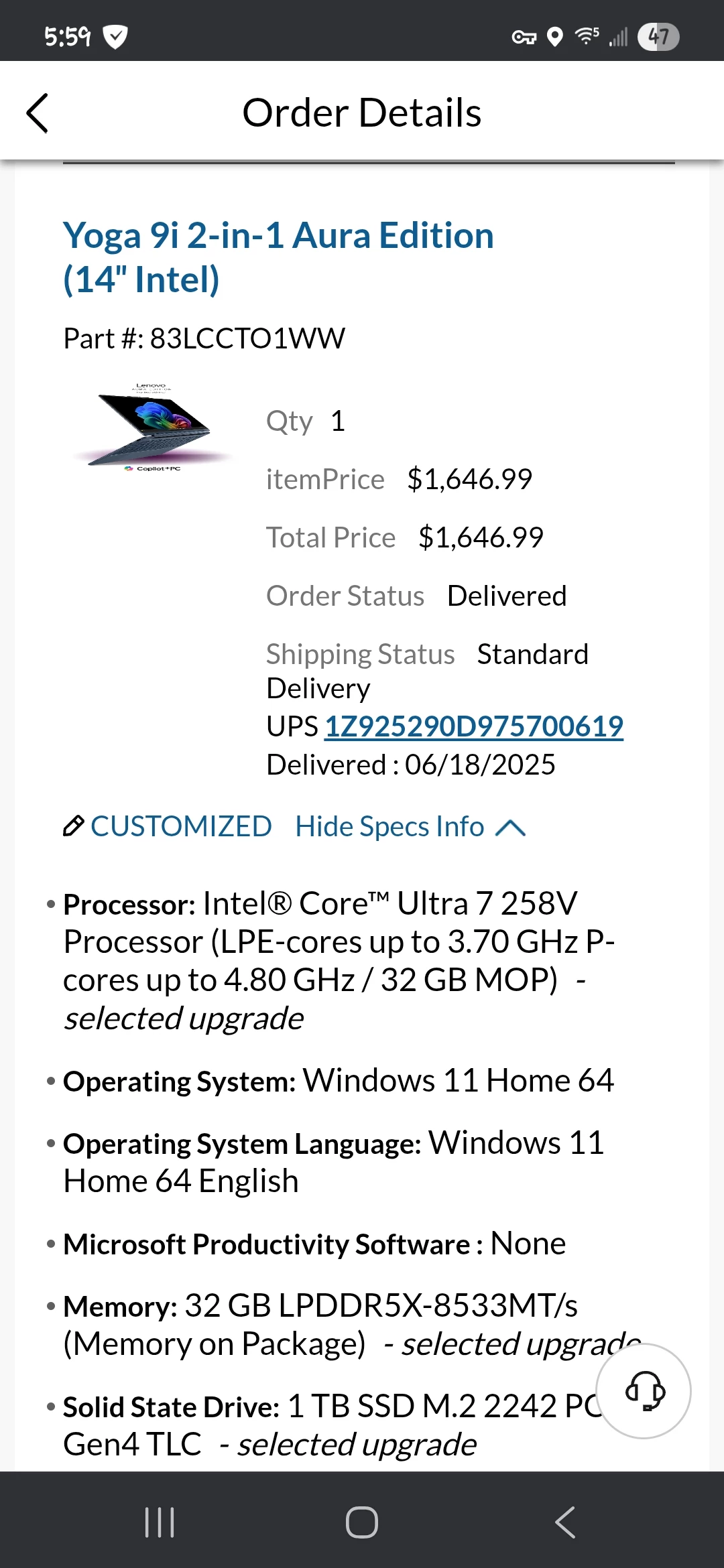
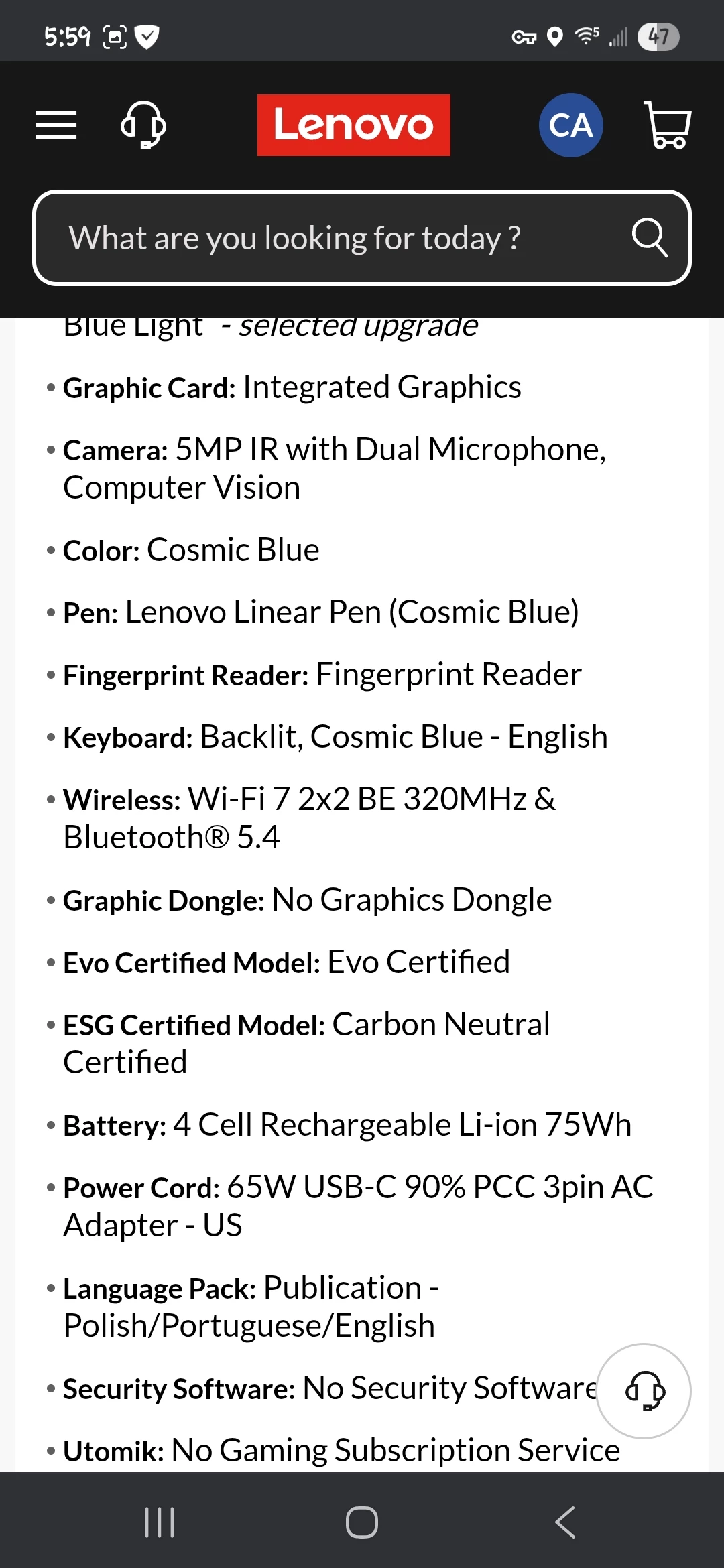
Thank you for the log files. I'm sorry the new driver from Intel did not help.
It looks like the errors may happen when you are using AI-powered edits, like lens blur and masking. Do you know if the errors seem to happen when using feautres like that?
One thing you can try is to follow the instructions here:
https://helpx.adobe.com/camera-raw/kb/acr-gpu-faq.html
Under the heading "Troubleshoot GPU driver issues while using AI-powered features like Lens Blur:" specifically about installing a file named "DisableGPUInference.txt" in a special folder.
Please try this and let me know if it makes the errors go away.
-David
Regarding "It looks like the errors may happen when you are using AI-powered edits, like lens blur and masking", I was not able to keep ACR long enough to do edits 😞
However copying the "DisableGPUInference.txt" file to the specifed Camera Raw location appears to have fixed the GPU issues 🙂
What exactly does this disable in Camera Raw? Just AI related tools?
Thanks for your help!!



 AdChoices