New Participant
June 23, 2025
Answered

GPU Errors

  • June 23, 2025
  • 1 reply
  • 828 views

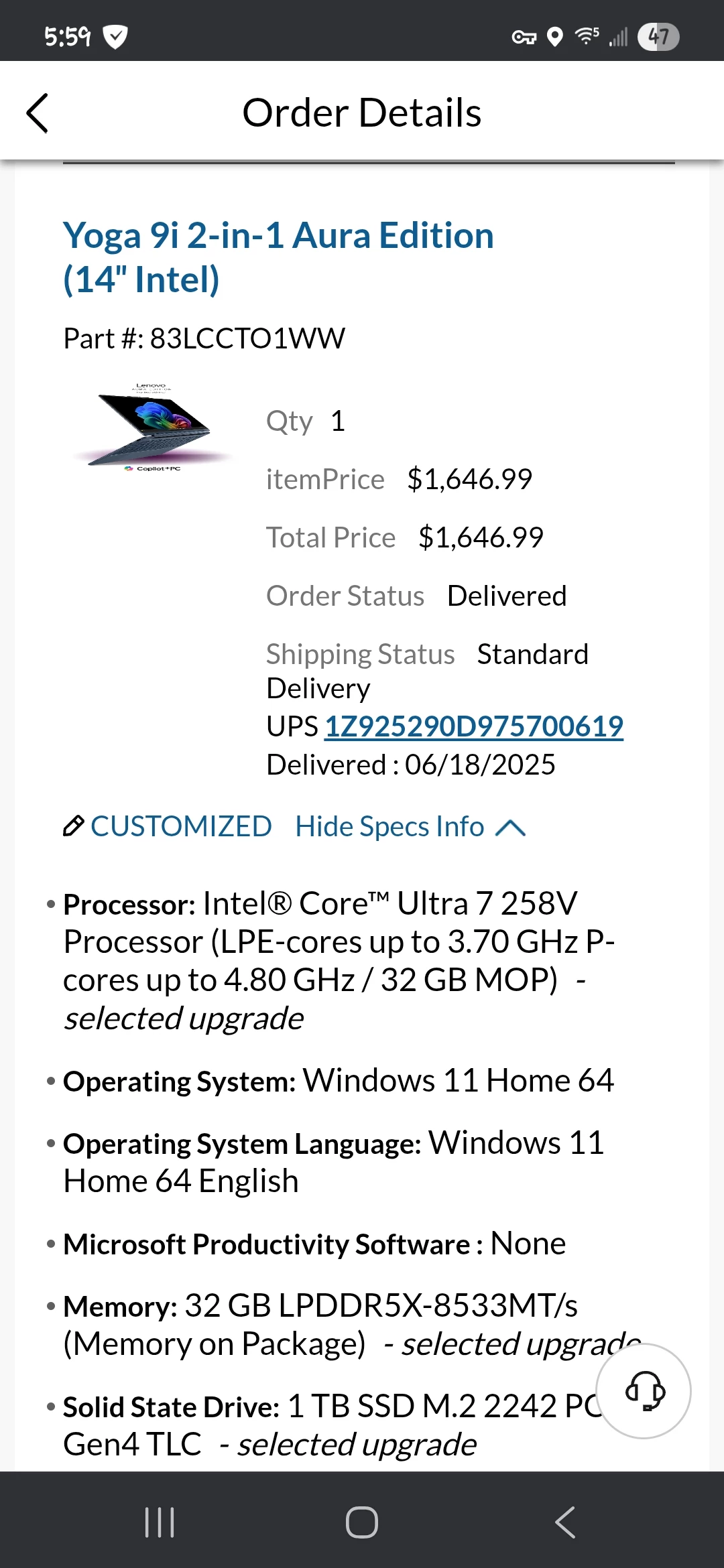
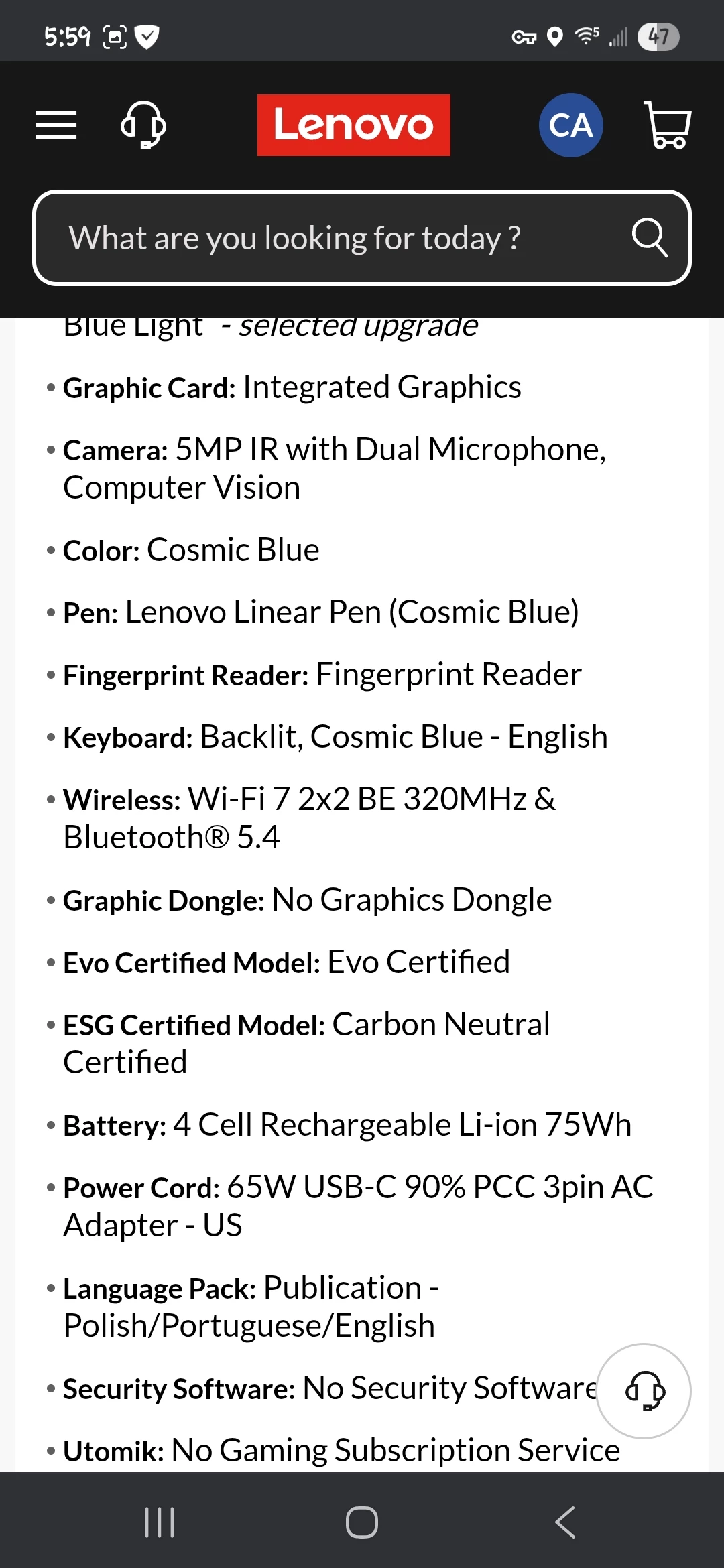
I just bought a new Lenova Yoga 9i Aura with an integrated Intel Arc 140Z GPU (16GB). Installed the latest version of Photoshop. 

Adobe Camera Raw crashes with gpu errors when I apply edits and sometimes just after opening an image. Photoshop and Bridge run without error. I've tried both the latest and second to latest Intel drivers. I've also tried disabling gpu processing in camera raw to no avail. Any ideas? 

Any thoughts??

Correct answer Cheryl316514190ozs

Thank you for the log files. I'm sorry the new driver from Intel did not help.


It looks like the errors may happen when you are using AI-powered edits, like lens blur and masking. Do you know if the errors seem to happen when using feautres like that?

One thing you can try is to follow the instructions here:

https://helpx.adobe.com/camera-raw/kb/acr-gpu-faq.html

Under the heading "Troubleshoot GPU driver issues while using AI-powered features like Lens Blur:" specifically about installing a file named "DisableGPUInference.txt" in a special folder.

Please try this and let me know if it makes the errors go away.

-David


Regarding "It looks like the errors may happen when you are using AI-powered edits, like lens blur and masking", I was not able to keep ACR long enough to do edits 😞  


However copying the "DisableGPUInference.txt" file to the specifed Camera Raw location appears to have fixed the GPU issues 🙂


What exactly does this disable in Camera Raw? Just AI related tools?


Thanks for your help!!

 

1 reply

David Franzen at Work
Adobe Employee
Adobe Employee
June 24, 2025

You might have better results after installing the latest GPU drivers available for download directly from intel.

https://www.intel.com/content/www/us/en/support/products/80939/graphics.html

When using drivers you download from Intel instead of drivers in installed by Windows Update or your laptop maker's update software, be aware of this issue:

https://www.intel.com/content/www/us/en/support/articles/000087834/graphics.html


New Participant
June 24, 2025

Thanks! I've done a clean install using the latest driver available on Intel's site and ACR still crashes. I've also done a complete removal and install of Photoshop and ACR. Here's some of the log files the standard troubleshooting checklist mentions. 

Cheryl316514190ozsAuthorCorrect answer
New Participant
June 24, 2025

Thank you for the log files. I'm sorry the new driver from Intel did not help.


It looks like the errors may happen when you are using AI-powered edits, like lens blur and masking. Do you know if the errors seem to happen when using feautres like that?

One thing you can try is to follow the instructions here:

https://helpx.adobe.com/camera-raw/kb/acr-gpu-faq.html

Under the heading "Troubleshoot GPU driver issues while using AI-powered features like Lens Blur:" specifically about installing a file named "DisableGPUInference.txt" in a special folder.

Please try this and let me know if it makes the errors go away.

-David


Regarding "It looks like the errors may happen when you are using AI-powered edits, like lens blur and masking", I was not able to keep ACR long enough to do edits 😞  


However copying the "DisableGPUInference.txt" file to the specifed Camera Raw location appears to have fixed the GPU issues 🙂


What exactly does this disable in Camera Raw? Just AI related tools?


Thanks for your help!!