



Answered
How to Rotate Image in Photoshop Camera Raw
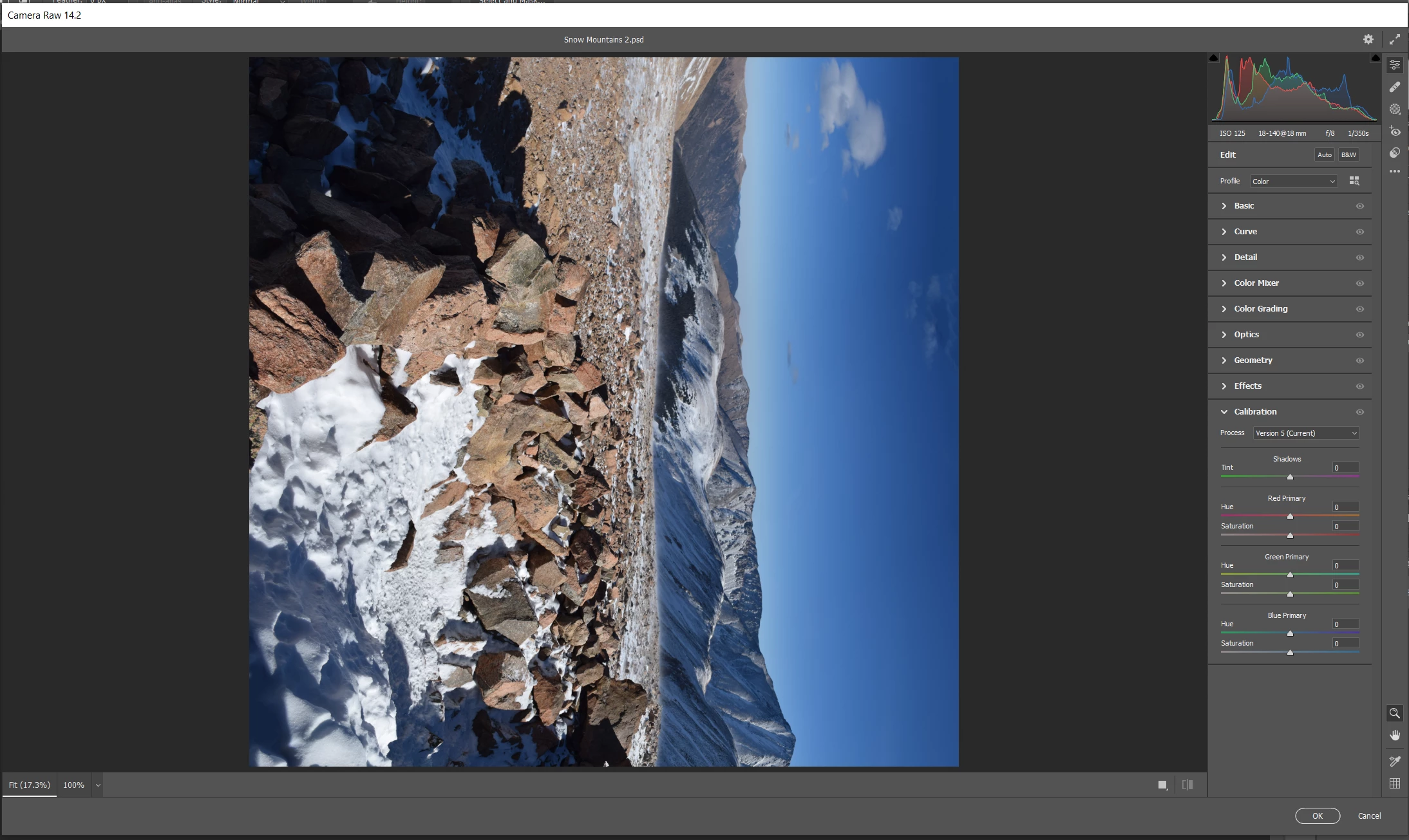
A lot of my images have been opening sideways recently and its killing me cause I can't find the rotate option. Apparently I am suppoesd to be able to press 'R' or 'L' to rotate my image but that does not work. I cannot find a tool or button to rotate manually either. I opened this Camera Raw from Photoshop 22.5.6 and running on Windows 10 if that matters. I opened Camera Raw through Filter > Camera Raw Filter.
 AdChoices