


Answered
Photoshop cc 2017 last update cannot open raw file !
Hi ,
I have this big problem and I tried many solutions and Still have same problem
any help please ?
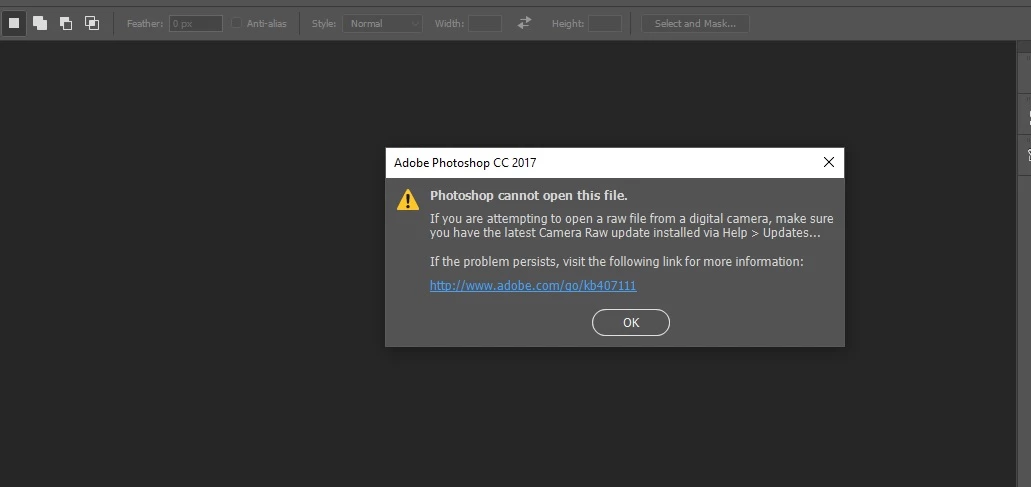

Hi ,
I have this big problem and I tried many solutions and Still have same problem
any help please ?
Yes
Then my guess would be that you have one file that just happened to get damaged. If that happens more often then perhaps you have a card that is going bad or some other hardware issue.
Already have an account? Login
Enter your E-mail address. We'll send you an e-mail with instructions to reset your password.
 AdChoices