RatFink83
Participant
March 25, 2019
Question

Photoshop cc 2019 Locks Up Opening CR2 Files...

  • March 25, 2019
  • 1 reply
  • 1261 views

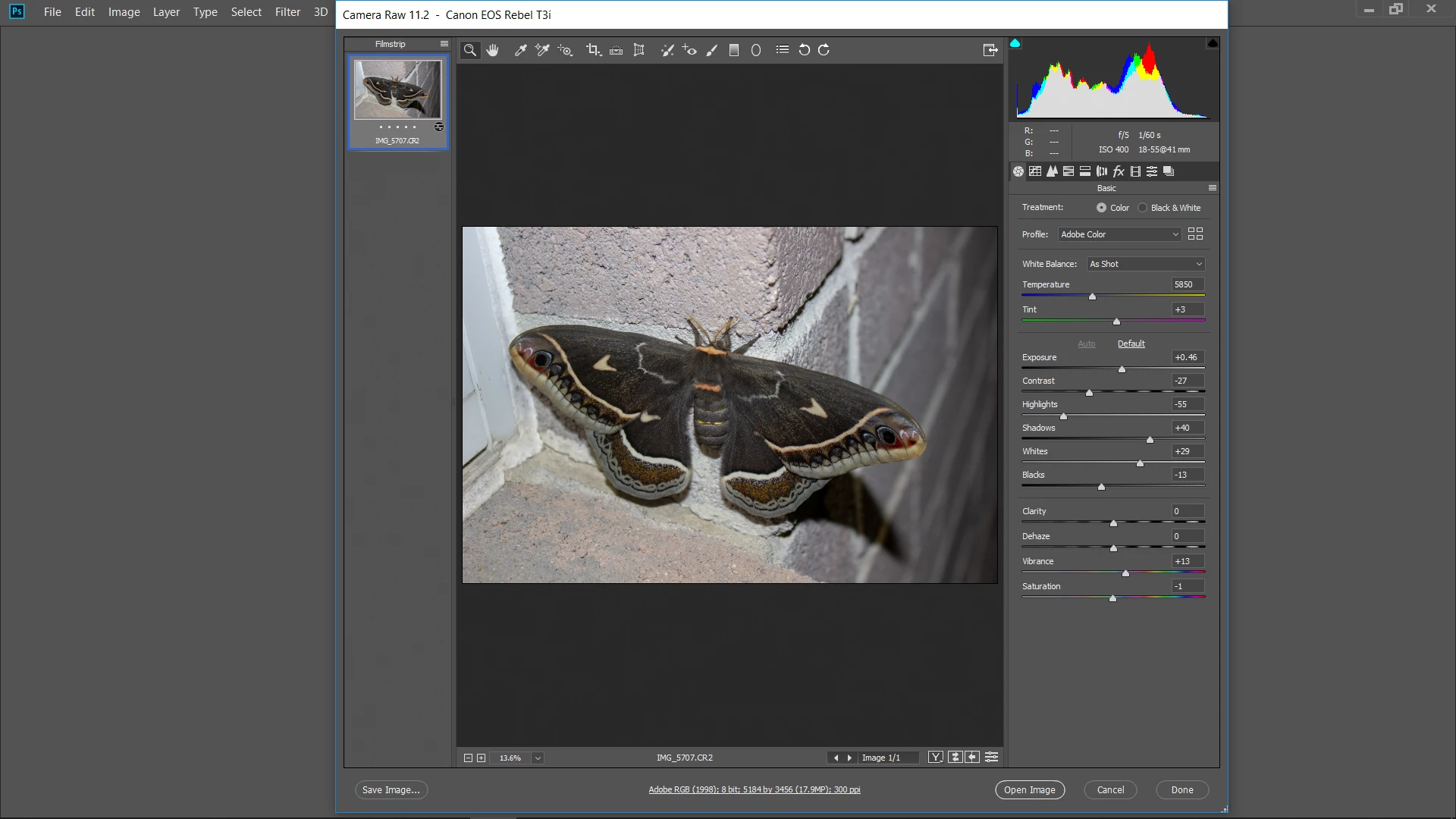
Recently, when trying to open CR2 files in Photoshop CC, PS locks and becomes unresponsive.  I can open the files in Lightroom and Elements.

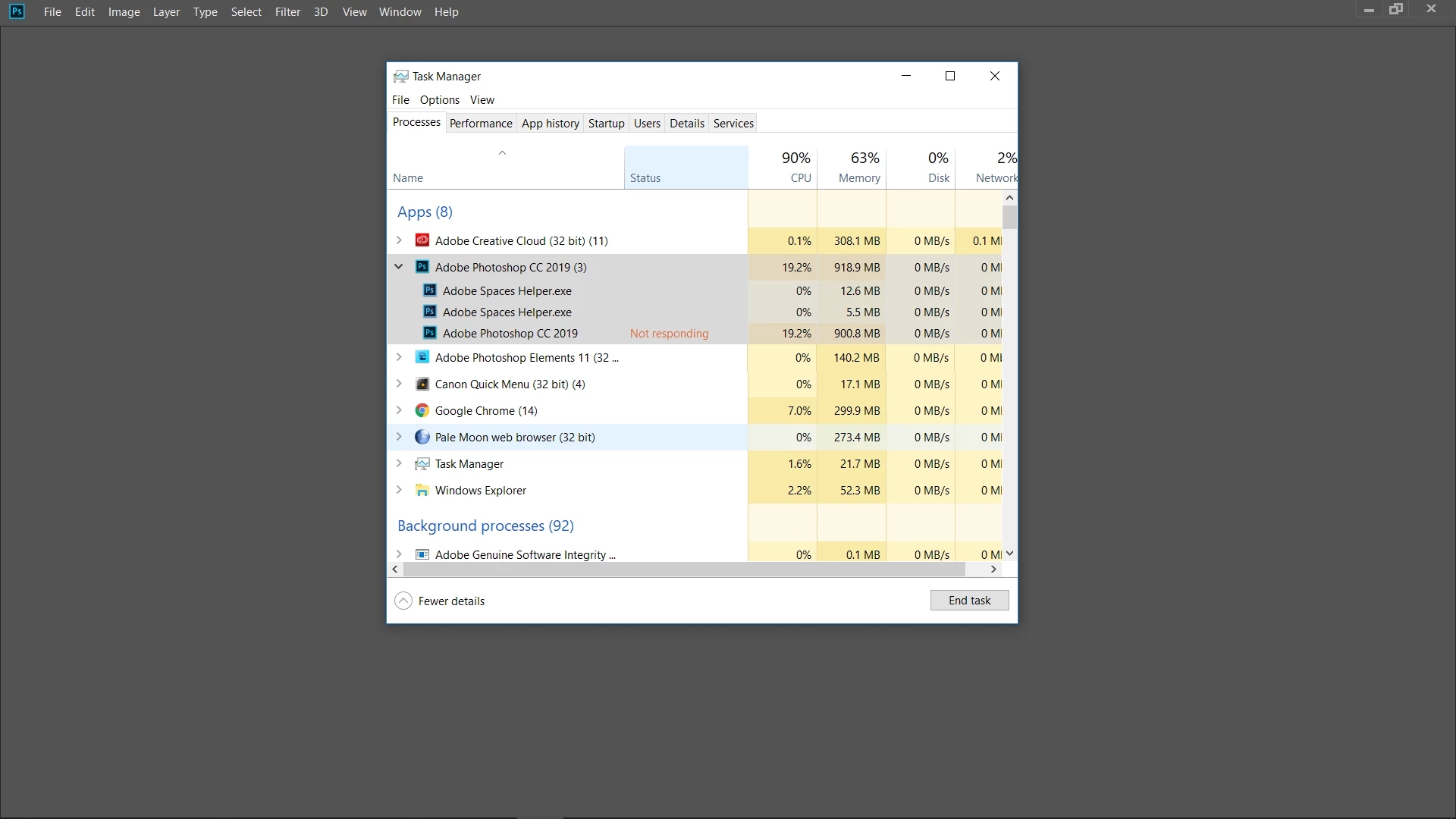
I can open the files and edit them, but as soon as I click Open Image or Done, PS locks.  I have to open Task Manager and click End Task to close PS.

I have updated PS and Windows 10.

Any Ideas?

Camera is a Canon T3i.
This topic has been closed for replies.

1 reply

Akash Sharma
Legend
March 25, 2019

Hi RatFink83,

Sorry that Photoshop CC is freezing while opening raw images from your camera.

To start with basic troubleshooting, could you please take a look at this article Basic troubleshooting steps to solve problems and issues in Adobe Photoshop CC  and troubleshoot accordingly.

Let us know how it goes

Thanks,

Akash

Participant
May 4, 2019

Hello, I am having a similar issue. I try and open a CR2 file and it crashes. I have tried the troubleshooting options suggested but still no joy. Even crashes in safe mode. Any more suggestions?

Akash Sharma
Legend
May 6, 2019

Hi movemout,

Sorry to hear that. Which Camera file are you trying to open in Photoshop? Which version of Photoshop are you using? Are you getting any error messages while opening the .CR2 files?

Thanks,

Akash