Participating Frequently
October 25, 2018
Answered

PS CC 2019 Camera Raw - Turn off XMP File Option Removed?

  • October 25, 2018
  • 1 reply
  • 4987 views

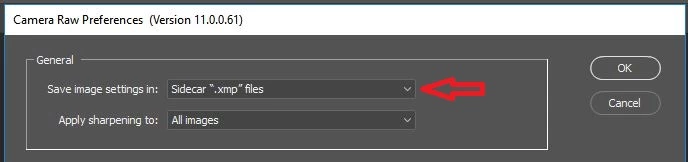
In PS CC 2018, I didn't like the changes that I made to be saved to a separate XMP file. I had changed the option so that it saved to the file and no longer created additional files. I updated to PS CC 2019, and for some reason all of my settings reverted back as if I had never changed them. I am no trying to change the XMP option again, but it is no longer there and I am unsure where to find it. I know before it was in one of these two boxes but I don't know where it is now. Could anyone help with this?
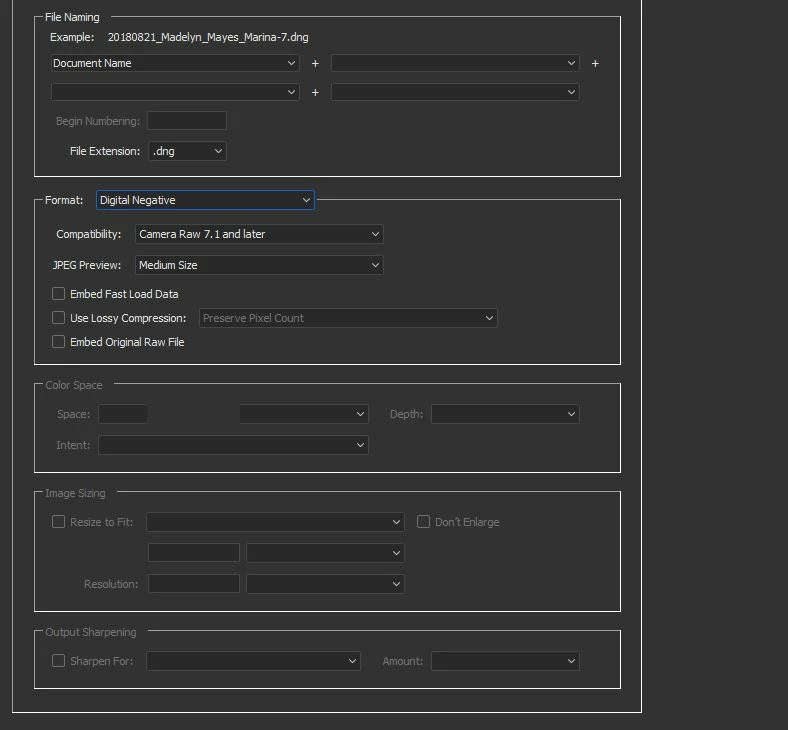
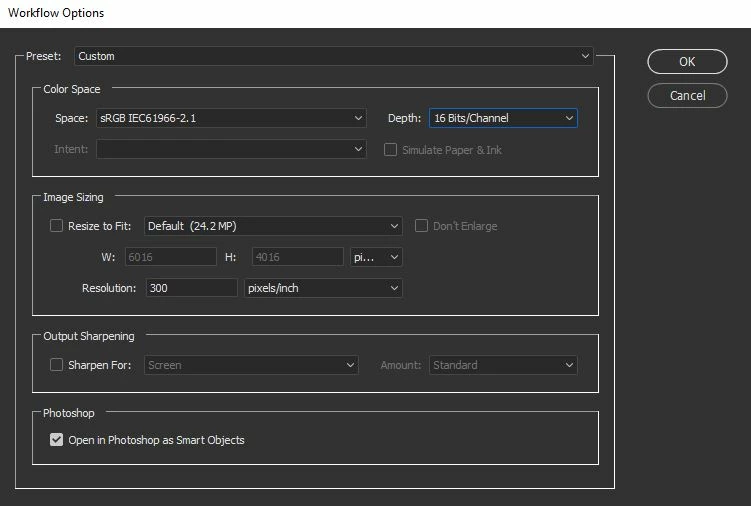
This topic has been closed for replies.
Correct answer JP Hess

I believe you'll find it in the Camera Raw preferences in Bridge, or in Preferences in Photoshop (if you click on the Camera Raw section). I have mine set to XMP files, but you can change it to the database.

1 reply

gary_sc
Community Expert
Community Expert
October 26, 2018

Hi Chuck,

Are you saying you were getting the XMP sidecar file in addition to the data being written into the DNG? Didn't know that was even possible.

Chuck Uebele
Community Expert
Community Expert
October 26, 2018

You have been busy, Gary. I don't think the OP's name is Chuck.