Aletak
Participant
July 7, 2021
Answered

Red on images when opening images in Camera Raw

  • July 7, 2021
  • 1 reply
  • 9814 views

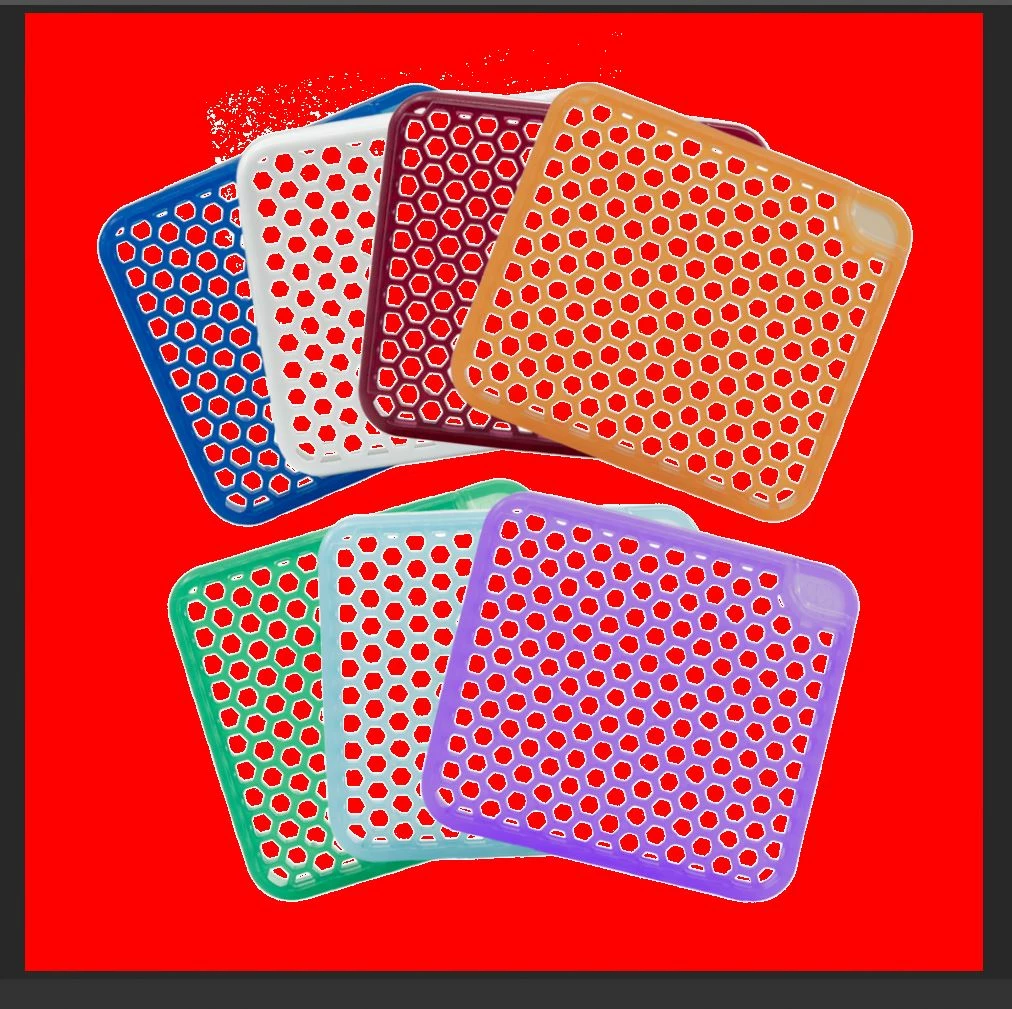
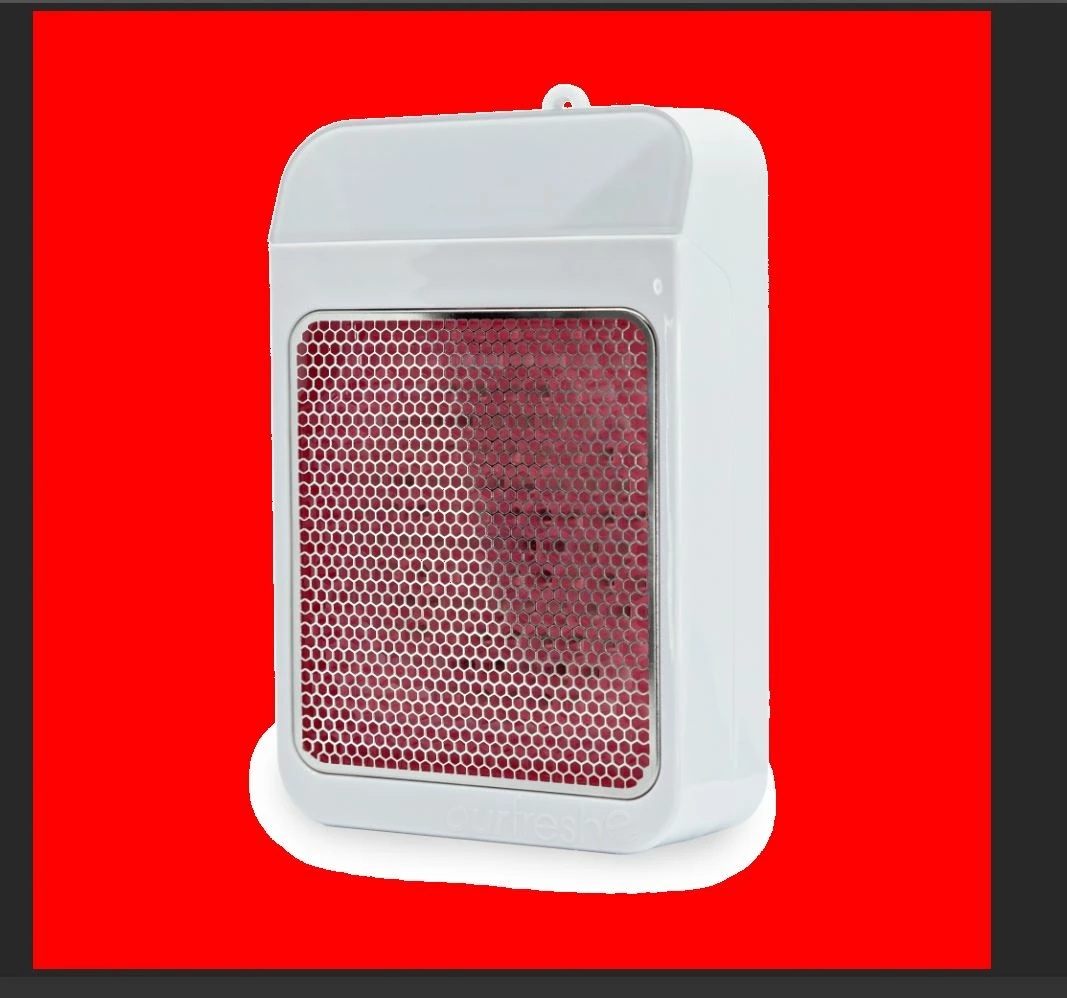
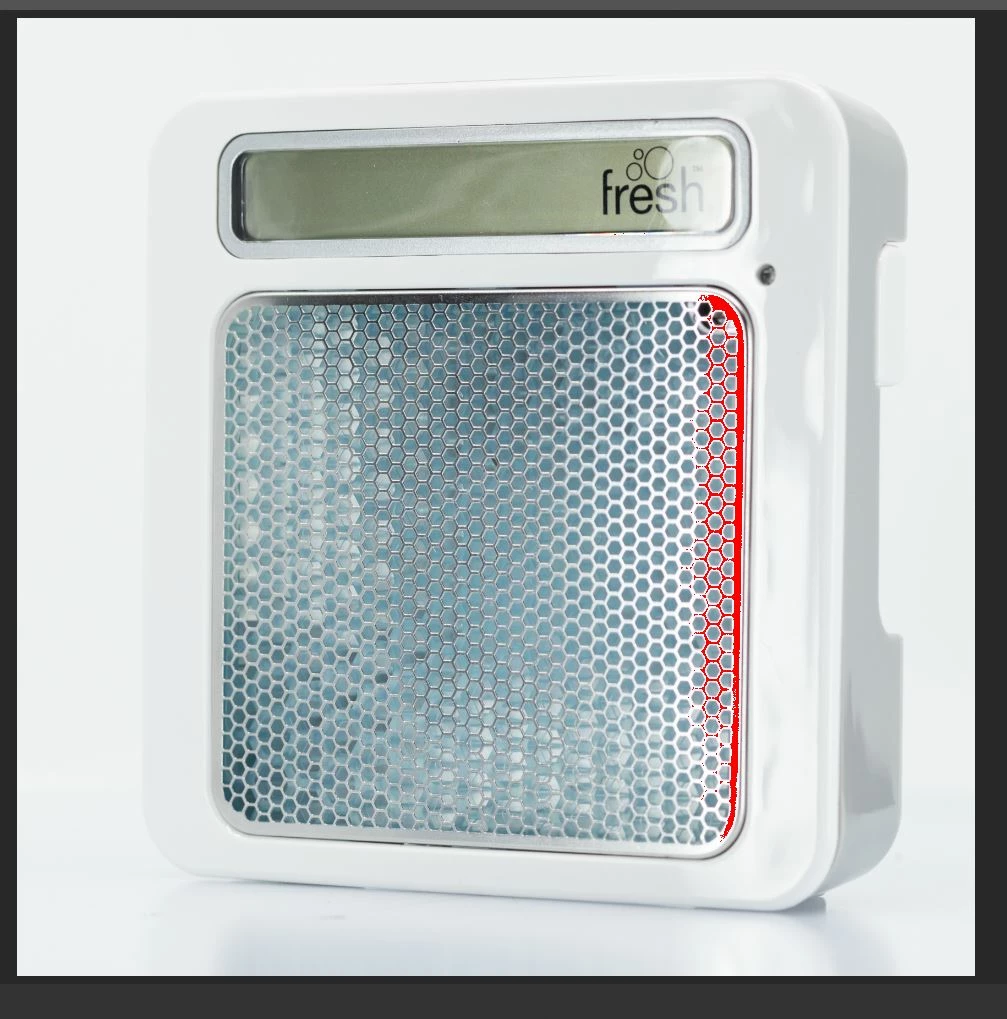
I have everything up to date in Creative Cloud, and this just started showing up when opening my images in Camera Raw in photoshop. I have been working in this program for years and have never seen this issue before. In some photos it takes the entire white background and turns it red. Other images, it's only a little red. It's not the monitor as I have 3 seperate monitors up. I'm on a PC and everything.
 

Correct answer trishaw19134217

this worked for me 2 years later, thanks!

1 reply

Erik Bloodaxe
Legend
July 7, 2021

Looks like just the highlight clipping warning. Press O to toggle it off or back on. Does the red disappear when off?

Participant
October 2, 2021

Hi, I'm hoping you might be able to help me as awell. I'm having the same issue however the red isn't going away when I press O. Is there another way of turning it off or possibly another reason for the red? Any help would be appreciated, Thank you in advance!

Erik Bloodaxe
Legend
October 2, 2021

There is a toggle button in the top right of the histogram window. Try that. (The toggle in the top left is for the shadows clipping warning which shows blue rather than red.)