
Captivate 2019 Character Assets Won't Insert
Hello,
I'm using Captivate 2019, build 11.5.5.553 on Windows 10 Pro. I just started developing a new eLearning project and discovered that I can no longer insert Character assets. I open the Assets window, select Characters, open the character gallery (Anna, Arthur, etc.), select the desired image, and click insert. The screen darkens, it appears to be working, and even shows "Inserting Asset" but the image does not appear on my slide, nor in the project library.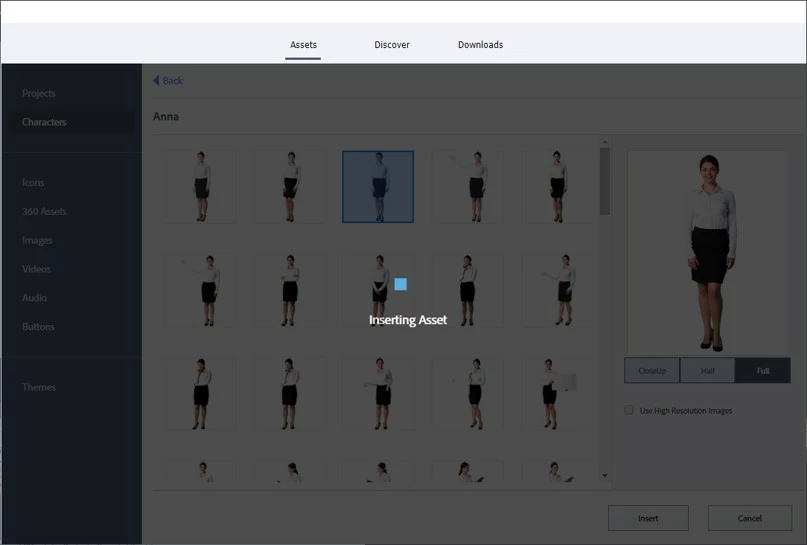
I tried clearing Cached Projects to no avail. I also tried the steps listed in this post although it is a different problem https://community.adobe.com/t5/captivate/issues-with-asset-panel-in-adobe-captivate-2019-release/m-p/11340288#M283381 Any ideas of what to do would be most helpful.
Thank you,
Ben
 AdChoices