



질문
Captivate 9 - Text Entry Box - Software Simulation slide - how to make text wrap to next line?
- Using a +[Default TEB Style] text entry box.
- I require the User to type 130 characters in this box before this slide moves onto the next slide.
- 130 characters is quite a lot and the more you type, the more words you lose - i.e words you started typing earlier get hidden somewhere in the left of this text box
- Does Captivate 9 allow this text box to wrap down to the next line instead of putting all the words on one infinite line?
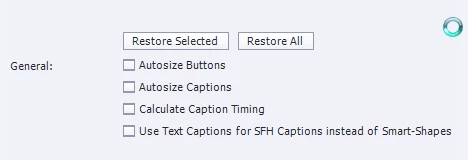
- My setting is as follows:
Thanks for any 
 AdChoices