



Feature Focus: Search filter for the Timeline
Like search filtering in the Project, Puppet, Properties, and Triggers panels, you can now filter the Timeline panel based on a search term. The search filter matches against names in the header area (left side) of the Timeline panel — track names and behavior and behavior parameter names for takes and keyframes.
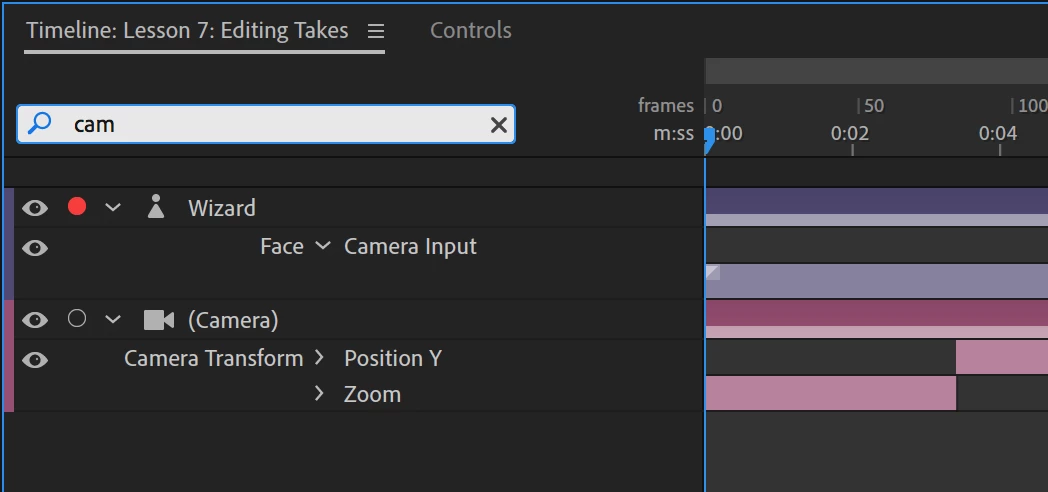
Tip: When the Timeline panel has focus, press Command+F (macOS) or Ctrl+F (Windows) or click in the search field to start typing.
(Use this Beta forum thread to discuss this feature and share your feedback with the Character Animator team and other Beta users. If you encounter a bug while using this feature, let us know by posting a reply here or choosing "Report a bug" from the "Provide feedback" icon in the top-right corner of the app.)
 AdChoices