CA not connecting with NDI Webcam or NDI Studio Monitor
I'm using:
Character Animator 2022 (22.3)
Windows on desktop
Latest NDI Tools with the Launcher
OBS Studio
I have read most (if not all) of the threads in here about this same issue but from what I can tell, none of them have been resolved. Randomly (or for a reason unknown) my puppet won't appear in my OBS Studio stream. Last time it happened, I simply reinstalled NDI tools, loaded everything up again and the option for the CA puppet was in the NDI webcam selections. Therefore the issue is definitely the connection between CA and the NDI Tools. I've even been able to load up CA and just OBS in the past without needing to launch NDI tools and the puppet appears in OBS Studio.
Now the connection won't work again. I have uninstalled both CA and NDI Tools (completely), rebooted, etc etc and I still can't NDI Webcam to pick up my puppet from CA. I have not changed any of the required settings with regards to :
however I only get a blank screen with the option to select "remote connection 1" instead of my puppet. There is no other option in either NDI webcam or NDI Studio Monitor.
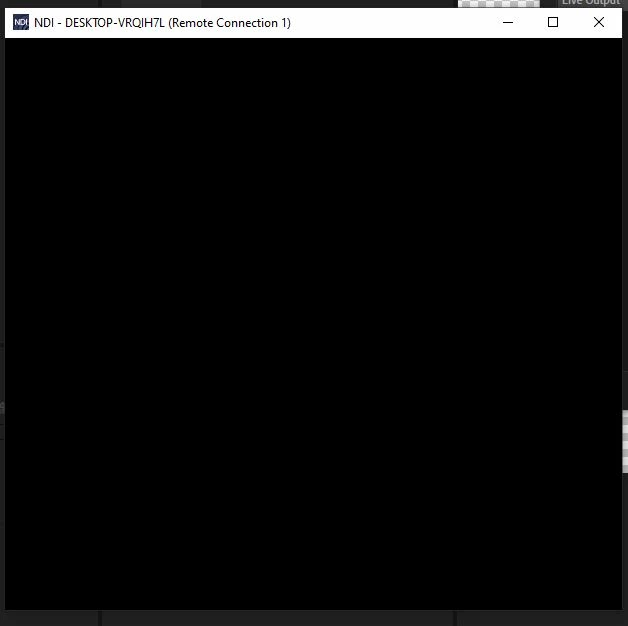
I'm at a real loss and have spent hours trying to get this to work. Any advice / known fix would be very very gratefully accepted. Cheers.
 AdChoices