Exit
  • Global community
    • Language:
      • Deutsch
      • English
      • Español
      • Français
      • Português
  • 日本語コミュニティ
  • 한국 커뮤니티
0

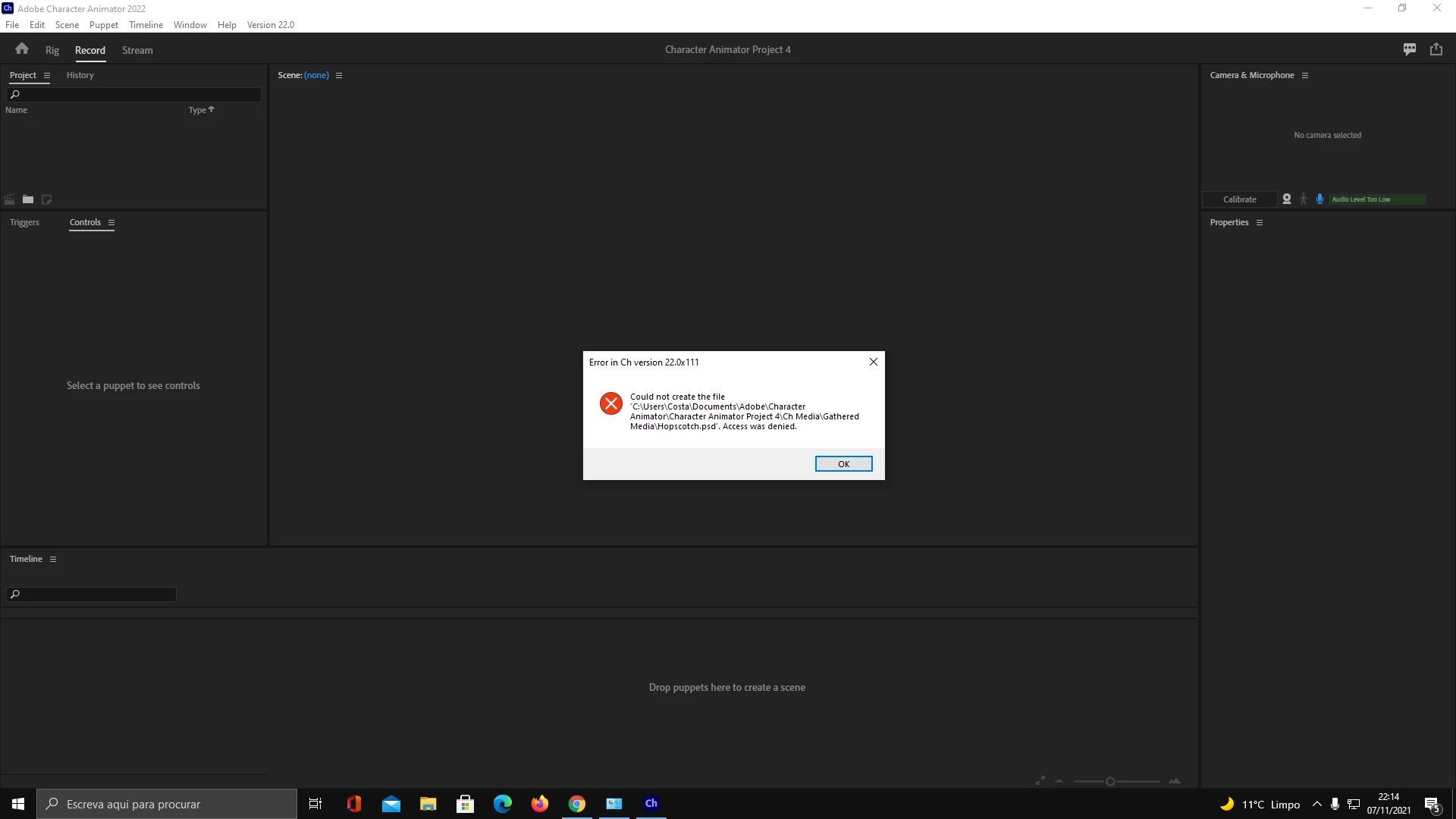
Could not create the file - Acess was denied

New Here ,
Nov 07, 2021 Nov 07, 2021

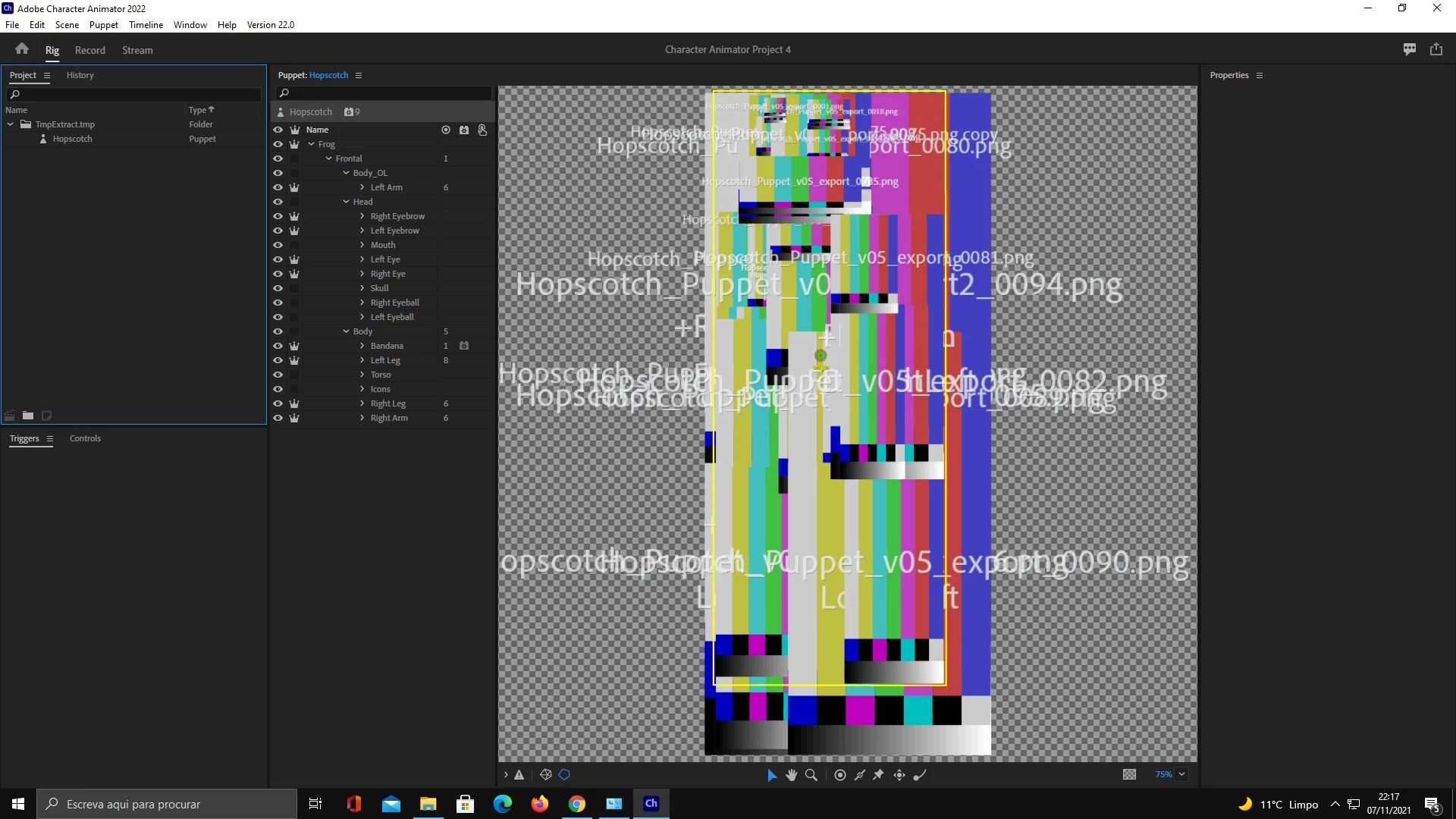
Hi, first time trying Character Animator. I can´t create a new project.


How I can fix this? 1.png2.jpg
TOPICS
Bugs
2.9K
Translate
Report
Community guidelines
Be kind and respectful, give credit to the original source of content, and search for duplicates before posting. Learn more
community guidelines

correct answers 1 Correct answer

Community Expert , Nov 08, 2021 Nov 08, 2021

"Access was Denied" is usually an indicator that your system has protected folders that prohibit writing to them. If possible, see if you can direct the content to another file directory.

Translate
Community Expert ,
Nov 08, 2021 Nov 08, 2021

"Access was Denied" is usually an indicator that your system has protected folders that prohibit writing to them. If possible, see if you can direct the content to another file directory.

Translate
Report
Community guidelines
Be kind and respectful, give credit to the original source of content, and search for duplicates before posting. Learn more
community guidelines
New Here ,
Apr 12, 2022 Apr 12, 2022
LATEST

Very Import is how to change directory

simply go to saved location (search) mine was under C:\Users\dell\Documents\adobe\........."

(1) copy adobe folder from their and put it on desktop

then go to Adobe Character Animator icon, right click - Properties - under Start in (field) change path to your new desktop location and thats it.


Translate
Report
Community guidelines
Be kind and respectful, give credit to the original source of content, and search for duplicates before posting. Learn more
community guidelines
New Here ,
Nov 08, 2021 Nov 08, 2021

Tried that before, tried again but on another disk and it worket. Is it some error happening on disk C:

Translate
Report
Community guidelines
Be kind and respectful, give credit to the original source of content, and search for duplicates before posting. Learn more
community guidelines
Community Expert ,
Nov 08, 2021 Nov 08, 2021

I wish I could say for certain, but file handling is far from my area of expertise. There are a lot of factors, such as whether a folder is hidden, read-only, etc.

Translate
Report
Community guidelines
Be kind and respectful, give credit to the original source of content, and search for duplicates before posting. Learn more
community guidelines
New Here ,
Nov 09, 2021 Nov 09, 2021

It's the antivirus, Ransomware protection. I cant save Character Animator files on disk (C:) if I have the antivirus turned on.

Translate
Report
Community guidelines
Be kind and respectful, give credit to the original source of content, and search for duplicates before posting. Learn more
community guidelines
LEGEND ,
Nov 09, 2021 Nov 09, 2021

Ahhhhh! Some background things (like cloud backup software) watches for new files and updates, locking the file (e.g. while uploading to cloud storage, or checking for viruses, etc). This can interact badly with Character Animator as it assumes it can open files whenever it wants. It sounds like your anti-virus/protection software is being fairly draconian, grabbing completely exclusive access to files while it checks them. Then Character Animator gets its nose out of joint because it cannot access the files it needs.

Translate
Report
Community guidelines
Be kind and respectful, give credit to the original source of content, and search for duplicates before posting. Learn more
community guidelines
New Here ,
Dec 21, 2021 Dec 21, 2021

can you guys atleast make a video showing how to fix it because that error is really slowing up my process on my work


Translate
Report
Community guidelines
Be kind and respectful, give credit to the original source of content, and search for duplicates before posting. Learn more
community guidelines
New Here ,
Dec 22, 2021 Dec 22, 2021

Just turn off antivirus. It need to be the first thing you do before open the adobe character. If you open adobe character and turn off antivirus after it, you will have a lot of erros. If that happen, restart PC, turn off antivirus after it, an open character animator. It sck, but its the only way I found to work without problems.


Translate
Report
Community guidelines
Be kind and respectful, give credit to the original source of content, and search for duplicates before posting. Learn more
community guidelines
New Here ,
Jan 03, 2022 Jan 03, 2022

Thank You. Turned off Avast and virus and it worked!

Translate
Report
Community guidelines
Be kind and respectful, give credit to the original source of content, and search for duplicates before posting. Learn more
community guidelines