Participant
September 27, 2018
Answered

floating arms

  • September 27, 2018
  • 1 reply
  • 776 views

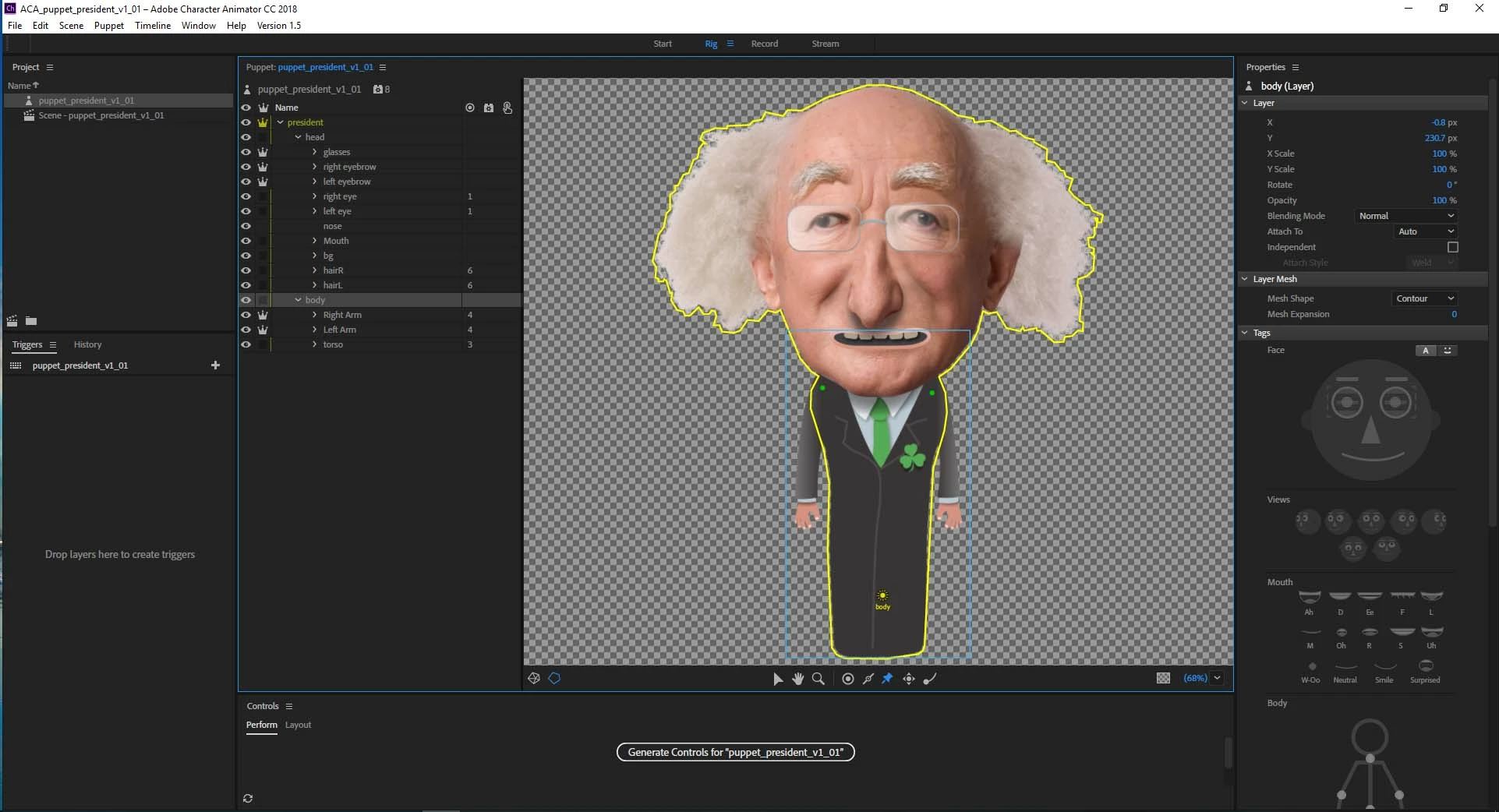
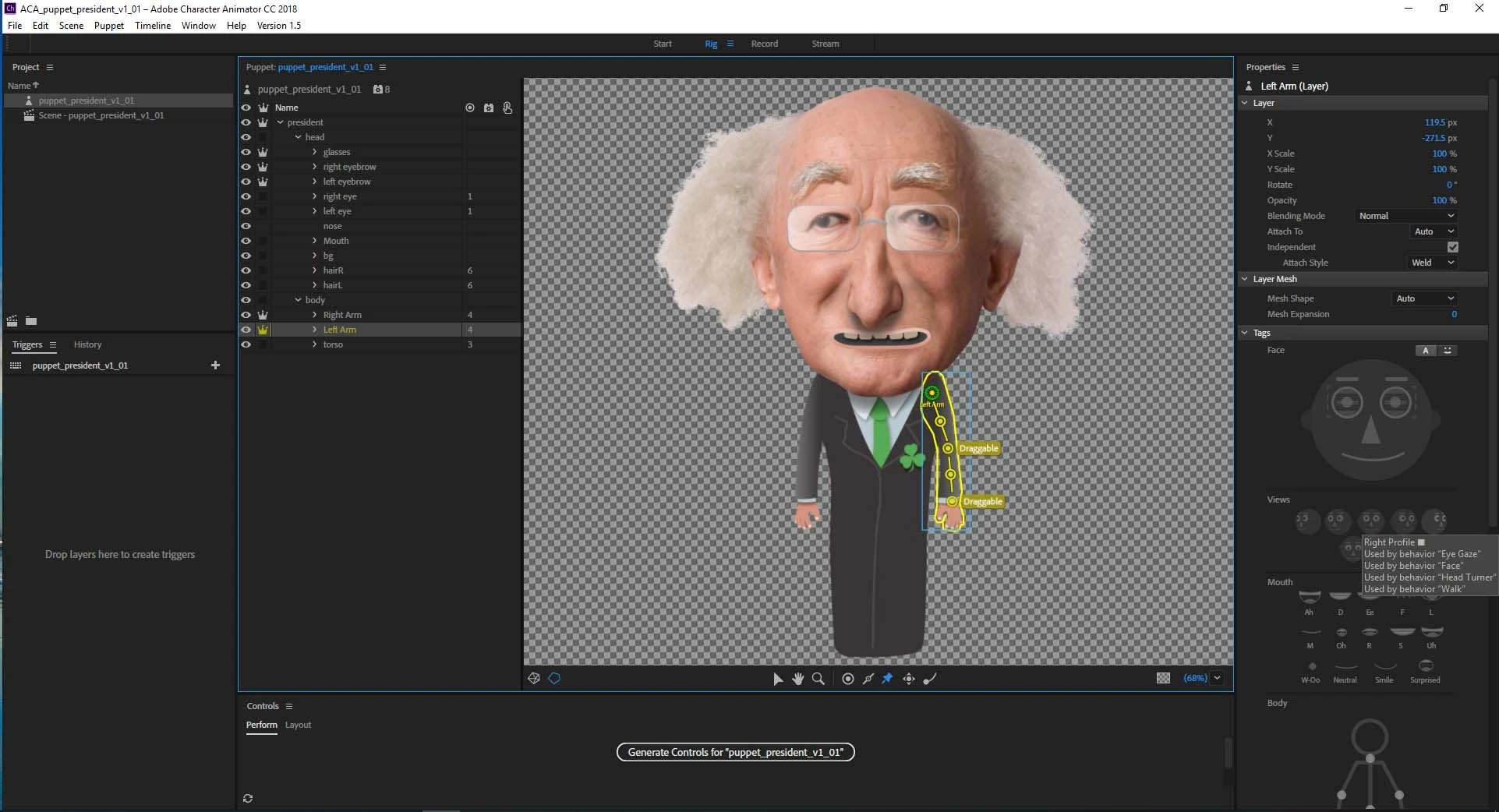
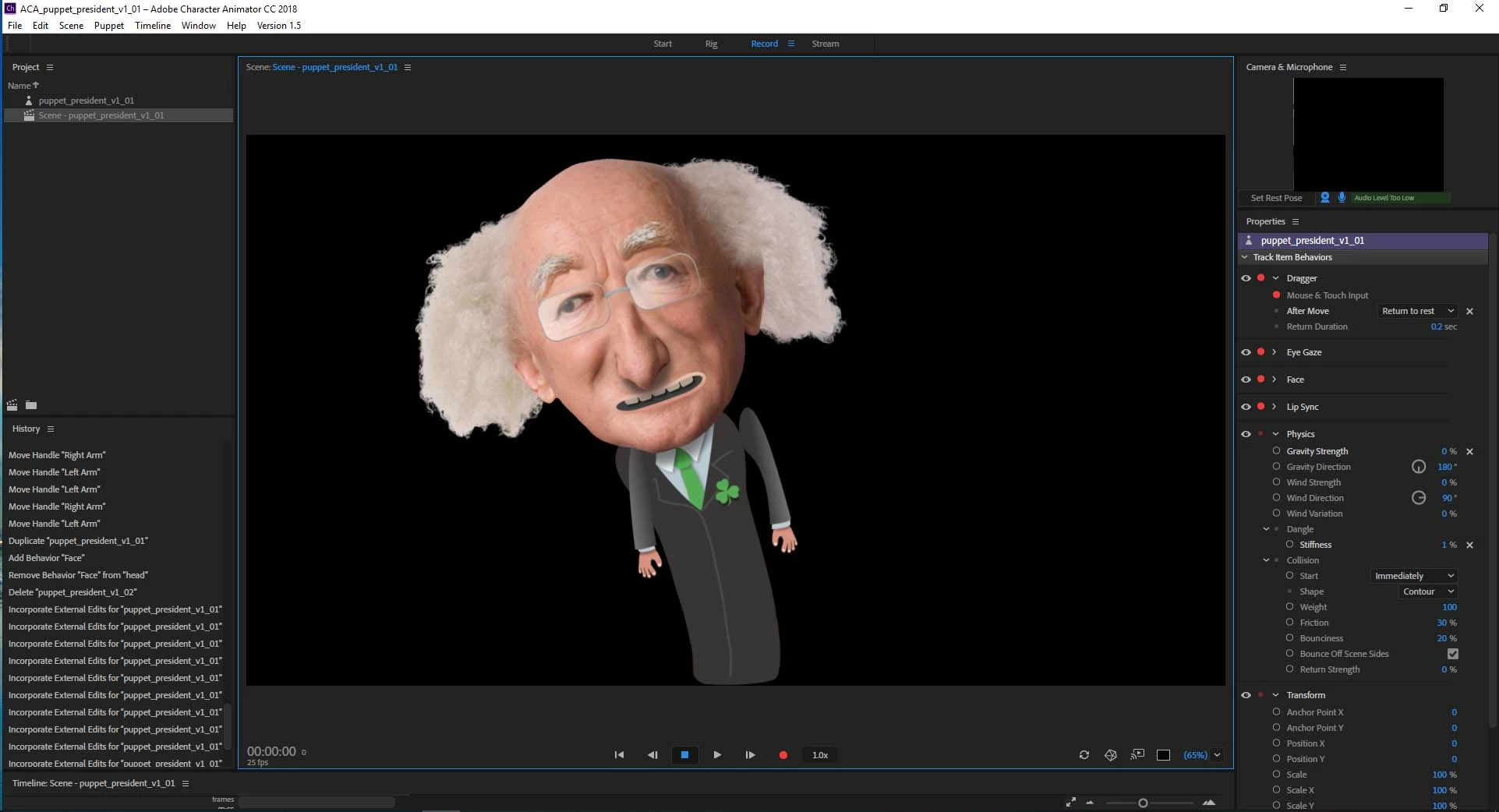
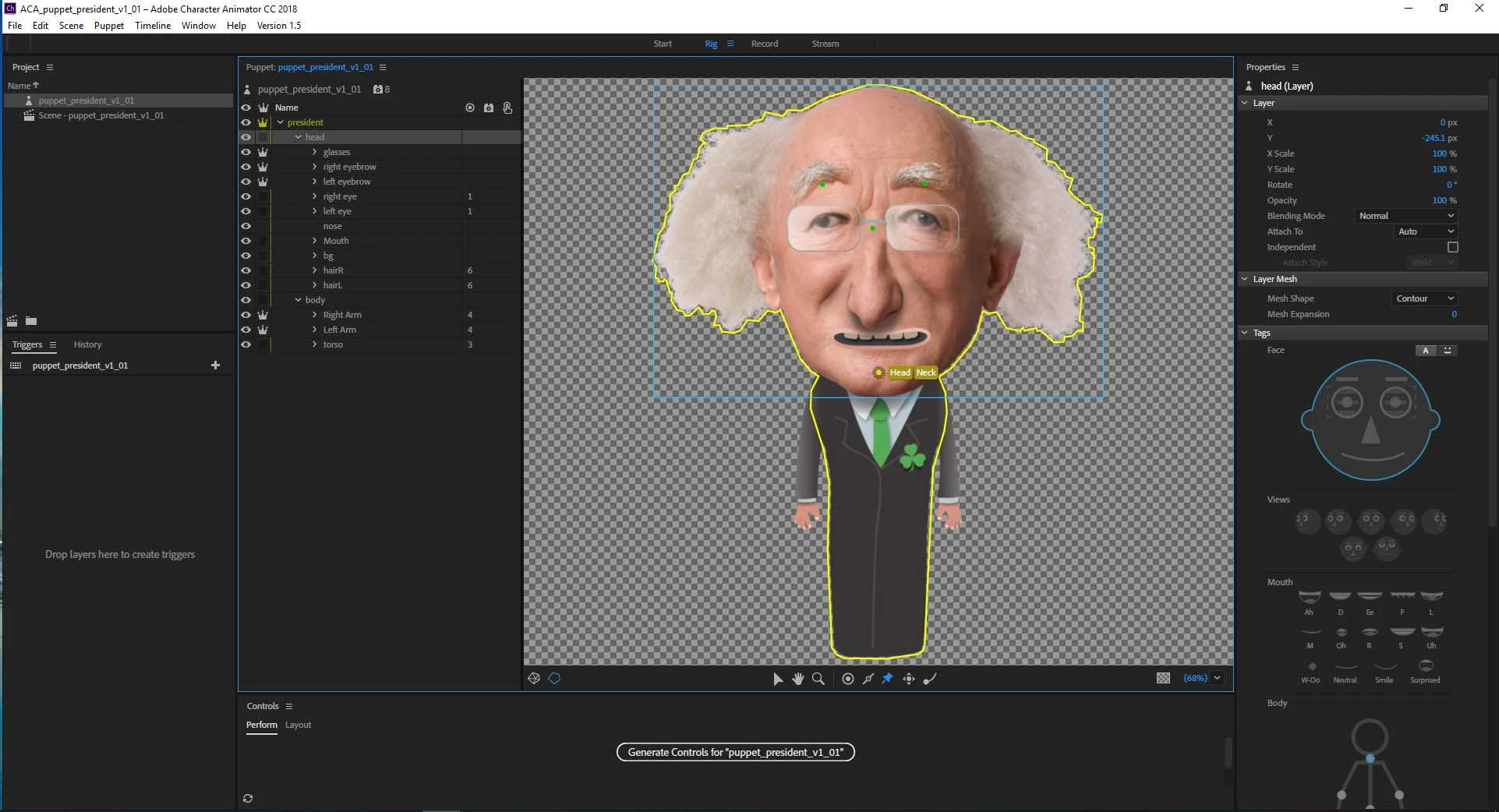
I'm having some trouble with my character arms not attaching properly. I think it's something to do with the fact the when I click on the head layer in the puppet panel the yellow outline goes around my whole character rather than just the head and the same thing happens if I click on the body, the yellow outline goes around the whole body character rather than just the body.

Any ideas?
This topic has been closed for replies.
Correct answer alank99101739

Oh, you can always click the little crown next to the Head layer to make it independent, just to see what happens. Then the yellow outline will be separate for Head and Body.

1 reply

alank99101739
Legend
September 27, 2018

Strange. It is your choice whether the head and body are in the same “independence group”, so its not wrong for the yellow line around the whole Head and body. And the arms have the green anchor mark, showing they are attached. Attach To is auto... everything on quick examination looks fine.

Are you able to export the puppet (File / Export Puppet) and share via Google Drive or similar? Either via forums or as a direct message. On the surface things look sensible.

Oh, one thing you can try, click the “Refresh” button (the two arrows in a circle) in the bottom right corner. That wipes some internal caches. Maybe it got confused somewhere along the line. It looks like the arms are moving “a bit”, so wondering if its something like head position strength interacting in some strange way... But I cannot see anything unusual from the screen shots your provided.

alank99101739
alank99101739Correct answer
Legend
September 27, 2018

Oh, you can always click the little crown next to the Head layer to make it independent, just to see what happens. Then the yellow outline will be separate for Head and Body.

Participant
September 28, 2018

thanks dude, the refresh did the trick, all working now