
Participating Frequently
September 16, 2022
Answered

Head warping and body not moving

  • September 16, 2022
  • 2 replies
  • 1124 views

Hey y'all! So im new to this program and my head turn rig is having issue with the head warping as well as the body not moving at all. Anyone have a solution? Here are the links to my Ai and Character animator files:


https://drive.google.com/file/d/1Ck9OcdtHOxETrin9qMGoQB2d41Ek1p1w/view?usp=sharing


https://drive.google.com/drive/folders/1KM0b-fIYlfaxcXXC-L1gTdwZNO5Vb3NB?usp=sharing
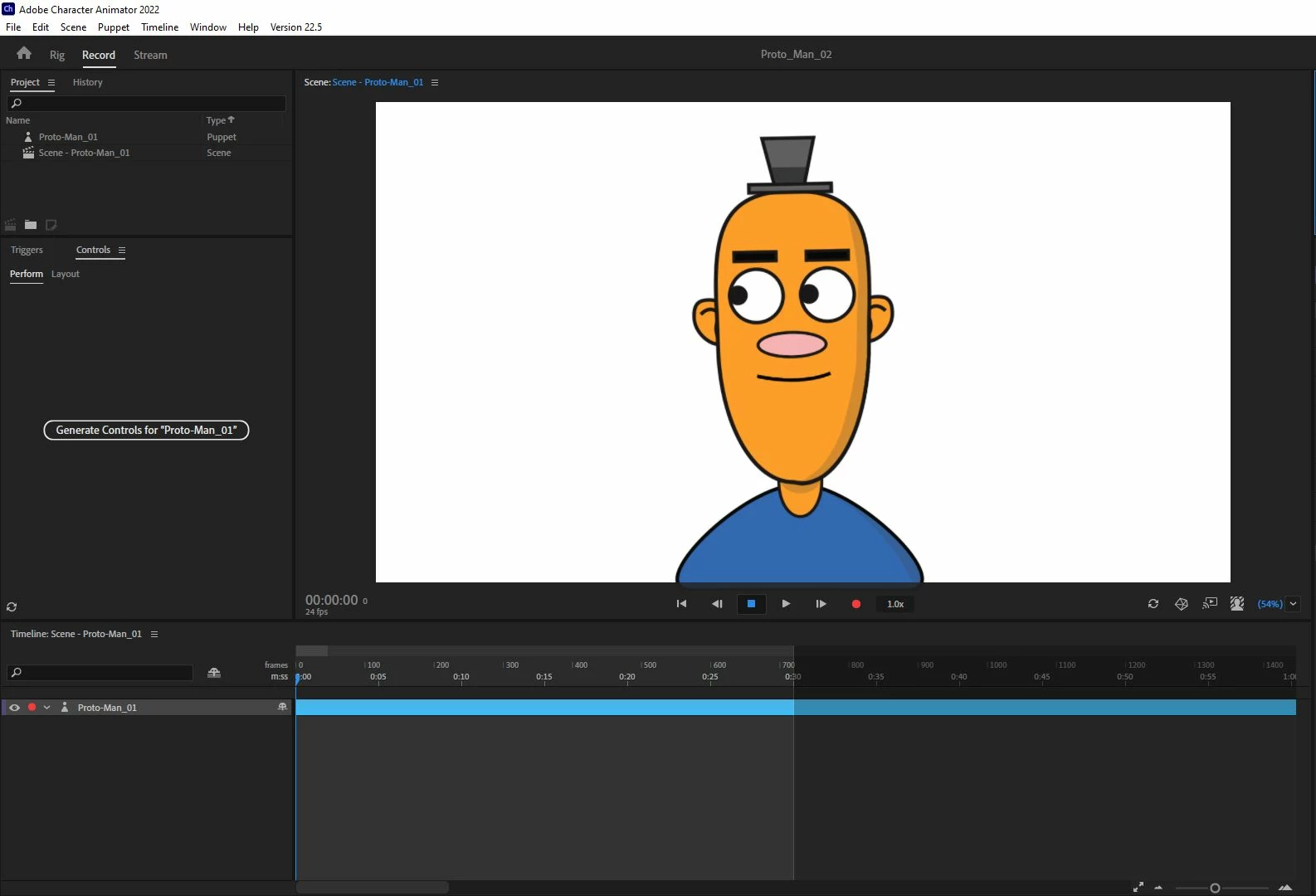
 

This topic has been closed for replies.
Correct answer k_oshiro

【STEP1】

I removed the head tag from the Turner layer that holds the head and body layers together.

【STEP2】

I added a stick tool to the body layer and fixed it.

For more information, download and observe the modified puppet.


Thanks.


https://youtu.be/DV7OBBR6frQ

2 replies

k_oshiro
Community Expert
Community Expert
September 18, 2022

I am not good at English so I use translation software.

I have made some improvements to the puppet you uploaded. I uploaded it to Google Drive.
The head is a bit distorted, but the body moves in tandem.

https://drive.google.com/file/d/1y09rZK6-rsaO1olXVCl2ZKqJwoUgrltj/view?usp=sharing


Is this the movement you want?

https://youtu.be/XqhsJaV6gSI

k_oshiro(AdobeCommunityExpert)
SweetoonsAuthor
Participating Frequently
September 20, 2022

Yes the slight body movement was what I was going for. How did you do that? I tried to change the independace, but it did not fix the issue.

k_oshiro
Community Expert
k_oshiroCommunity ExpertCorrect answer
Community Expert
September 20, 2022

【STEP1】

I removed the head tag from the Turner layer that holds the head and body layers together.

【STEP2】

I added a stick tool to the body layer and fixed it.

For more information, download and observe the modified puppet.


Thanks.


https://youtu.be/DV7OBBR6frQ

k_oshiro(AdobeCommunityExpert)
TheOriginalGC
Community Expert
Community Expert
September 16, 2022

The warping is caused by a duplicate "head" tag in the face background layer of each of the head turning views. After you fix that, you'll need to add a bar with a fixed tag to hold the body in place as shown:


SweetoonsAuthor
Participating Frequently
September 17, 2022

Thank you! Your advice on the misplaced tags got rid of the head warping.


I did have a bar tagged "Fixed" on the bottom of the body to fix it in place, but the body is still not moving at all...

SweetoonsAuthor
Participating Frequently
September 20, 2022

I am confused. I thought that you wanted the body to not move. In my version, the head is fixed to the neck and the neck and body warp a little as the head moves. Check the independence of the layers (the crown icon) in the rigging and match the way I have it set up in my example above.


Thats really strange. I have it laid out exactly how you have it now and it still isnt moving at all. I have the fixed bar on the bottom and the boyd does not have a crown checked off.