Mojito7765
Known Participant
November 27, 2019
Question

Camera Zoom ability to avoid one puppet

  • November 27, 2019
  • 1 reply
  • 623 views

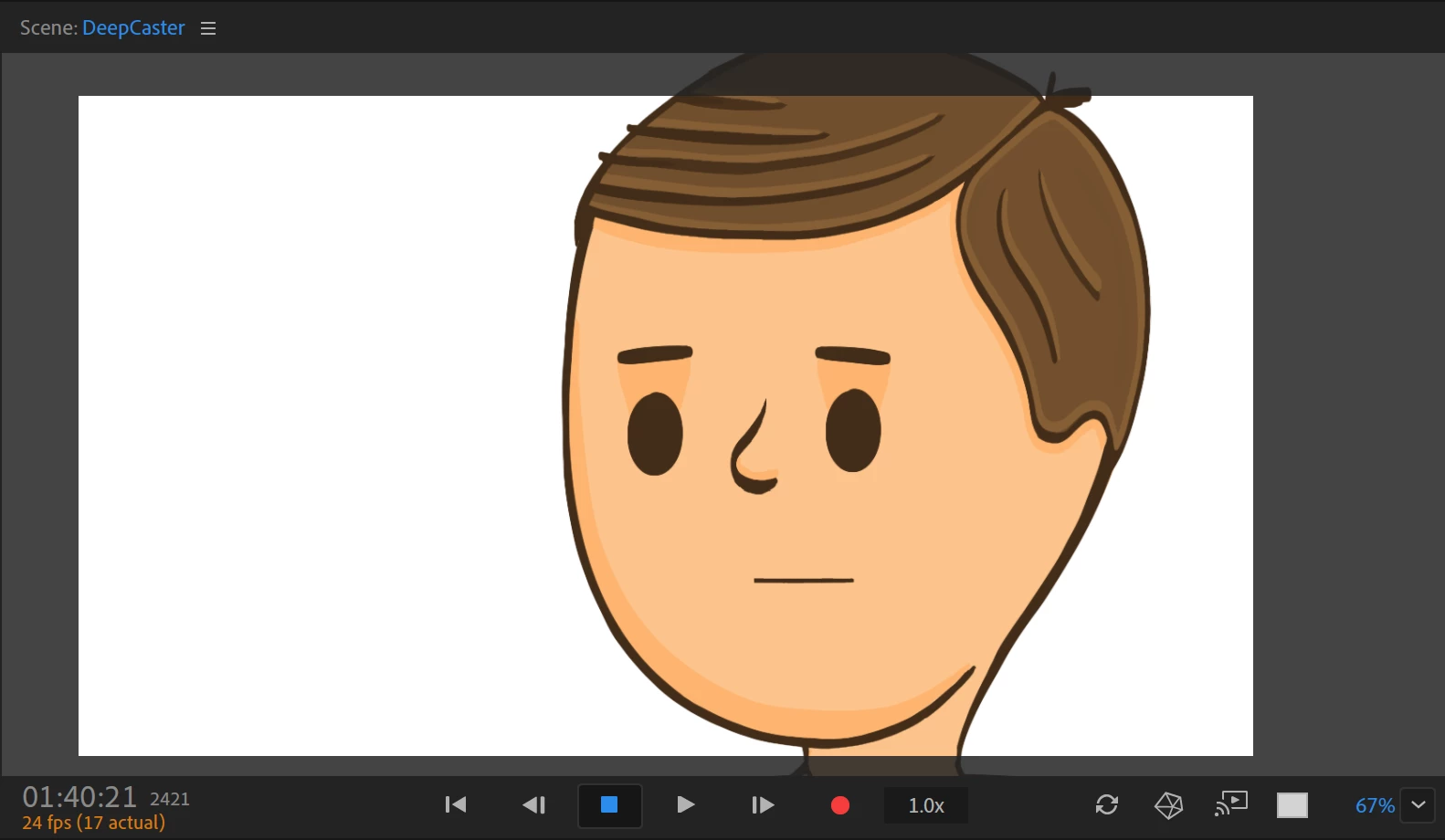
I've been trying the camera tool to zoom in on puppets, however I was wondering if it's possible to selectively zoom in on certain puppets only.


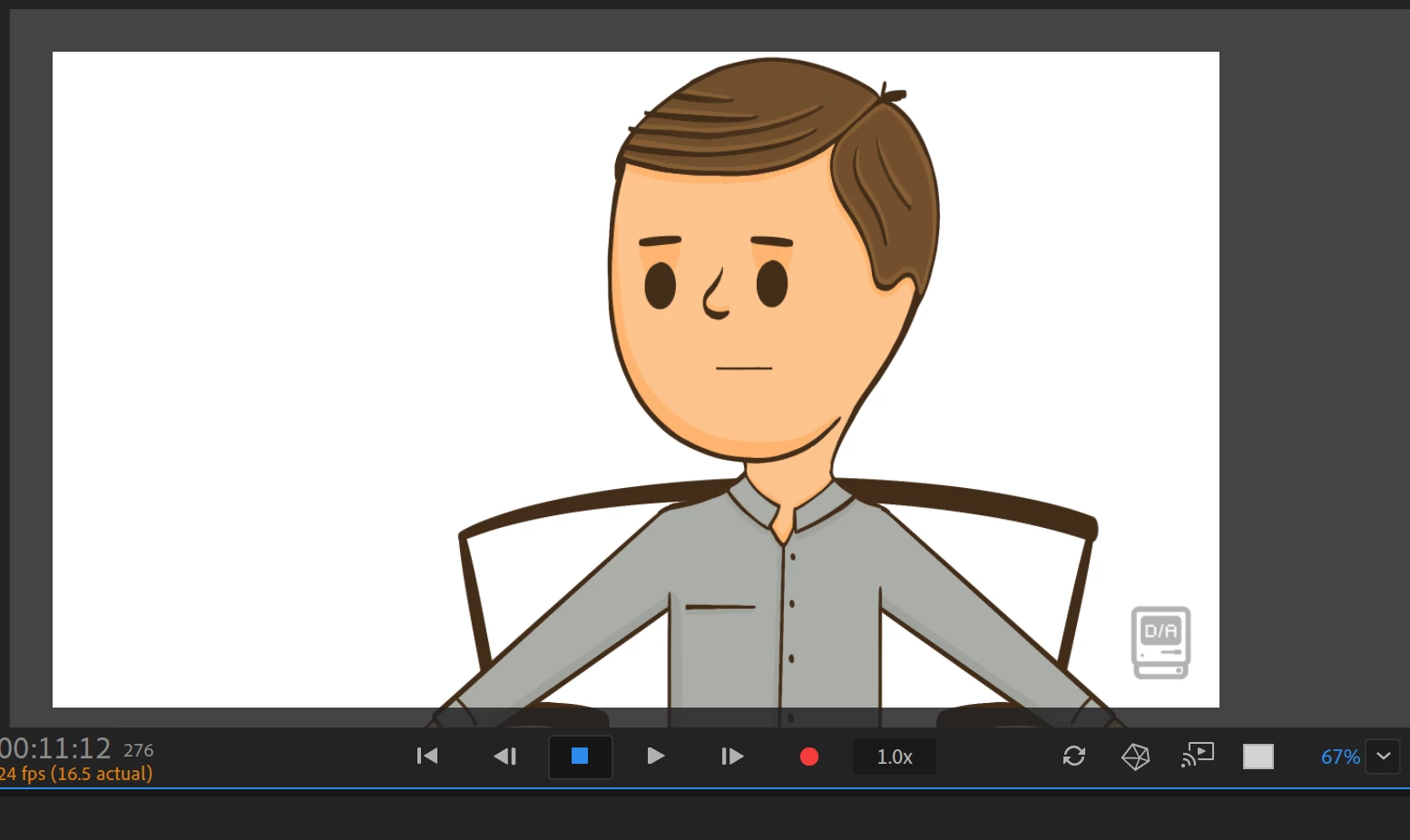
I like to overlay my animation studio's logo at the bottom right of my animations. I've been doing this by making the logo image it's own puppet, and always having that as the top-most puppet in the timeline. Unfortunately, it seems that when I use the camera feature to zoom in on my scene, this results in the logo image in the bottom right corner being out of the shot.


Is there a way that I can use the camera zoom function on all of the puppets/contents of the timeline, except for my logo?


Any suggestions would be helpful. Cheers
 

This topic has been closed for replies.

1 reply

alank99101739
Legend
November 28, 2019

If doing a live stream, how about putting the logo on using the streaming software (OBS studio or whatever). If pre-recorded, why not add it with Premier Pro etc. That is, use a separate program.


Otherwise, you can instead of using the camera function use a Transform behavior on the puppet to adjust it's X/Y and Scale values. Don't use camera zoom. Personally I think using a separate package to superimpose the logo is better, but it does depend on your workflow. E.g. I use Premier Pro to do titles and credits, so I need to use it anyway.

Mojito7765
Known Participant
November 28, 2019

Thanks,


I'll probably use another software then, like Premier Pro