hi Dan!
Thanks so much for taking the time to check out my puppet. I was using the mesh and went through and made sure to remove all extra pixels, but thanks for the contour tip.
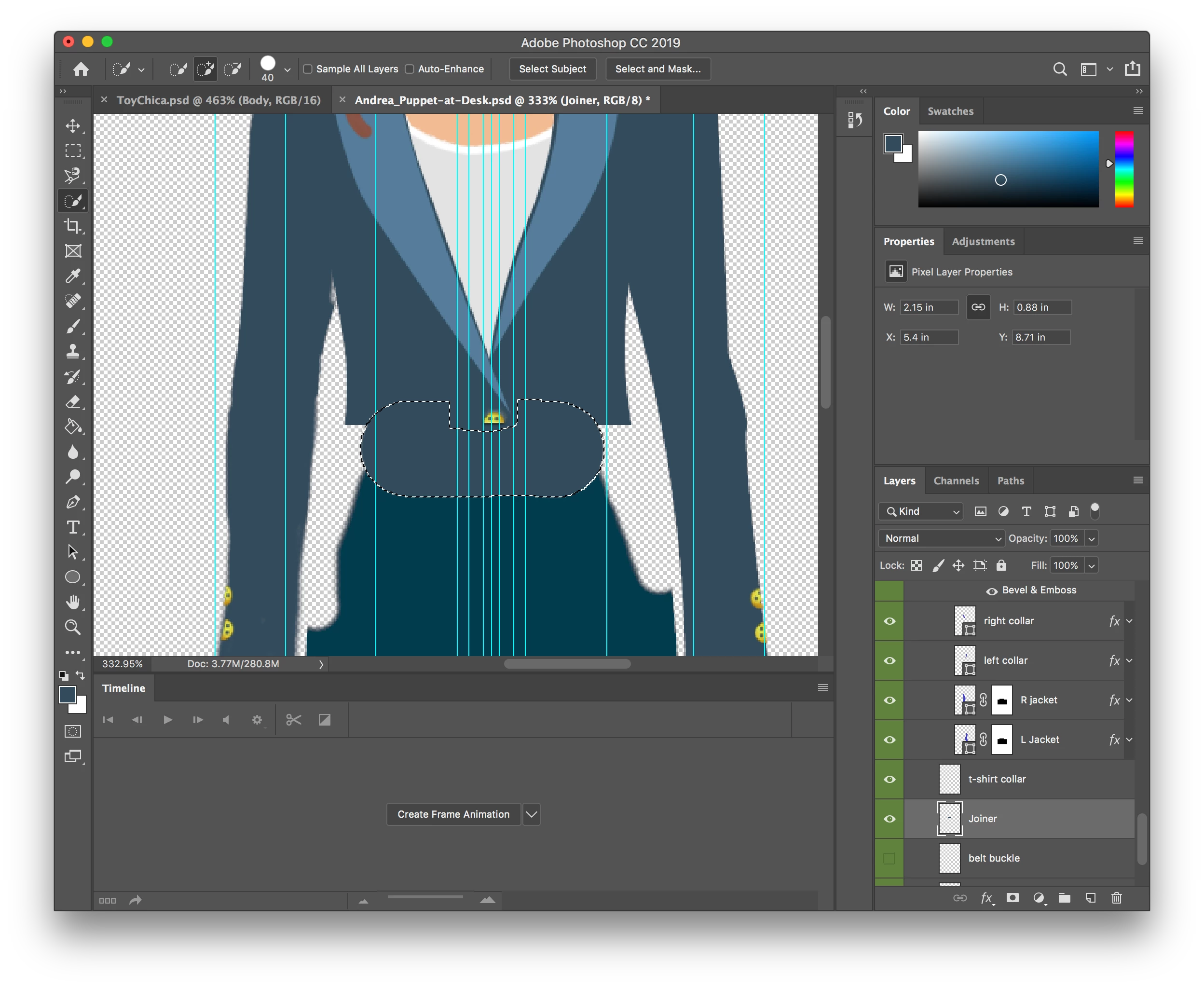
I am able to see the mesh that you are talking about, just not sure how I can go about fixing it? I can delete the pants layer for this scene, but can't delete the color for her shirt - would it help if they were in a folder? Or should I make them into a smart object (although then it wouldn't be so easy to edit the file if changes were needed. Also not sure how I can make them touch - expand all the art with filler so things overlap?
Thanks for helping on this... glad I caught a bug of sorts, so I might be able to help others decode their issues in the future!
Thanks again!
mark
> ...just not sure how I can go about fixing it?
One option is to delete the pants, belt, and belt buckle. Also, since the right arm is warp independent, the right arm on desk probabably can be as well. After I make those changes, the torso and head are a single mesh which uses contour by default.
> ...expand all the art with filler so things overlap?
This would be another option. Even with all the layers showing, I see a gap between the pants and the bottom edge of the jacket. By adding a new layer and painting in enough pixels to touch both layers, the mesh becomes contiguous. That layer, like the pants, can be hidden and it'll still work. If the right arm on desk layer is also warp independent, the mesh contours naturally around the head, torso, and legs.

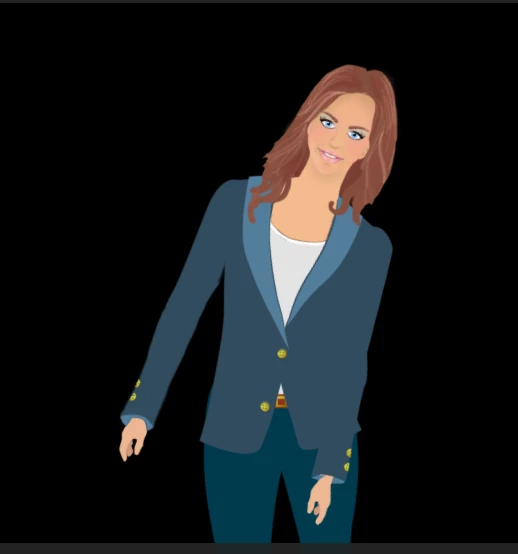
Then position the head handle to get the rotation point that feels natural, and I think it'll work better than before.
DT



 AdChoices