
PFuerst
Inspiring
April 25, 2017
Question

Walk Cycle problems

  • April 25, 2017
  • 2 replies
  • 2686 views

Hey,

I just loaded a Character from a recent project, where we used DUIK to create walk cycles, into Character to see how it performs on setting up automatic Walk Cycles. I have come across some strange behaviors so far.

In my workflow I intended to use CA to do a stationary Walk Cycle, export it via a png Seq and than let the Character walk in AFX using some Expressions. Which works fine so far. However the Walk Cycles have some problems:

  • at the start of the Animation the Character dips below the ground. This also happened in some situations where I used the keyboard to trigger the animation. In my case I could walk around the problem by rendering a 2sec Walk Cycle and ignoring the 1sec but in other situations this could be a major problem I guess

  • my Character also moves slightly up and down where his feet should stay on the ground. At the start of the WalkCycle his heal touches the ground but during the phase where the leg should stay put it slightly lifts up and goes back down.
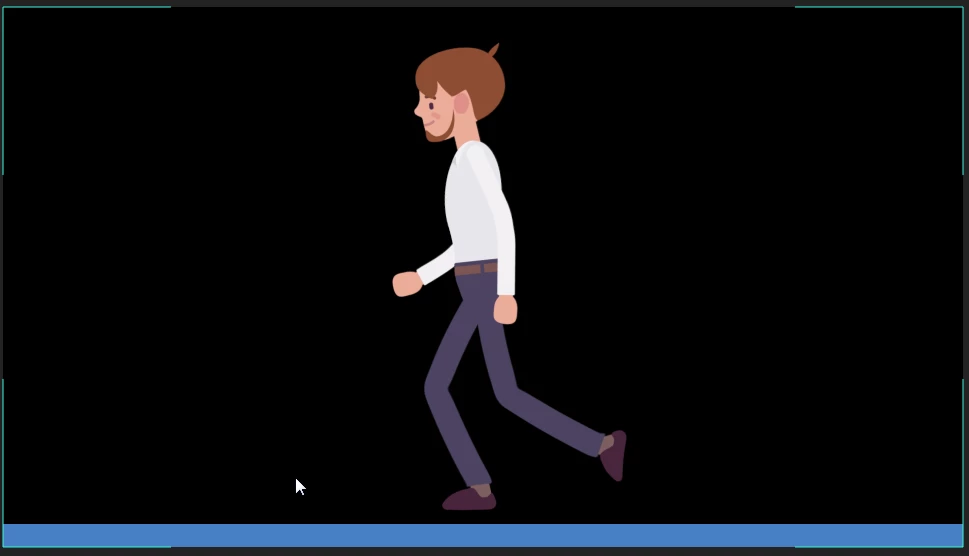
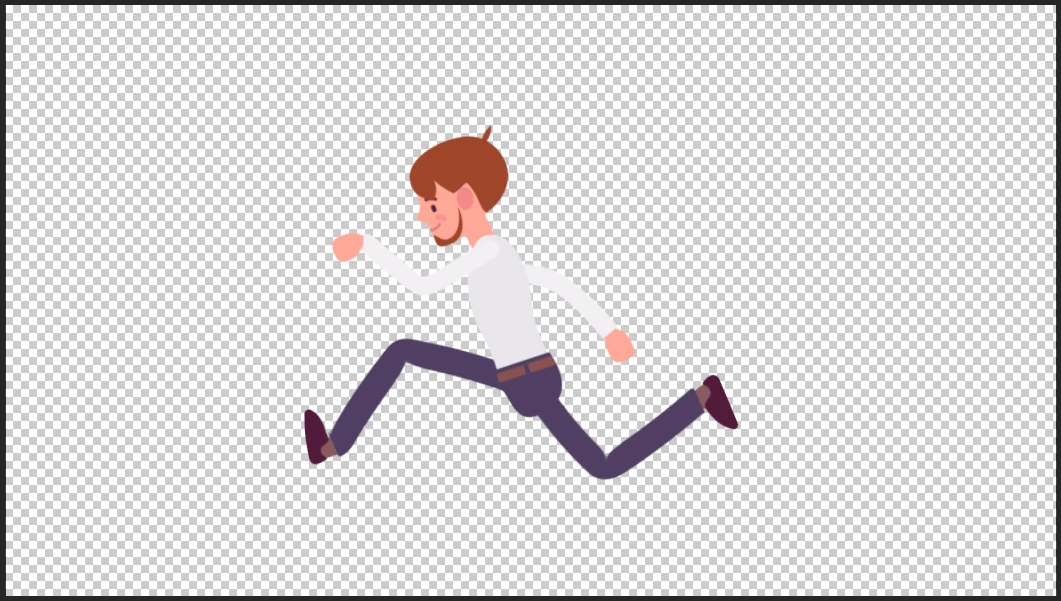
  • his running style also looks really funny and probably can't be used in most situations (it is probably hard to tell from one image but trust me :-)) I guess to some degree it has to with the Character in general and his long legs, that are pretty tricky to animate, but maybe there can be done something against it in a future version of CA
Maybe some one from CA-Team can help here.

This topic has been closed for replies.

2 replies

PFuerst
PFuerstAuthor
Inspiring
November 10, 2017

I just noticed something with the walk behavior. If I start a walk with my Webcam on the Character tends to dip through the ground on start up as it was with the Character above. If I however disable the cam and start the Walk Cycle it seems to not go through the ground at all. I have to do further tests but maybe that is the reason/solution to this problem. Maybe someone else can do a similar test and report if it happens to you as well.

angie_taylor
Legend
November 11, 2017

Try switching off the Face Recording when doing your Walks as the Camera is likely picking up your movements and adding them to the mix?

DanTull
Adobe Employee
Adobe Employee
April 25, 2017

I ran a quick experiment with a single layer puppet created from the screenshot and while the walk is wonky due to it being a single layer (warpiness around the hips due to the lack of warp independence and no arm movement because I didn't cut those parts out as separate layers), but the feet were contacting the ground at an appropriate level and didn't have any weird dips at the start.

In the Rig workspace Puppet panel, it'd help to see how you have your handles placed. Also, in the Walk Behavior section of the Properties panel there's a Handles section that can be expanded to see if the Walk behavior is finding all the handles. It will generally try to get by even if not all handles are tagged, but weird behavior can result.

Another option is if you could send me a link to an exported .puppet file for this puppet and its rigging, I could try to look at it and see what might be going on.

Thanks -- Dan Tull

DanTull
Adobe Employee
Adobe Employee
April 25, 2017

As an example, if I delete my Right Toe tagged handle, the puppet jumps a little with each step, so definitely check the Walk Behavior section in the Properties panel to see if any handles are missing. That may explain at least some of what you're seeing.

DT