



Answered
Configuration Wizard never launch to the site
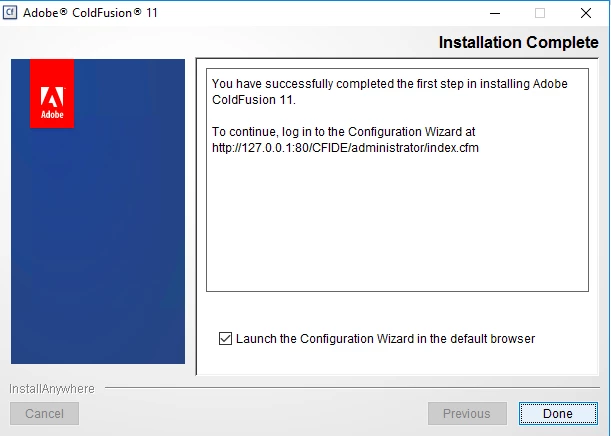
So after I've finish installing Coldfusion 11 Enterprise version, the "Launch the Configuration Wizard in the default browser." checkbox was checked. I click the Done button and the default browser was launched to http://localhost/CFIDE/Administrator/index.cfm but here's the error page.

Network Access Message: The page cannot be displayed
Explanation: There is a problem with the page you are trying to reach and it cannot be displayed.Try the following:
- Refresh page: Search for the page again by clicking the Refresh button. The timeout may have occurred due to Internet congestion.
- Check spelling: Check that you typed the Web page address correctly. The address may have been mistyped.
- Access from a link: If there is a link to the page you are looking for, try accessing the page from that link.
If you are still not able to view the requested page, try contacting your administrator or Helpdesk.
Technical Information (for support personnel)
- Error Code: 502 Proxy Error. Forefront TMG denied the specified Uniform Resource Locator (URL). (12202).
- IP Address: 182.28.1.218
- Date: 10/12/2017 5:45:49 PM [GMT]
- Server: TMG01.mysite.com
- Source: proxy
So, how do I go into the Coldfusion configuration wizard? This is the last step of my installation and it failed.
 AdChoices