
Copy link to clipboard
Copied
Hi All,
I have dowloaded the creative cloud app but it won't let me log into my account.
Please see image below:
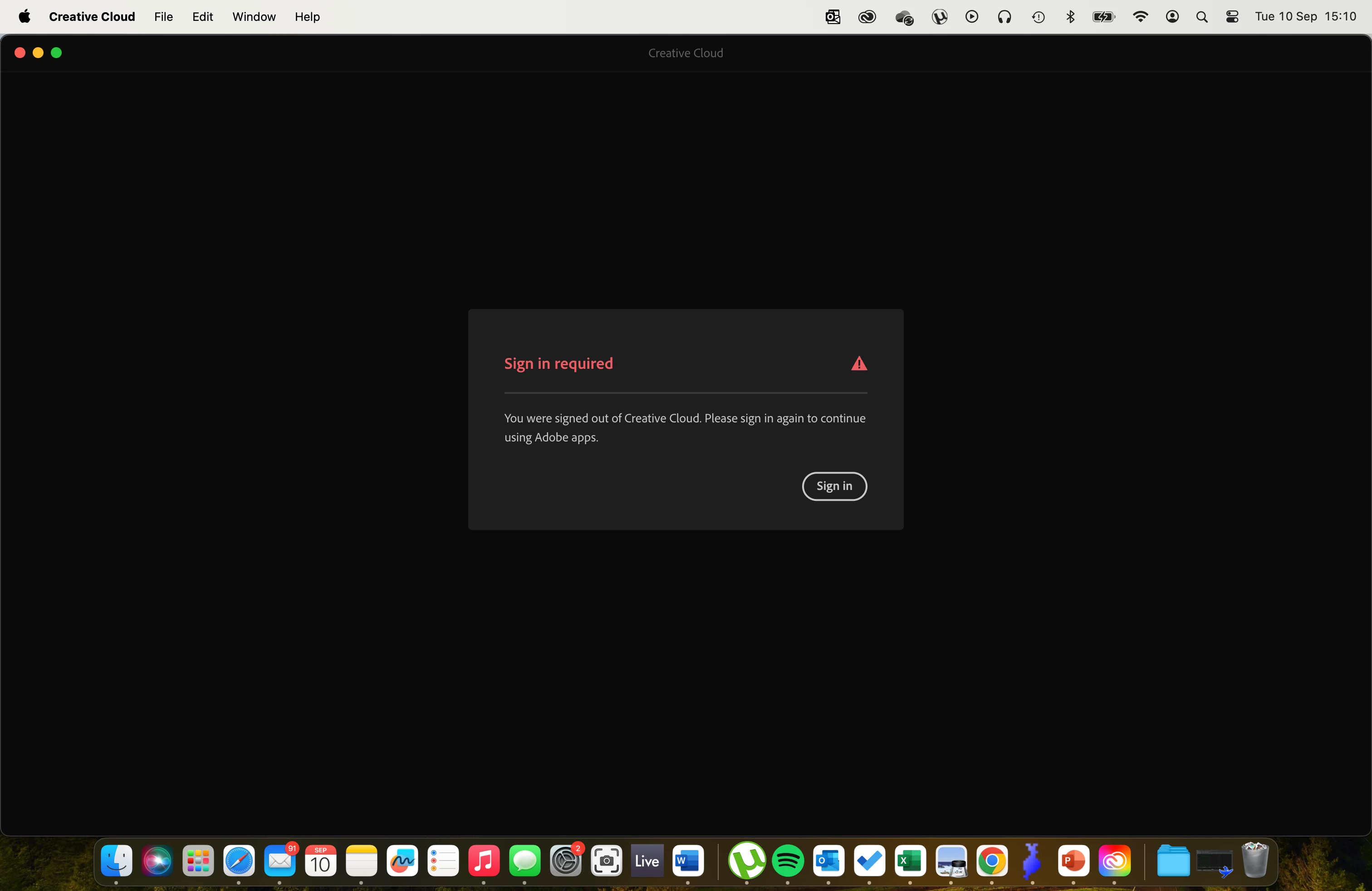
Once I click sign in, it takes me straight back to the image above.
Any help would be much appreciated.
Thanks,
Gray Cones
Copy link to clipboard
Copied
start at the top here - https://helpx.adobe.com/manage-account/kb/troubleshoot-creative-cloud-sign-out-sign-in.html
if that fails,
1. go to the bottom section : "Remove Adobe User and Adobe App Certificates" - https://helpx.adobe.com/in/download-install/kb/adobe-license-issues-keychain-credential-mgr.html and follow the steps.
2. then uninstall the cc desktop app, https://helpx.adobe.com/creative-cloud/help/uninstall-creative-cloud-desktop-app.html
3. and reinstall the cc app install the cc desktop app by using the download links at page bottom here, https://helpx.adobe.com/in/download-install/kb/creative-cloud-desktop-app-download.html
Copy link to clipboard
Copied
in the future, to find the best place to post your message, use the list here, https://community.adobe.com/
p.s. i don't think the adobe website, and forums in particular, are easy to navigate, so don't spend a lot of time searching that forum list. do your best and we'll move the post (like this one has already been moved) if it helps you get responses.
<"moved from using the community">
Get ready! An upgraded Adobe Community experience is coming in January.
Learn more