Participant
November 10, 2025
Answered
auth.services.adobe is down
- November 10, 2025
- 1 reply
- 321 views

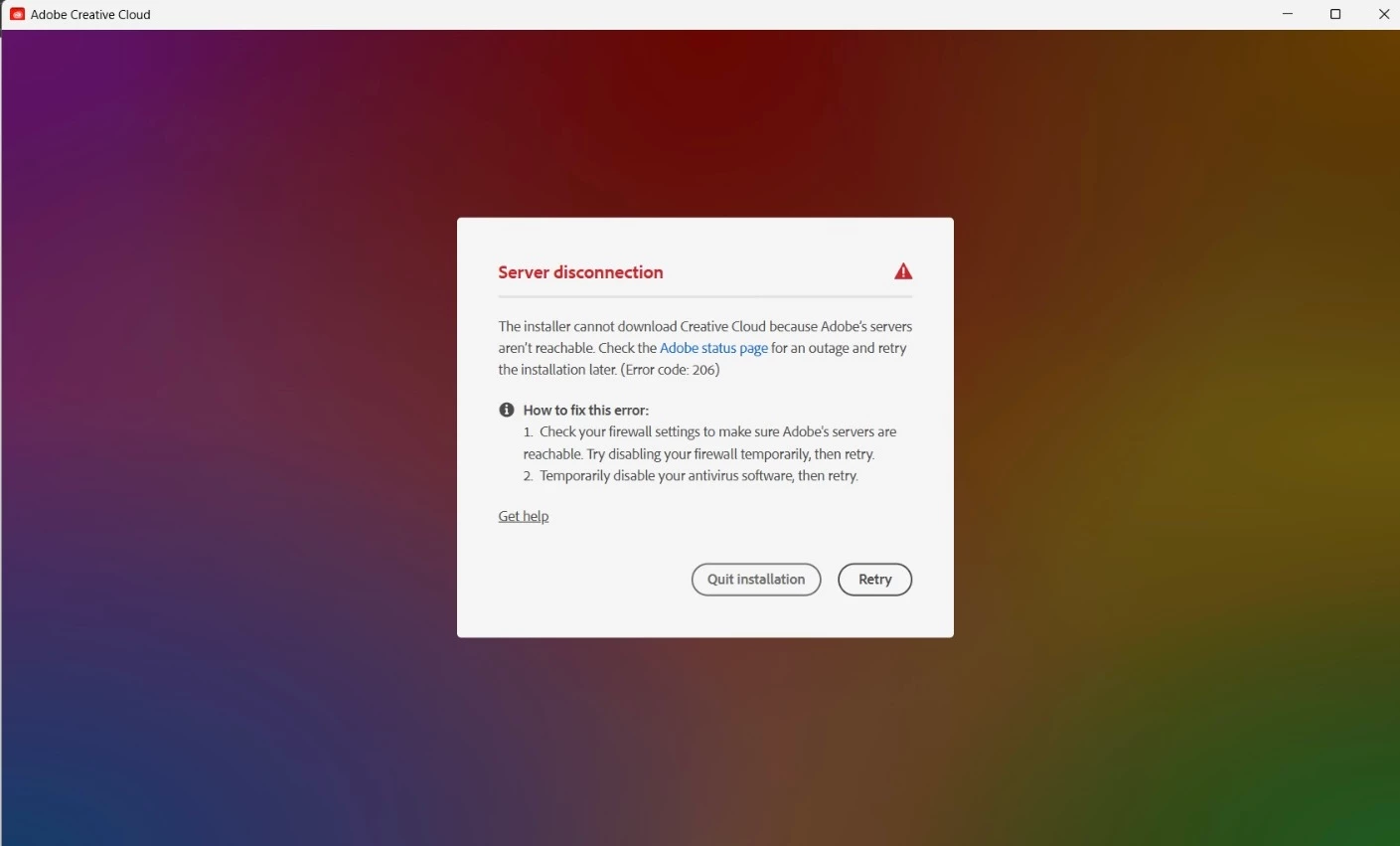
I uninstalled the Microsoft Store version and installed the app from the link above. Unfortunately, I'm having the same issue. 😞
I disabled my firewall and my antivirus as the pop-up says.
adobe connection errors are common and are not related to whether you're connected to the internet. they're related to connecting to adobe's secure servers.
if you have a non-current os, your default browser must support tls 1.2, https://helpx.adobe.com/x-productkb/multi/eol-tls-support.html
to test your default browser's tls you can use , https://clienttest.ssllabs.com:8443/ssltest/viewMyClient.html
otherwise, confirm that you can connect to the secure adobe servers by reading, http://helpx.adobe.com/x-productkb/policy-pricing/activation-network-issues.html
do you see both logos after clicking "link"?
if you can and still see a connection error try these steps, https://helpx.adobe.com/download-install/kb/common-network-connectivity-issues.html
if those all fail, white list the adobe network endpoints, https://helpx.adobe.com/enterprise/kb/network-endpoints.html
or, if you’re trying to activate a perpetual license, you can try offline activation by disconnecting your computer from the internet, starting activation and using https://aoes-stage.licensingstack.com/aoes/aoes/v1/imsauthstatus
Already have an account? Login
Enter your E-mail address. We'll send you an e-mail with instructions to reset your password.
 AdChoices