
Question
Cannot Log Into CC - New Account; Error Message
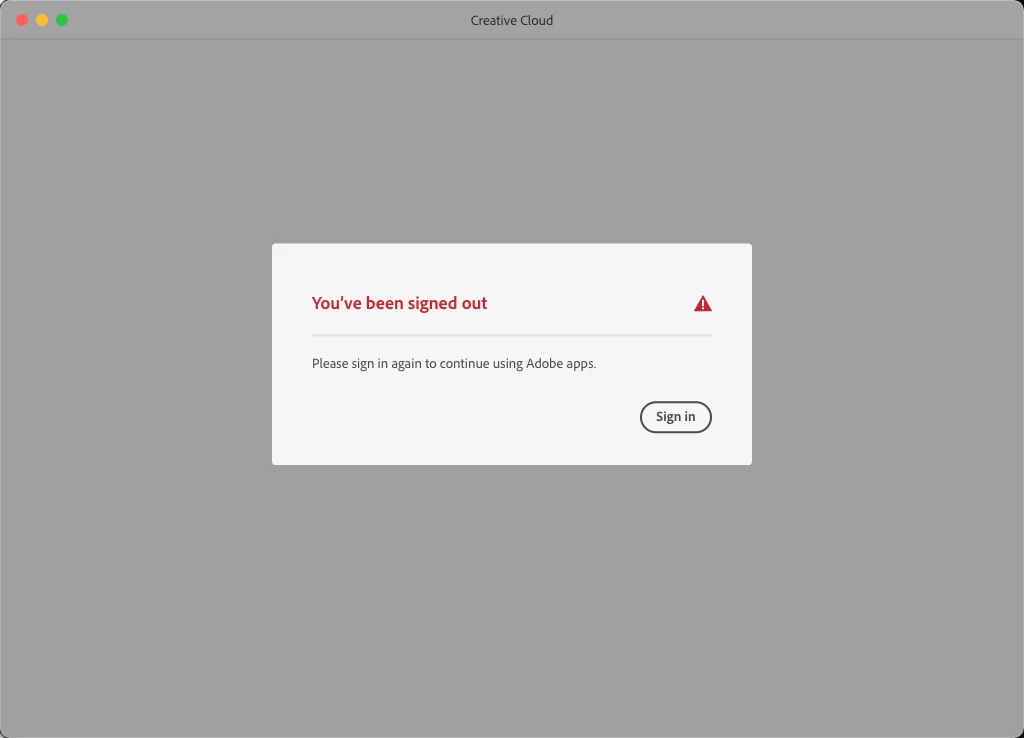
I have Adobe Creative Cloud installed and was previously logged into my old work account which is now cancelled (used SSO). Now, at my new job, I cannot sign into Creative Cloud Desktop with my new account. It gives me a error message:
"Youve been signed out. Please sign in to continue usign Adobe apps".
When I click the Sign in button, this same message just loops:
I've attempted to "Repair", whic does not work, and even Unistall, which it will not allow me to do either. Are there cache files for login that I can clear or something. Help would be very much appreciated!
 AdChoices