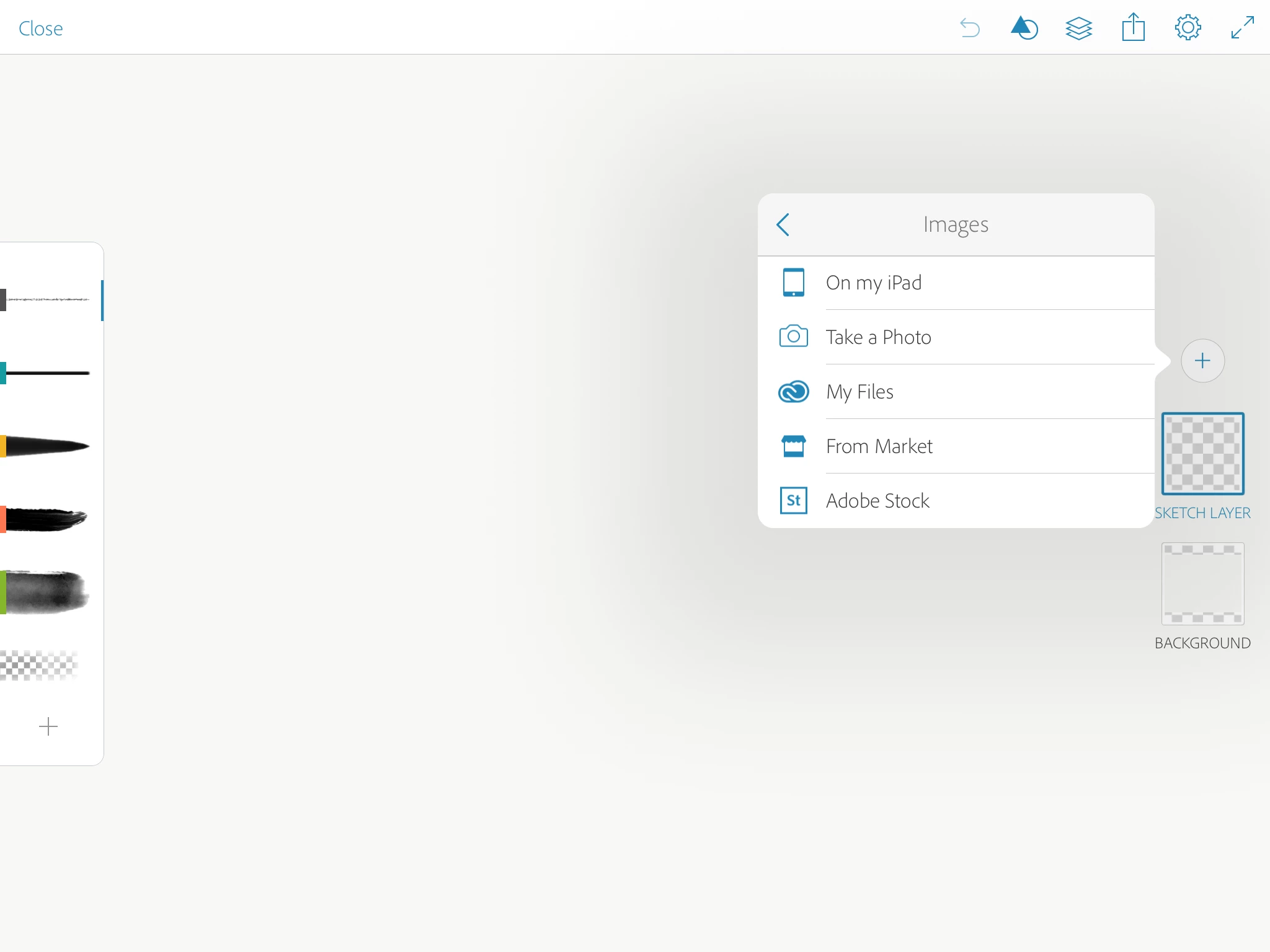
- Open Adobe Sketch on your phone or iPad and create an image layer. Select “From Market” from the pop-up menu
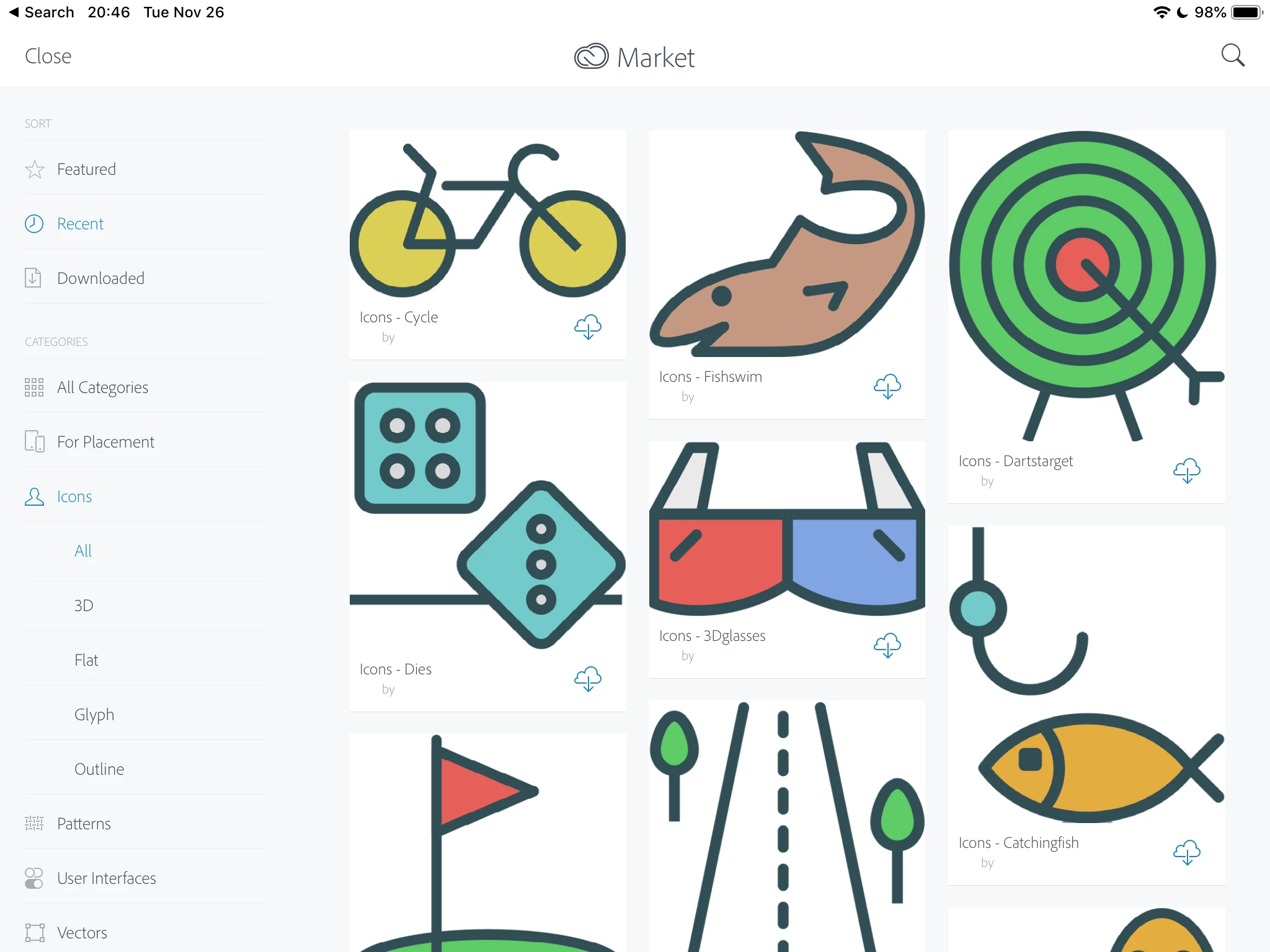
- Select a category > Select an image > Click the Download button.
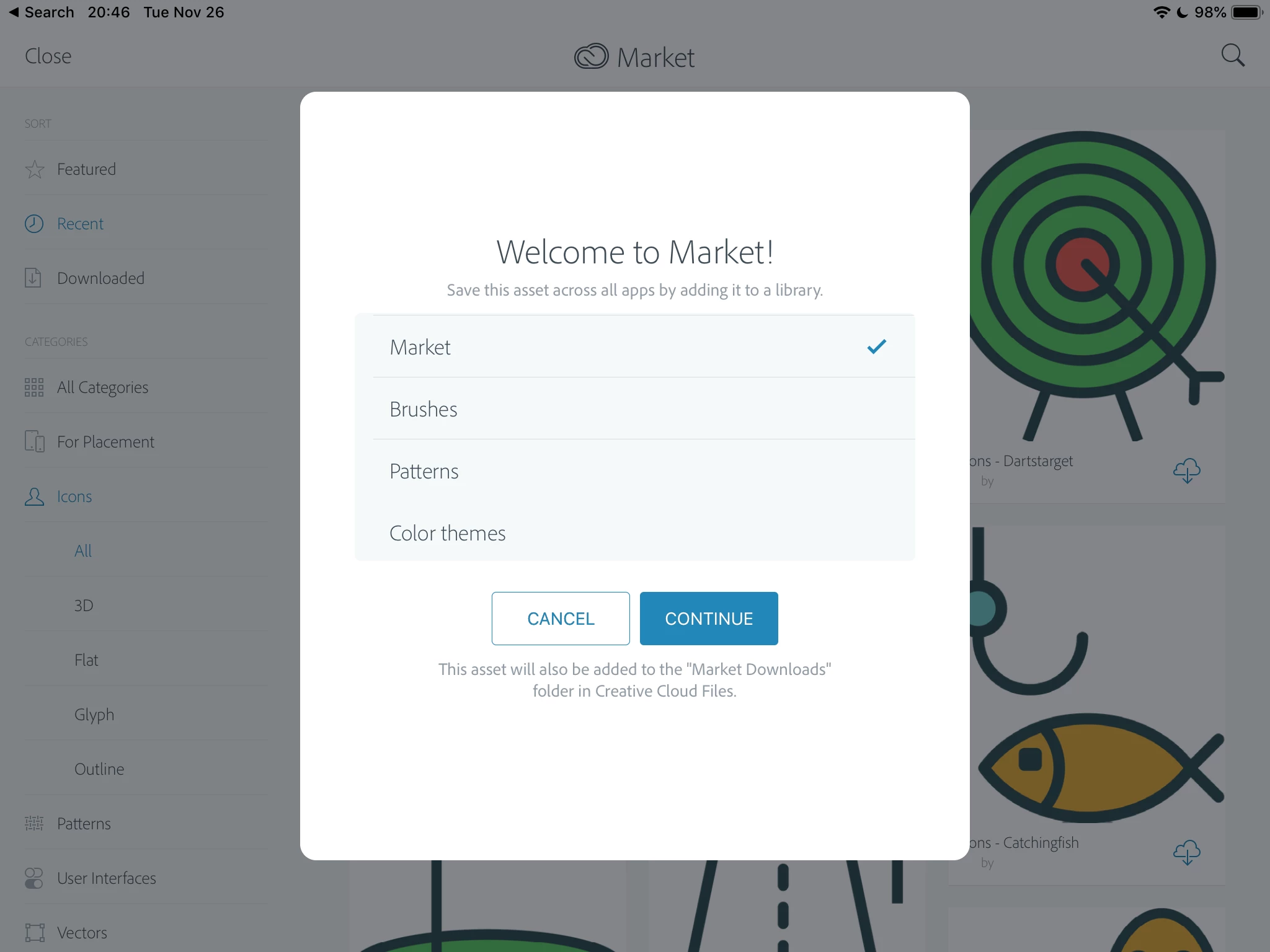
- A list of all of the folders in your Creative Cloud library will show up. Select the one you want. I created one called “Market Place” — it’s not there by default.
- You can now find them in your Desktop apps from the Creative Cloud Library panel.
~ Jane
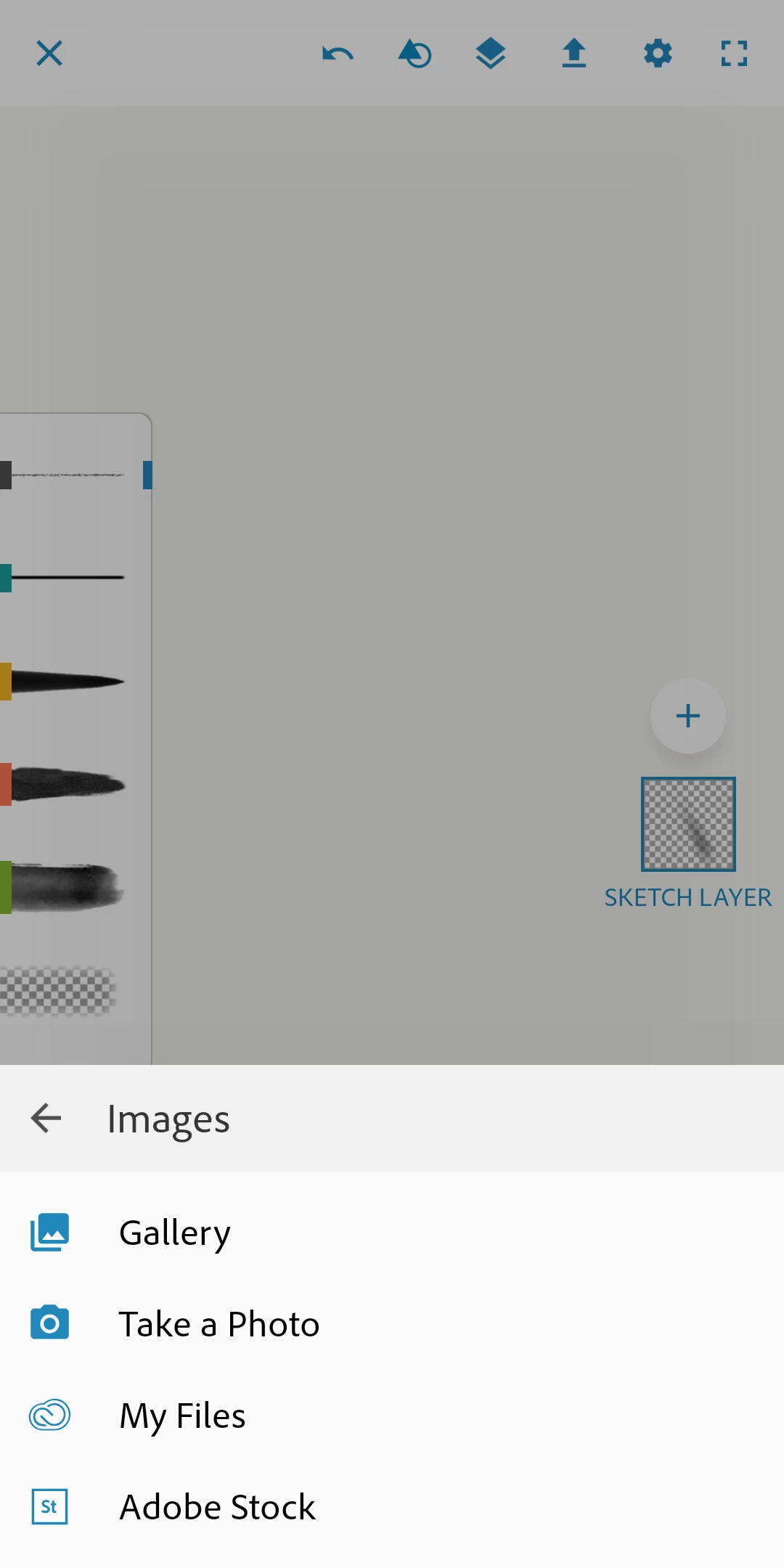
Thanks for your efforts. But "From Market" is not there in the first place, when adding a new image layer (screenshot below). Only "Adobe Stock".
If Adobe is once again favoring Apple over Android, it sucks. How much are they being paid I wonder?
And why can't they just make this available online to Creative Cloud customers as before? It feels like we are being locked out of our own resource.


 AdChoices