
Creative Cloud Not Allowing Login
Hello,. Creative Cloud is not allowing me to login with my crendentials. The Creative Cloud app is forcing me to login in with a Google organization account, which doesn't work because that is not how my Adobe CC login was setup.
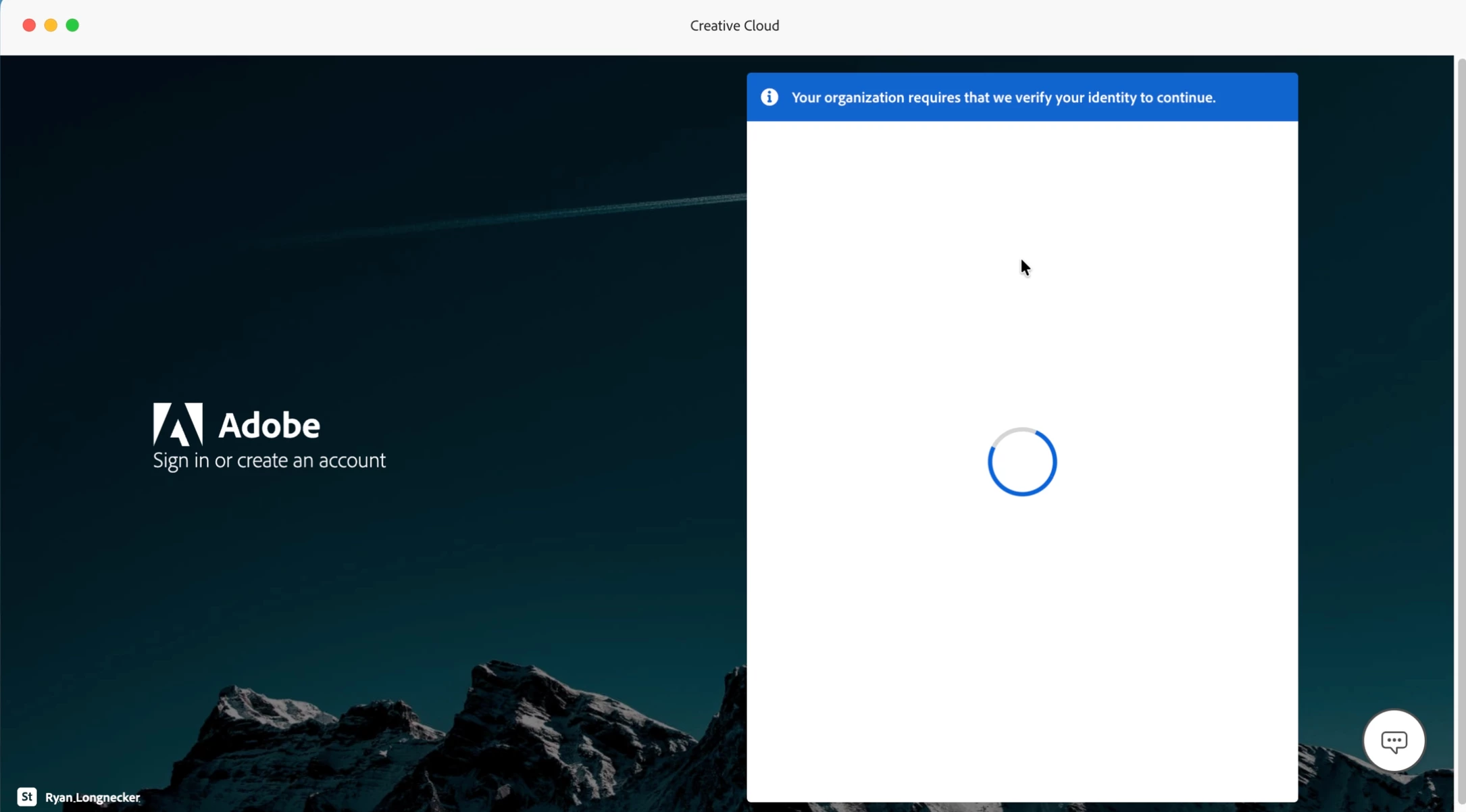
(I do not have an organization account, I do not know why it says this).
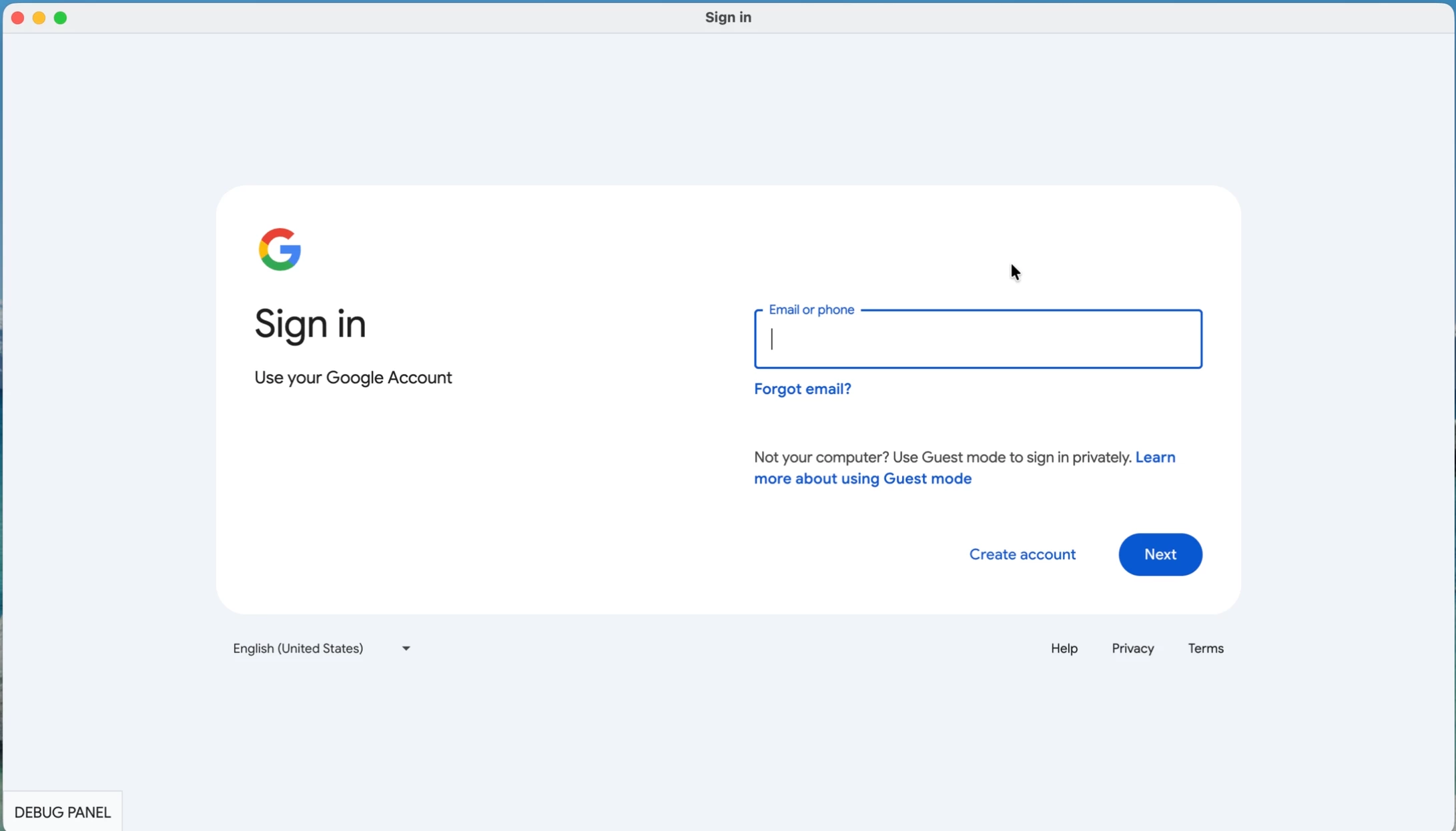
My credentials do not work from this page, because I do not use a Google organization account, but there is no option to NOT login with Google.
On top of this, Creative Cloud App will NOT uninstall because I have other Adobe applications installed. But the other apps cannot be uninstalled, because I can't login to my Adobe Creative Cloud account.
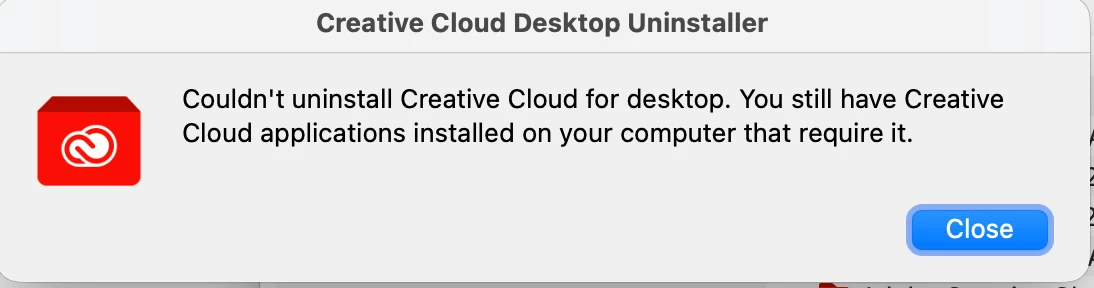
So, basically I cannot login or reinstall any software no matter what I try and I am completely locked out of my account.
 AdChoices