
Question
Creative Cloud stuck on syncing files
Hello,
My CC application has been working perfectly, yet yesterday it got stuck on syncing. The sync process is shown in Creative Cloud application, yet no files are being really synchronised.
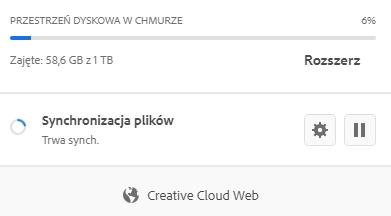
I have tried several solutions proposed over the forums, like restarting app, restarting CC's processes, setting the folder again and so on. Nothing seems to work. I did also try repairing the install or re-running installer, also re-logging in onto my account. In the end, I did the Log COllector upload - logs of my apps are available under AdobeLogs_20200726_100747_660-win.zip file. Can you, please investigate on what could have happened?
Regards,
Grzegorz
 AdChoices