
Participant
October 13, 2020
Question

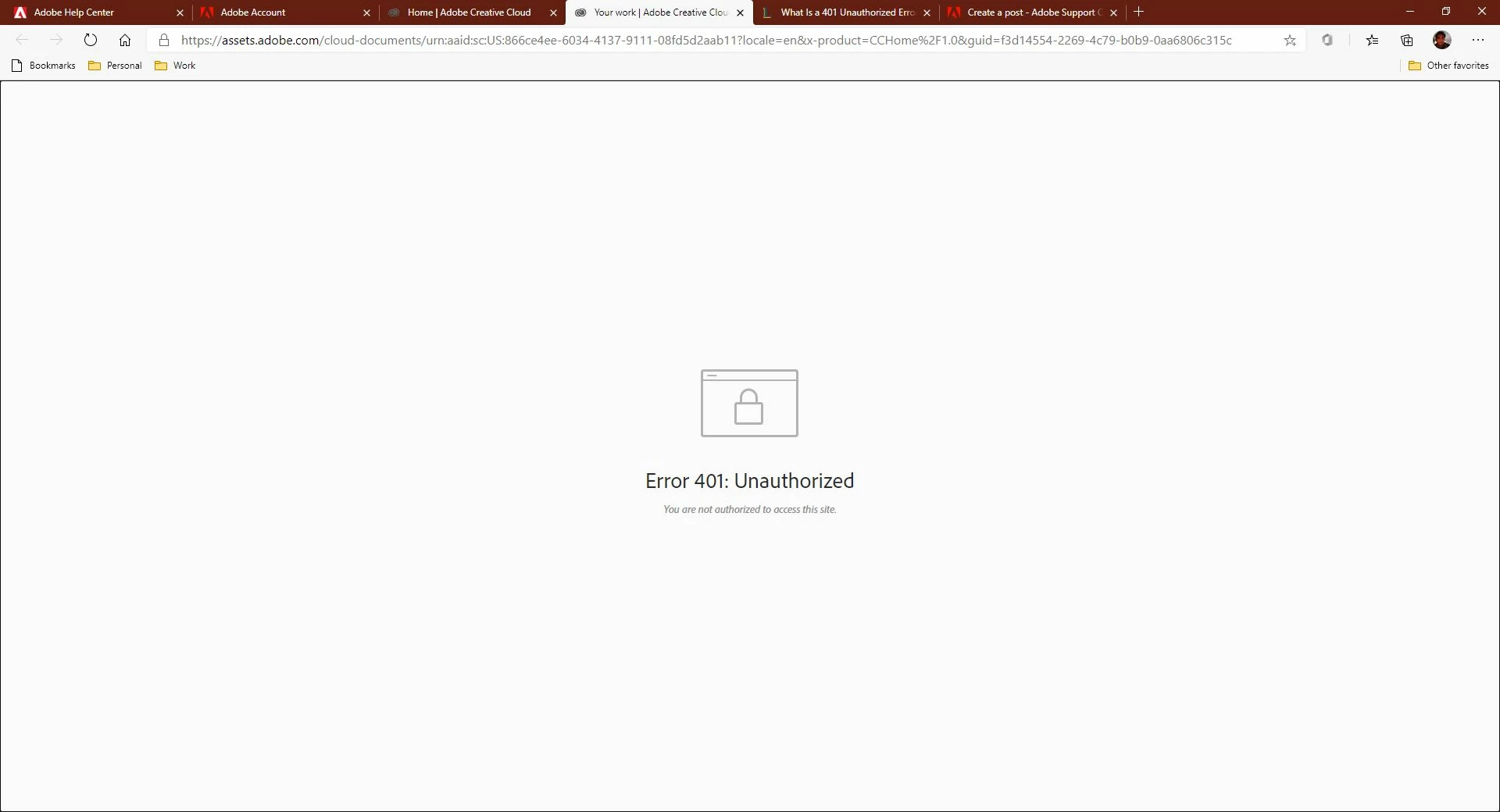
Error 401: Unauthorized

  • October 13, 2020
  • 2 replies
  • 1520 views

I have saved a lot of documents to my cloud drive and am now unable to access it. All my work is gone!


Last week, I scanned some Lego box images from my own in-stock inventory to create vector art later. Now this week I cannot access my cloud documents. I am the only user on this account and the administrator. I get an error message on my PC/MAC. 


How do I access my cloud drive then? 


This picture shows there are files.
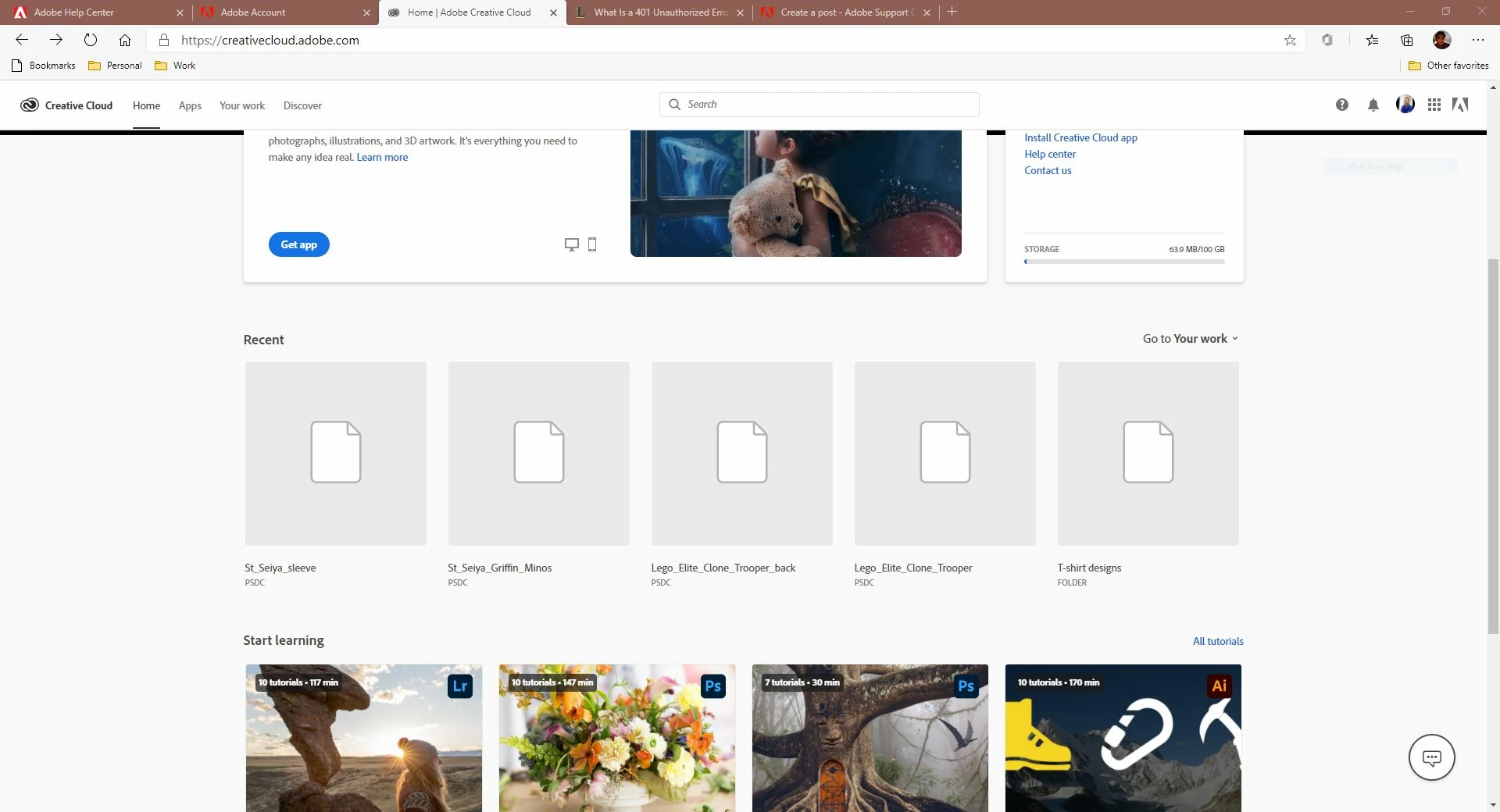
 

But when I click the images I get this message. I cannot access this feature on any of the Adobe apps.
This topic has been closed for replies.

2 replies

Peru Bob
Community Expert
Community Expert
October 13, 2020

Do you have backups?

SurapongAuthor
Participant
October 13, 2020

Only through emails I sent to my professor, but other files are gone. 

SurapongAuthor
Participant
October 13, 2020

I tried signing out and also creating a new password. I got these messages and noticed file syncing has been disabled. I have a single-user student account. 


Peru Bob
Community Expert
Community Expert
October 13, 2020

I know that it doesn't help you with this issue now, but you might want to consider Schofield's Second Law:

https://www.zdnet.com/article/follow-schofields-three-laws-of-computing-and-avoid-disasters/