Exit
  • Global community
    • Language:
      • Deutsch
      • English
      • Español
      • Français
      • Português
  • 日本語コミュニティ
  • 한국 커뮤니티
2

ERROR Creative Cloud Libraries

New Here ,
Feb 20, 2024 Feb 20, 2024

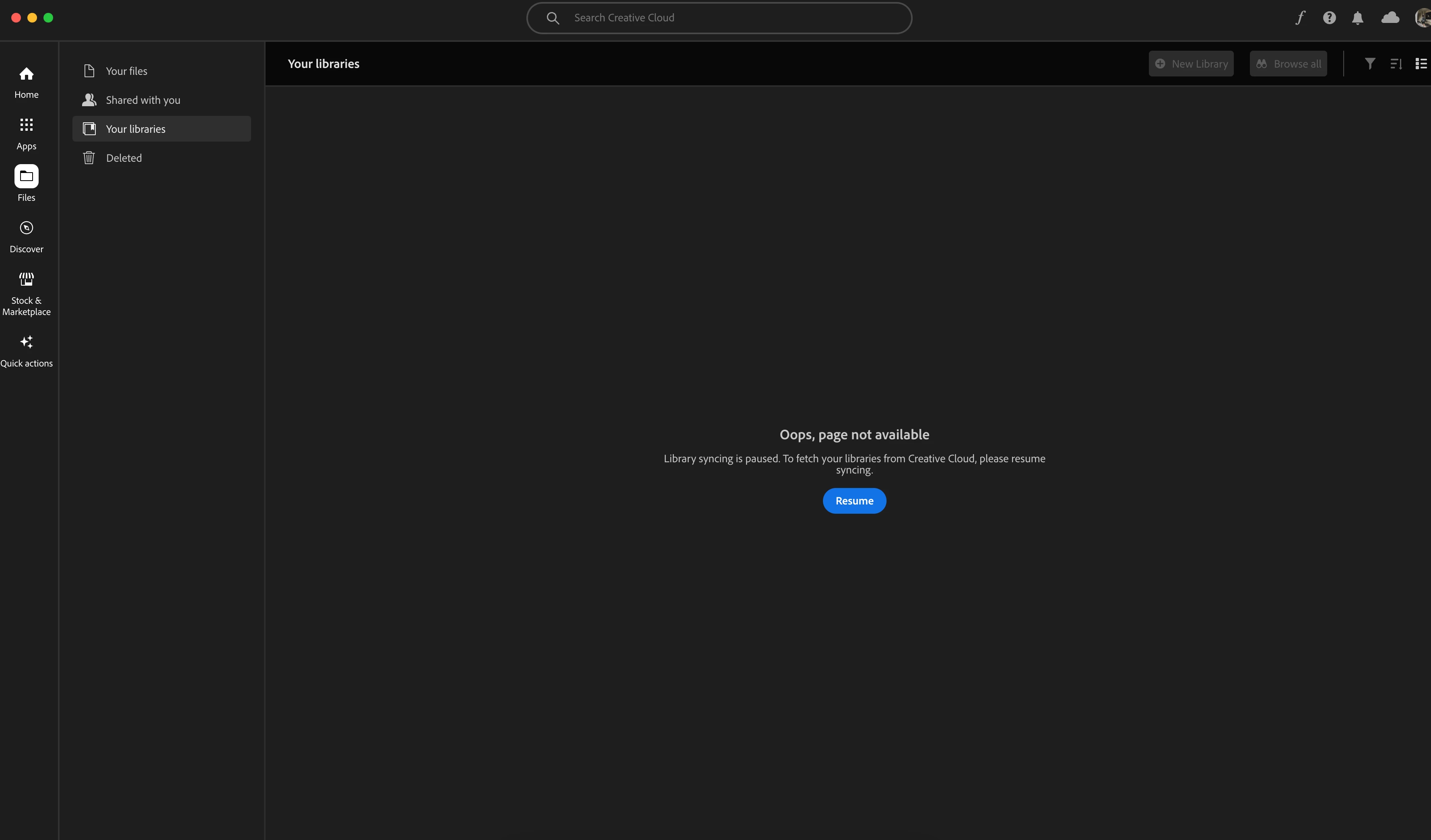
hello everyone, why i can't load libraries in my creative cloud. it say "Oops page not Found. library syncing is paused....." and i press resume button but nothing happen.
dwivnr_0-1708443884051.png


TOPICS
File sync , Libraries
1.5K
Translate
Report
Community guidelines
Be kind and respectful, give credit to the original source of content, and search for duplicates before posting. Learn more
community guidelines

correct answers 1 Correct answer

Community Expert , Feb 20, 2024 Feb 20, 2024
first, update your os and then restart your computer. 
 
if that fails, and you have a mac, grant disc access to your cc desktop app - system preferences > security & privacy > privacy > full disk access > cc desktop app (in the midst of this step if you see an alert about granting cc libraries disk access, allow it and you're dont)
 
if that fails proceed to the following steps: 
 
 
  1. quit all Adobe related products
  2. kill all the CCLibraries processes in task manager (win)/activity montor (mac).
...
Translate
Community Expert ,
Feb 20, 2024 Feb 20, 2024
LATEST
first, update your os and then restart your computer. 
 
if that fails, and you have a mac, grant disc access to your cc desktop app - system preferences > security & privacy > privacy > full disk access > cc desktop app (in the midst of this step if you see an alert about granting cc libraries disk access, allow it and you're dont)
 
if that fails proceed to the following steps: 
 
 
  1. quit all Adobe related products
  2. kill all the CCLibraries processes in task manager (win)/activity montor (mac).
  3. Delete all folders that start with “CC_LIBRARIES_PANEL_EXTENSION_xx_xx_xx” in this location*
  4. Follow the steps of Solution 2 in this article: https://helpx.adobe.com/creative-cloud/kb/libraries-panel-not-working.html 
  5.  
*
WIN: C:\Program Files (x86)\Common Files\Adobe\CEP\extensions
MAC: Macintosh HD⁩ ▸ ⁨Library⁩ ▸ ⁨Application Support⁩ ▸ ⁨Adobe⁩ ▸ ⁨CEP⁩ -> extensions 
Translate
Report
Community guidelines
Be kind and respectful, give credit to the original source of content, and search for duplicates before posting. Learn more
community guidelines
