Participant
August 21, 2022
Question

How can I completely disable CC from starting on startup?

  • August 21, 2022
  • 2 replies
  • 22265 views

As title states, I want to completely disable CC from starting up any of its services as my computer starts up.


I have:

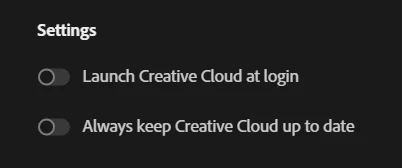
  • Turned off "Launch Creative Cloud at login" and "Always keep Creative Cloud up to date".
 

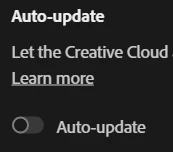
  • Turned off Auto-update


  • Turned off startup in Task Manager


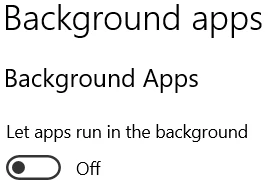
  • And I've blocked apps from running in the background via Windows 10 settings.
 

And yet still, without fail, everytime I turn on my computer and check Task Manager, Creative Cloud always finds a way to persistently run and sap away system resources.


Specs:

Windows 10
AMD Ryzen 5 3500U

Radeon RX Vega 8

8GB 

(note: this issue has persisted on past systems I've used Creative Cloud products on)

2 replies

Nancy OShea
Community Expert
Community Expert
August 21, 2022

I disabled mine from Windows by going to  Settings > Apps > Startup.  Toggle apps on/off.


Nancy O'Shea— Product User & Community Expert
Participant
September 9, 2022

I've already tried this as indicated in the post and unfortunately it hasn't worked. Any other tips?

kglad
Community Expert
Community Expert
December 30, 2024

Sneaky. Why do they do that? I hate Adobe.

[Edited by moderator]


because of all the people that complain because their synced files don't update.

John T Smith
Community Expert
Community Expert
August 21, 2022

How to disable a program in Windows 10/11 startup
-Click the 'window pane' in the very bottom left corner of the Windows desktop
-Select * Settings
-Select Apps
-Select Startup
-Select/toggle the program you want to disable/enable
-BE VERY CAREFUL WHAT YOU DISABLE SO YOU DON'T STOP WINDOWS FROM RUNNING
OR
Turn automatic updates OFF https://helpx.adobe.com/creative-cloud/help/creative-cloud-updates.html

Participant
September 9, 2022

I'm sorry but this didn't work as I've already done all of that, as indicated in my initial post


  • Turned off startup in Task Manager


  • Turned off Auto-update