
dv8kiwi
Inspiring
January 18, 2021
Question

How do I download folders or multiple files from Cloud to my desktop?

  • January 18, 2021
  • 1 reply
  • 1138 views

I have sent so much time trying to figure out how to do this basic function. Downloading multiple files from Cloud Documents should be a straightforward basic operation. The idea that I would have to open each file one at a time to download is RIDICULOUS. It is totally putting me off using Cloud apps and documents. What am I missing? Is there something I don't understand?


This topic has been closed for replies.

1 reply

kglad
Community Expert
Community Expert
January 18, 2021

they should be sync'd with a local folder and already on each computer you use to sign in to cc.


On any of those computers open your cc desktop app click file > preferences > sync and check the sent folder..


dv8kiwi
dv8kiwiAuthor
Inspiring
January 18, 2021

Yes. "Synced Files" are synced. As I would expect.


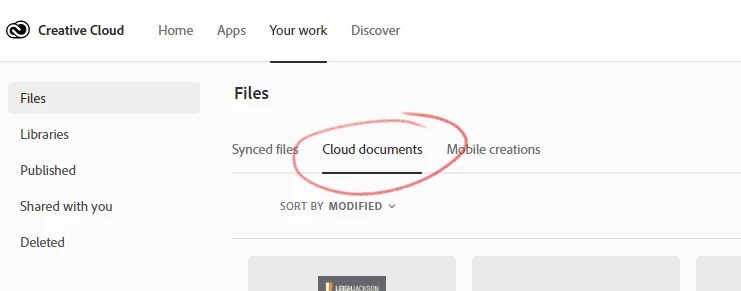
I am talking about "Cloud Documents"


kglad
Community Expert
Community Expert
January 18, 2021

Thanks for your help. You are right I'm not happy. I'm not talking about manipulating, just downloading more than one at a time to my desktop. If one can be downloaded why not more? It presents a ridiculously unmanageable situation when there are many files and folders and you want to, for example, retrieve them if you are ending your CC subscription. Oh. Of course that is how Adobe planned it to keep us captive.

I now even more than ever just don't trust Adobe's idea of "cloud storage" at all. I would never use Lightroom CC. Or rely on mobile apps if my files are effectively locked in the cloud with a CC subscription being the only way to access them!


i agree but i don't think there's a way to handle cloud documents that way.  (it's even worse than that, but you don't need to hear my complaints.)


you can make suggestions to adobe here, https://www.adobe.com/products/wishform.html to make the handling of cloud documents like non-local storage.