Copy link to clipboard
Copied
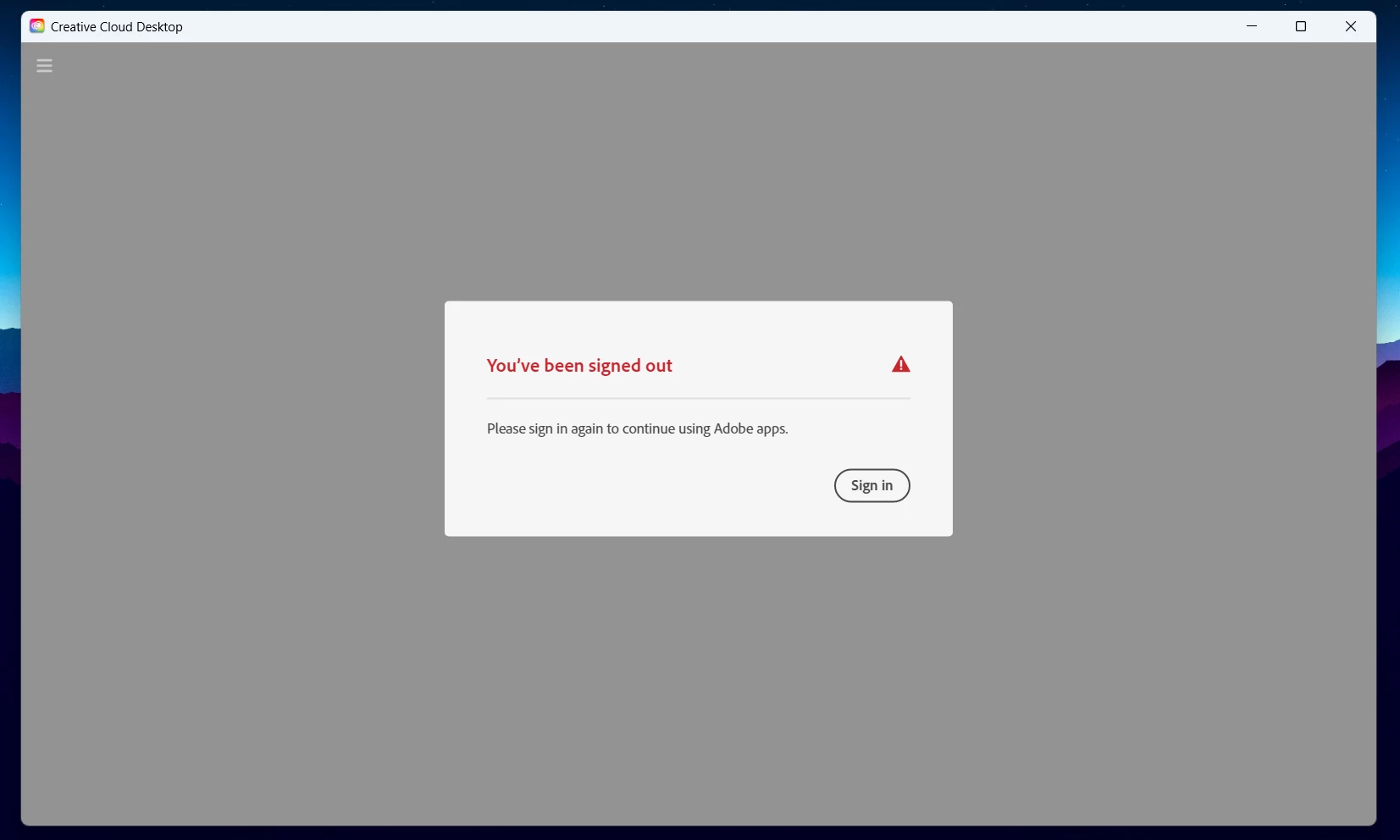
This is what I see every time, and when I click 'sign in' it just disappears and comes back. I can't even put in my details to TRY to sign in!
I've tried restarting the computer, etc. but I can't even uninstall and reinstall because to be able to uninstall the app I need to be logged into the app, which I can't do.
It's driving me insane and also means I can't download any more of the creative cloud apps because I need to be signed in, which I'm not. I am able to access my already-downloaded apps just fine and am logged in to them. My credentials aren't the problem. I don't know how to fix this and can't find an answer anywhere. Help!
if @John T Smith 's links fail to help:
start at the top here - https://helpx.adobe.com/manage-account/kb/troubleshoot-creative-cloud-sign-out-sign-in.html
if that fails,
1. go to the bottom section : "Remove Adobe User and Adobe App Certificates" - https://helpx.adobe.com/in/download-install/kb/adobe-license-issues-keychain-credential-mgr.html and follow the steps.
2. then uninstall the cc desktop app, https://helpx.adobe.com/creative-cloud/help/uninstall-creative-cloud-desktop-app.html
...Copy link to clipboard
Copied
Copy link to clipboard
Copied
if @John T Smith 's links fail to help:
start at the top here - https://helpx.adobe.com/manage-account/kb/troubleshoot-creative-cloud-sign-out-sign-in.html
if that fails,
1. go to the bottom section : "Remove Adobe User and Adobe App Certificates" - https://helpx.adobe.com/in/download-install/kb/adobe-license-issues-keychain-credential-mgr.html and follow the steps.
2. then uninstall the cc desktop app, https://helpx.adobe.com/creative-cloud/help/uninstall-creative-cloud-desktop-app.html
3. and reinstall the cc app install the cc desktop app by using the download links at page bottom here, https://helpx.adobe.com/in/download-install/kb/creative-cloud-desktop-app-download.html
Copy link to clipboard
Copied
You're a hero! This worked!
Copy link to clipboard
Copied
good to hear! (and thank's for the follow-up.)
Get ready! An upgraded Adobe Community experience is coming in January.
Learn more