MysticForerunner
Participant
February 5, 2015
Question

Is CC file sync broken in OS X Yosemite?

  • February 5, 2015
  • 1 reply
  • 684 views

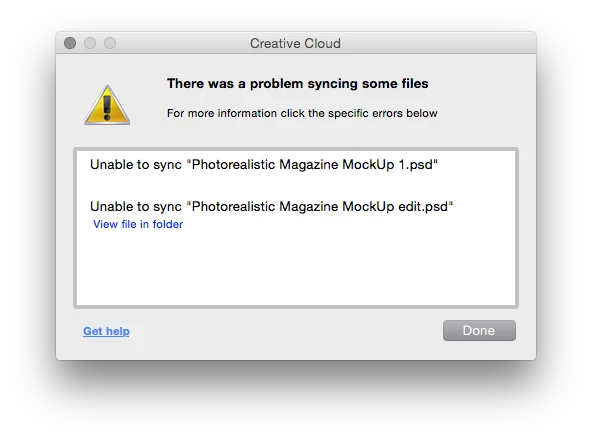
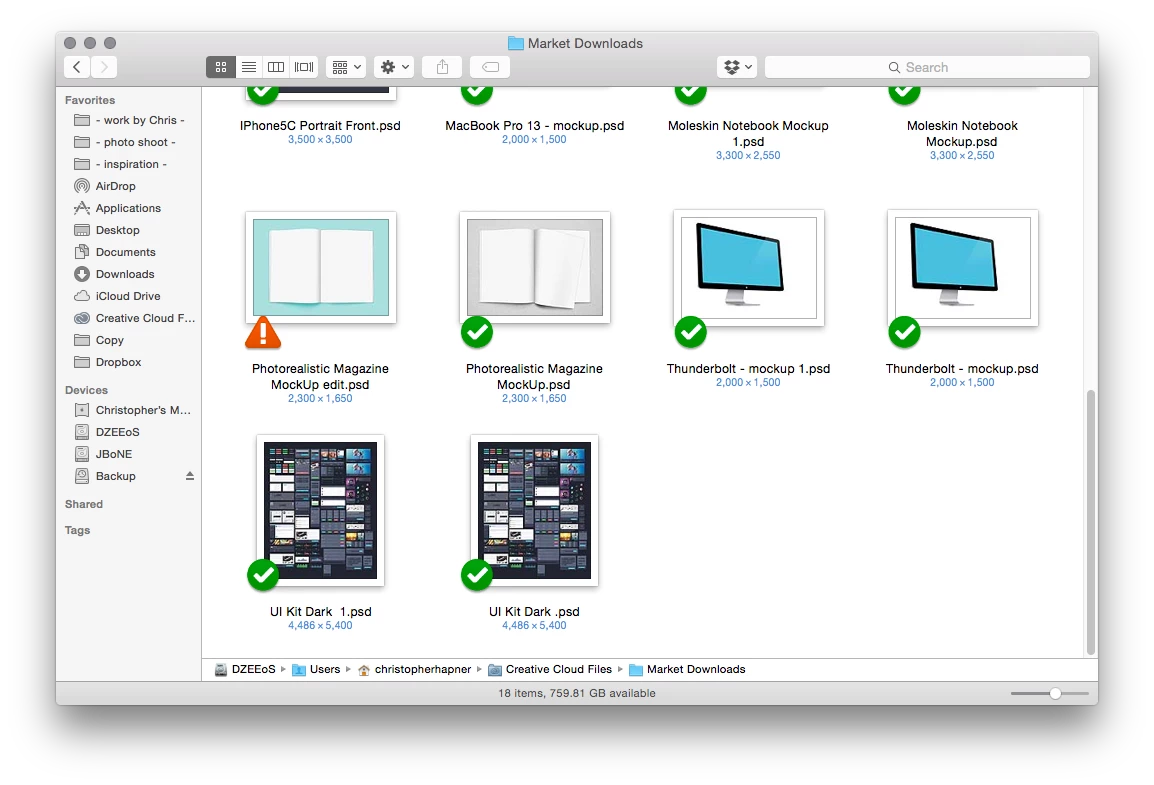
I get a file syncing error when attempting to drop or save new files into my Creative Cloud folder. I have many files in my CC folder which sync correctly and the error only occurs when attempting to save over an existing file or drag a new file into the CC folder. I am able to work around this problem by saving a new version of the file to my desktop then dropping it into the CC app in my browser. This problem began to occur when I updated from Mavericks to Yosemite. Needless to say, this is very cumbersome and I would appreciate any insight given.


Below are my system specs followed by the error message I receive.
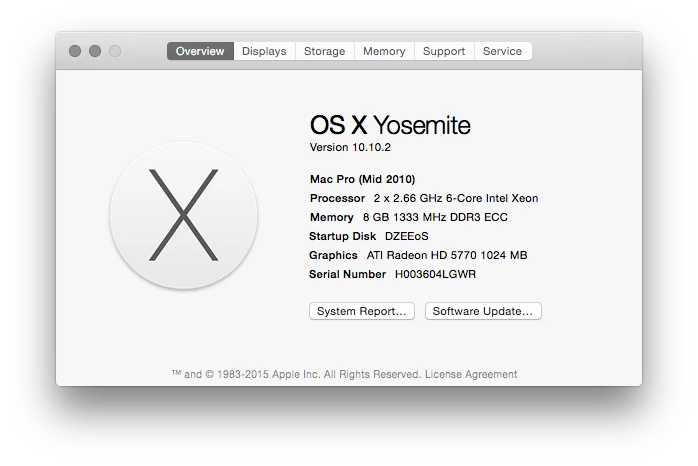


This topic has been closed for replies.

1 reply

wharress
Community Manager
Community Manager
February 6, 2015

Hi,

Can you send me your log files please?. You can find them in the following locations:

Mac:

/Users/<username>/Library/Application Support/Adobe/CoreSync

Windows:

C:\Users\<username>\AppData\Roaming\Adobe\CoreSync

'Library' on Mac and 'AppData' on Windows are both hidden folders. Please read these pages for help on showing these folders:

http://helpx.adobe.com/x-productkb/global/show-hidden-files-folders-extensions.html (Win)

https://helpx.adobe.com/x-productkb/global/access-hidden-user-library-files.html (Mac)


Please send upload them to Creative Cloud and send me a link at harress@adobe.com

Also you can check out these links for tips:

-https://forums.adobe.com/community/creative_cloud/host_sync

-http://helpx.adobe.com/creative-cloud/help/sync-settings.html

-http://helpx.adobe.com/creative-cloud/kb/arent-my-files-syncing.html

-Size Limits https://forums.adobe.com/thread/1488242

-sync and email link http://forums.adobe.com/thread/1427516?tstart=0

-Phantom folder problem https://forums.adobe.com/thread/1490445

Error: "Unable to sync files"

wharress
Community Manager
Community Manager
February 9, 2015

Hi,

Thanks for sending the link to your logs in email, I am unable to download them as the link is wrong. I see this msg when clicking the URL.

Could you try and send this again with the correct download link.

wharress
Community Manager
Community Manager
February 10, 2015

Hi,

Thanks for sending your logs, I was able to download them ok this time. I can see straight away why you are not able to sync these 2 files.

20150205-083247.970: SqlStatement::prepare: error is 'SQL logic error or missing database' with query 'INSERT INTO pending_requests (created, item_id, f_path, f_name, ev_type, request_id)VALUES (:eventTime,:itemId,:path,:name,:eventType,:requestId)'

20150205-083247.971: SqlStatement::prepare: error is 'SQL logic error or missing database' with query 'INSERT INTO pending_requests (created, item_id, f_path, f_name, ev_type, request_id)VALUES (:eventTime,:itemId,:path,:name,:eventType,:requestId)'

20150205-083247.973: AcslSvcFS::CreatePendingRequestEntry: Error adding pending entry with name '/files/Market Downloads/Photorealistic Magazine MockUp 1.psd': SQL logic error or missing database

We have a keyboard shortcut that will be able to fix this for you. Could you follow the below instructions and let me know how you get on.

  1. Select any file in your Creative Cloud folder
  2. Right click on any file then press Shift + Click on "View on Website" menu item in the context menu

Thanks

Warner