

Question
Is CC file sync broken in OS X Yosemite?
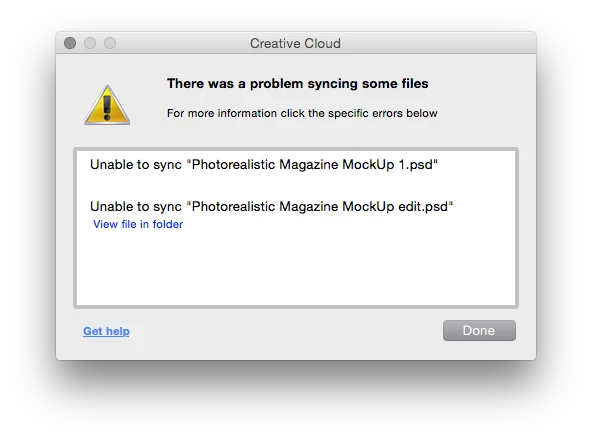
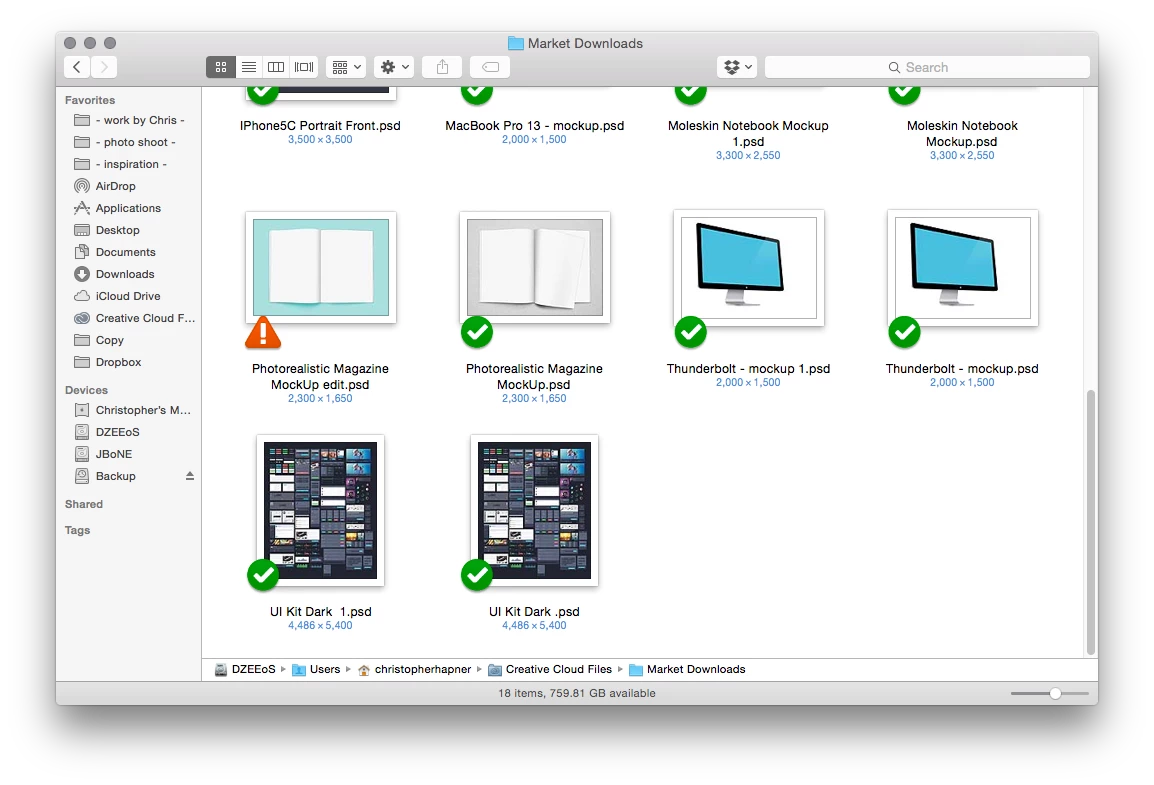
I get a file syncing error when attempting to drop or save new files into my Creative Cloud folder. I have many files in my CC folder which sync correctly and the error only occurs when attempting to save over an existing file or drag a new file into the CC folder. I am able to work around this problem by saving a new version of the file to my desktop then dropping it into the CC app in my browser. This problem began to occur when I updated from Mavericks to Yosemite. Needless to say, this is very cumbersome and I would appreciate any insight given.
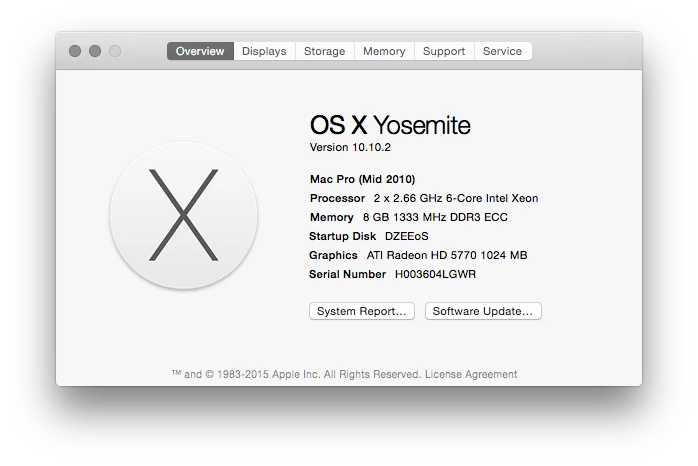
Below are my system specs followed by the error message I receive.
 AdChoices