Exit
  • Global community
    • Language:
      • Deutsch
      • English
      • Español
      • Français
      • Português
  • 日本語コミュニティ
  • 한국 커뮤니티
0

Libraries sync error: Creative Cloud services are blocked. Please check your Firewall settings.

New Here ,
Sep 11, 2024 Sep 11, 2024

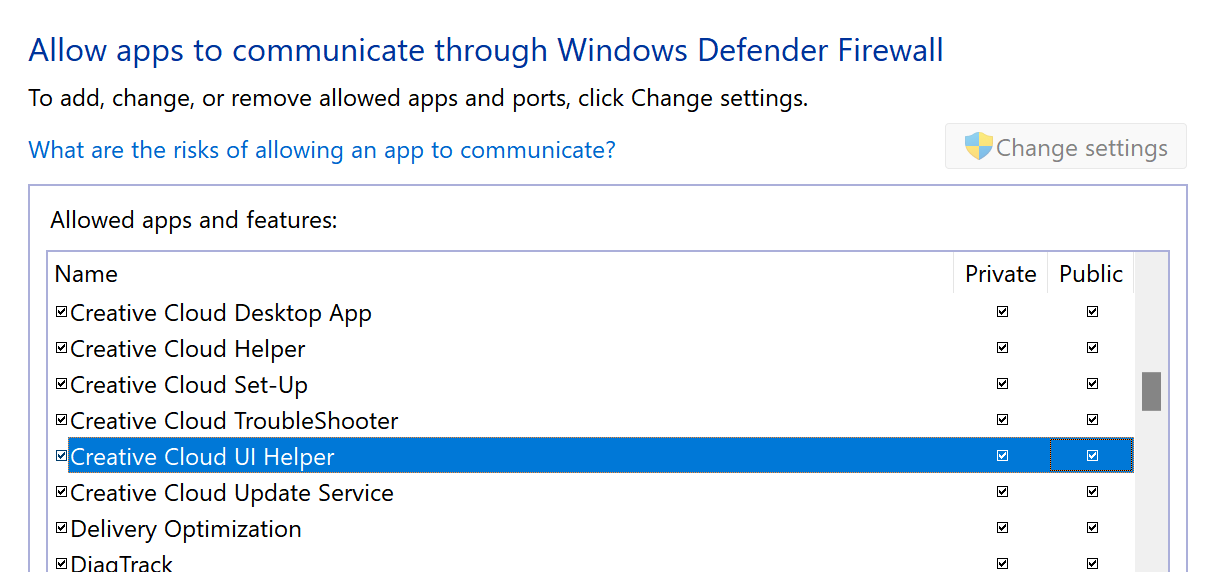
I'm getting the "Libraries sync error: Creative Cloud services are blocked. Please check your Firewall settings." error. I added every single application I found under (Program Files (x86) > Adobe Creative Cloud, Adobe Creative Cloud Experience & Adobe Sync) and (Program Files > Adobe) in "Allow an app thru firewall." settings. It clears for some time and after while keeps coming back, If anyone knows a fix to this or knows which exact file is responsible for Libraies sync, would be a huge help. 

TOPICS
File sync , Libraries
267
Translate
Report
Community guidelines
Be kind and respectful, give credit to the original source of content, and search for duplicates before posting. Learn more
community guidelines
Community Expert ,
Sep 11, 2024 Sep 11, 2024
LATEST

do you see the error when your firewall is suspended?

Translate
Report
Community guidelines
Be kind and respectful, give credit to the original source of content, and search for duplicates before posting. Learn more
community guidelines