
khoi_sincerely
Participant
November 13, 2014
Question

Multiple issues with Creative Cloud File Syncing

  • November 13, 2014
  • 1 reply
  • 471 views
  1. I'm have issues with syncing files on my mac to Adobe Creative Cloud. I don't seem to have issues syncing via drag and drop to my web browser. I keep getting this error while syncing via finder:
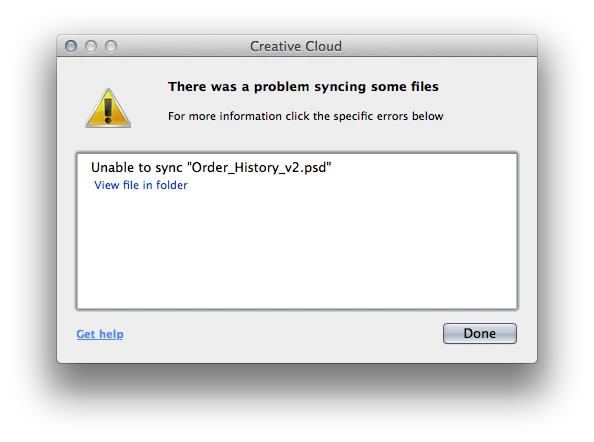
  2. I also have a fairly complex PSD with folders that i'm toggling on and off using Layer Comps. I don't see any difference when switching Layer Comps within Extract in the browser. I do see the changes when turning on and off the folders though.. What's the deal with that?
  3. Why does it take so long to render the PSD after I turn on a folder or switch layer comps? It takes about 30 seconds to re-render, which is crippling for our workflow.


This would be an amazing tool for our developers if these 3 issues were resolved.

This topic has been closed for replies.

1 reply

wharress
Community Manager
Community Manager
November 17, 2014

Hi,

Can you let me know the size of this file please?, we currently have issue where large file will fail to sync. This is an issue we looking into as a priority.

Thanks

Warner

khoi_sincerely
Participant
November 17, 2014

It's a 23mb file with lots of layers.

wharress
Community Manager
Community Manager
November 18, 2014

Thanks for the information.

Could you now send me some log files please..

The log files can be found here:

Mac: /Users/<yourusername>/Library/Application Support/Adobe/CoreSync/

Windows: C:\Users\<yourusername>\AppData\Roaming\Adobe\CoreSync\

The logs have the date in the filename, like "CoreSync-2014-03-25.log". Please compress (zip) all the CoreSync-2014-MM-DD.log files and email them to me directly at harness@adobe.com


Thanks

Warner