

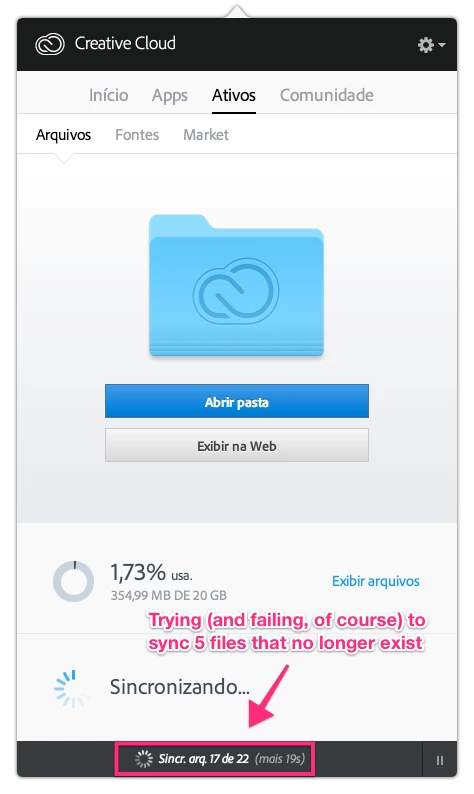
Silly Creative Cloud trying to sync files that no longer exist
I’m getting an annoying failed sync error on Creative Cloud (v. 2.1.1.110). It fails to sync 5 files that weren’t supposed to be synced in the first place, since they’re all old files that no longer exist. I mean, I’ve consciously deleted these files from Creative Cloud long ago. They’re not on my Mac. They’re not on Creative Cloud website (not even as archived). The app is trying to sync them anyway — which prompts the error.

I’ve tried deleting the “Creative Cloud Files” folder from my Mac and restoring it from Creative Cloud just to make sure these 5 ghost files weren’t on my Mac. Like I predicted, the app tried to sync 5 files more than I actually have on the cloud during restore. I think that’s proof enough that there the ghost files are on Adobe servers.


 AdChoices