
Typekit issues after OS update
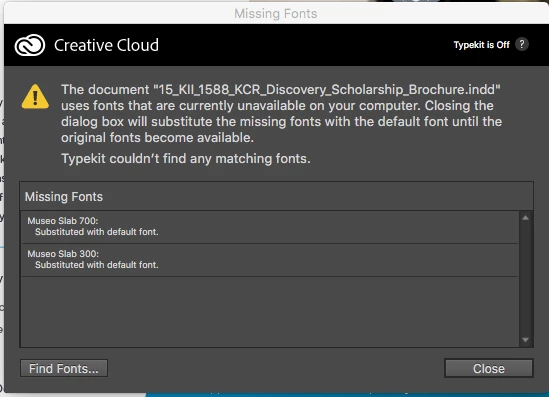
I'm hoping someone else has experienced this same issue and can help. I recently updated my OS to El Capitan and since the update, my Typekit hasn't been working. On my browser everything seems to appear to work, I sync fonts, and it says they're synced. However once I jump into InDesign I can't find any of my Typekit fonts. They're not available on my list of fonts, and when open up a document including Typekit fonts and the "Missing Font" panel pops up, it shows the Typekit as being off in the upper right corner(see attached), even though my browser is saying everything's working fine. I've also made sure that I'm staying under my font sync limit under my account info. I'm not attributing this to my El Capitan udpate necessarily but that's the only thing that's changed since the issue began. Per similar Adobe discussions I've read, I also tried signing out, quitting CC, and then opening up and logging back in to no avail. Does anyone have any insight?
 AdChoices