Inspiring
December 11, 2015
Question

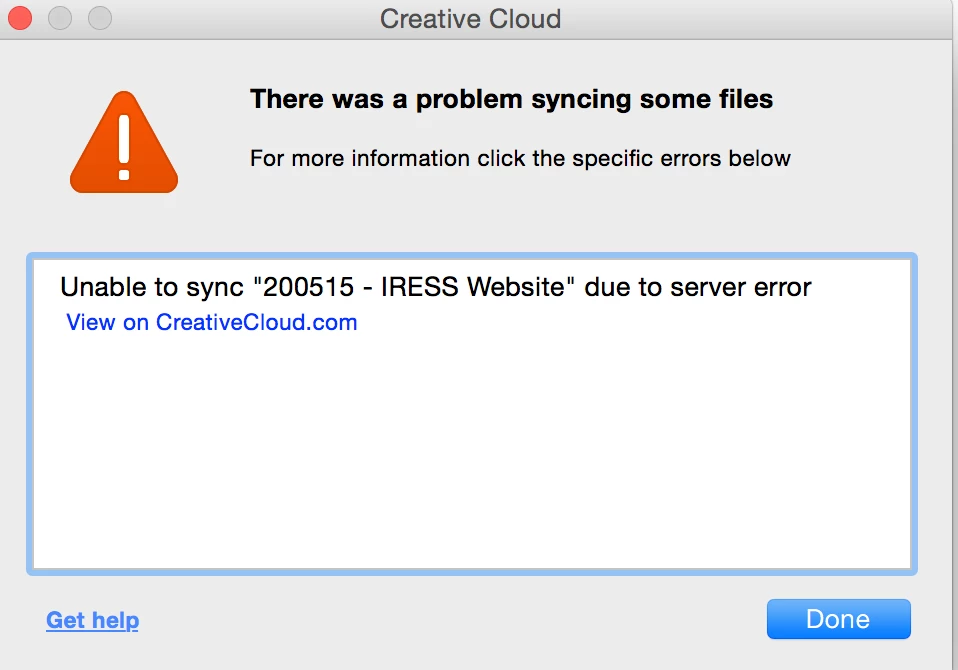
unable to sync due to server error

  • December 11, 2015
  • 1 reply
  • 761 views

Anyone know how to resolve this issue?

The folder doesn't exist on my local drive or on the web version of CC, so I seem stuck with this syncing issue...

I'm on Mac OSX 10.10.5 with the latest CC.
This topic has been closed for replies.

1 reply

Inspiring
December 11, 2015

I sorted it by doing this:

2) Navigate to:

MAC: <Mac Hard Drive>/Users/<username>/Library/Application Support/Adobe/CoreSync on Mac OS X

Note: The Users Library user folder is hidden on starting with 10.7 or later, see http://helpx.adobe.com/x-productkb/global/access-hidden-user-library-files.html

WIN: C:\Users\<username>\AppData\Roaming\CoreSync on Windows

Note: The AppData folder is hidden by default this doc shows how to show it if needed, http://helpx.adobe.com/x-productkb/global/show-hidden-files-folders-extensions.html

3) Then delete any file that end in .db,.db-shm or db.wal, and re start Creative Cloud (There should be 3 or 4 files, but could be more if you have multiple accounts signing into CreativeCloud)

Participant
April 2, 2016

Thanks so much! Your directions worked when nothing else had.
