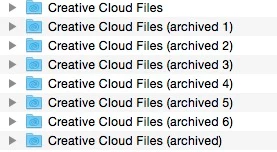
wharress I'm currently experiencing the same or a very similar issue on 2.1.0.108. It looks like the "Creative Cloud Files" folder is syncing/archiving every 2 or 3 minutes:
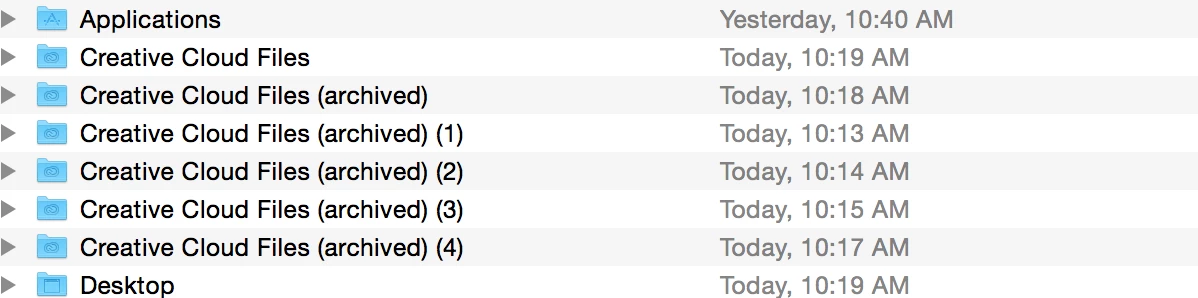
I came in this morning to about 938 of these empty folders (I don't use the CC Files option.) As this is a work account, I just downloaded and brought everything up to date on a new computer yesterday.
If it helps you guys figure out what's going on, yesterday when I was installing the "crash report" kept popping up until I checked the box saying not to tell me again. That said "AdobeCrashDaemon" also pops up every couple of minutes at the same time a new archived folder is created:
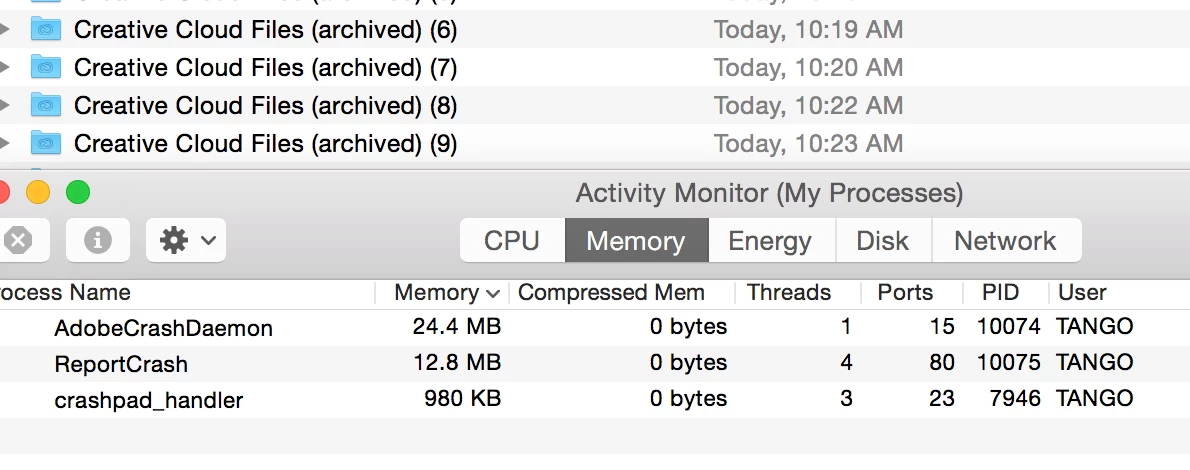
I removed "CoreSync" from it's folder here and the files stopped getting archived, (AdobeCrashDaemon still appeared) as soon as I put it back they started populating again. So until it gets fixed I'll just place it somewhere.
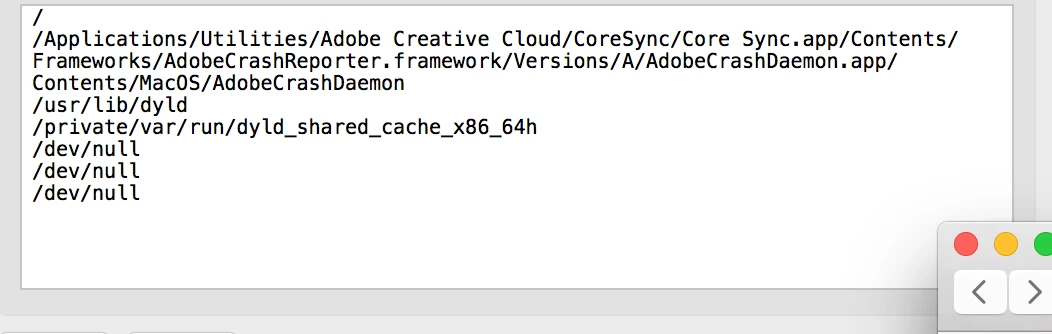
Hopefully this helps, let us know if there is a fix already.
Can you please update to the latest version of Creative Cloud, which is 2.1.1.110. Download Adobe Creative Cloud apps | Free Adobe CC trial


 AdChoices