somesunnymind
Participating Frequently
June 9, 2015
Answered

Why can't I delete archived Creative Cloud files

  • June 9, 2015
  • 1 reply
  • 3561 views

Hello everybody,

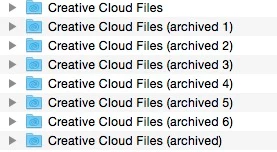
I got a problem with my Creative Cloud app. No matter how often I delete those "archived" Folders, they sync every now and then back to my Computer.

To prevent that, I completely cleared my Creative Cloud web- and disk space. Somehow, those folders keep appearing on my Computer using loads of disk space.They don't appear on my webspace archive.

Has anyone dealt with this kind of problem yet to give me a hint what to do?

Best wishes

Michael

This topic has been closed for replies.
Correct answer wharress

wharress I'm currently experiencing the same or a very similar issue on 2.1.0.108. It looks like the "Creative Cloud Files" folder is syncing/archiving every 2 or 3 minutes:
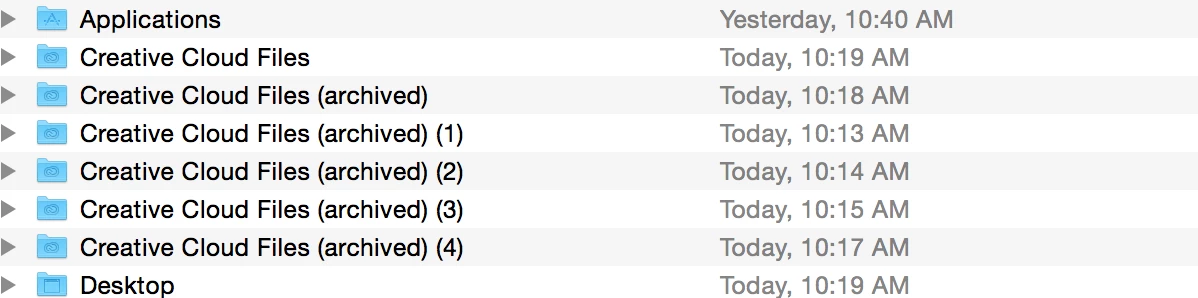
I came in this morning to about 938 of these empty folders (I don't use the CC Files option.) As this is a work account, I just downloaded and brought everything up to date on a new computer yesterday.


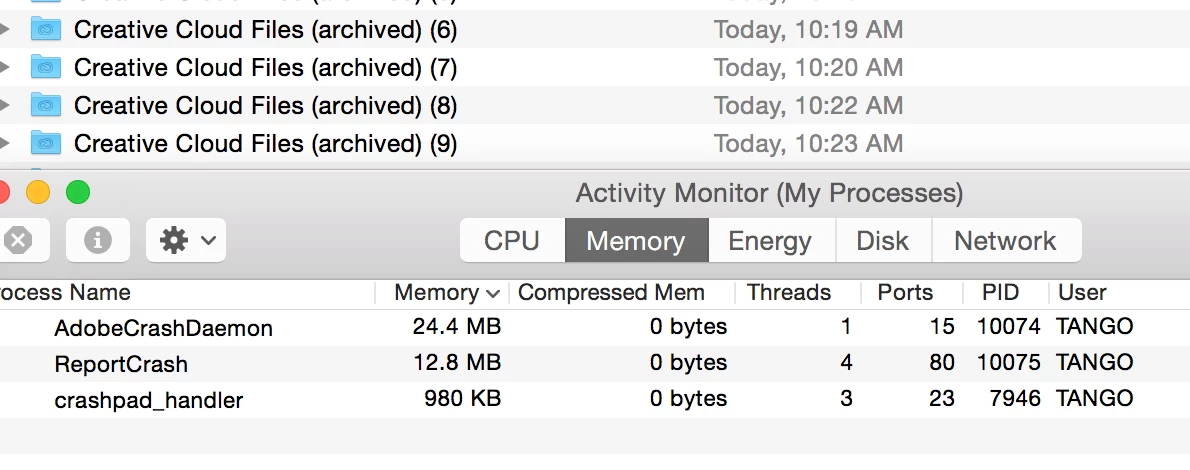
If it helps you guys figure out what's going on, yesterday when I was installing the "crash report" kept popping up until I checked the box saying not to tell me again. That said "AdobeCrashDaemon" also pops up every couple of minutes at the same time a new archived folder is created:
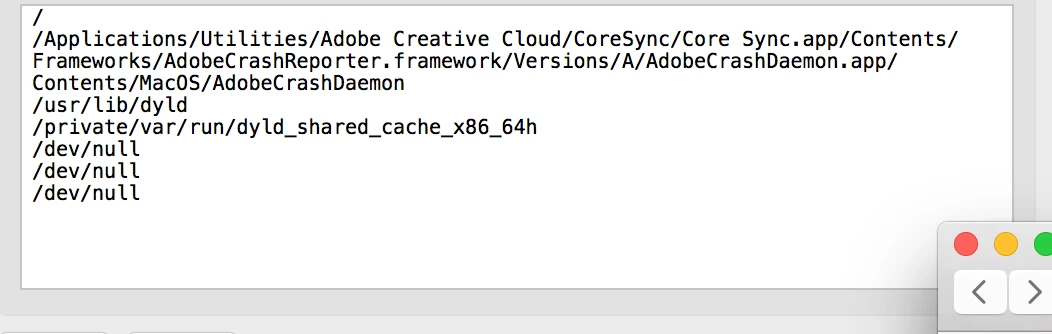
I removed "CoreSync" from it's folder here and the files stopped getting archived, (AdobeCrashDaemon still appeared) as soon as I put it back they started populating again. So until it gets fixed I'll just place it somewhere.
Hopefully this helps, let us know if there is a fix already.


Can you please update to the latest version of Creative Cloud, which is 2.1.1.110.  Download Adobe Creative Cloud apps | Free Adobe CC trial

1 reply

Atul_Saini
Community Manager
Community Manager
June 9, 2015

Michael, please follow: Creative Cloud Help | Browse, sync, and manage assets and let us know if that helps.

Atul_Saini

somesunnymind
Participating Frequently
June 10, 2015

Hello Atul, I already looked that one up weeks ago and deleted those archived files.

In fact, everytime I restart my computer there's a new archived folder getting synced to my disk, althogh I deleted the archived files online and offline completely.

Michael

wharress
Community Manager
wharressCommunity ManagerCorrect answer
Community Manager
June 23, 2015

wharress I'm currently experiencing the same or a very similar issue on 2.1.0.108. It looks like the "Creative Cloud Files" folder is syncing/archiving every 2 or 3 minutes:

I came in this morning to about 938 of these empty folders (I don't use the CC Files option.) As this is a work account, I just downloaded and brought everything up to date on a new computer yesterday.


If it helps you guys figure out what's going on, yesterday when I was installing the "crash report" kept popping up until I checked the box saying not to tell me again. That said "AdobeCrashDaemon" also pops up every couple of minutes at the same time a new archived folder is created:

I removed "CoreSync" from it's folder here and the files stopped getting archived, (AdobeCrashDaemon still appeared) as soon as I put it back they started populating again. So until it gets fixed I'll just place it somewhere.

Hopefully this helps, let us know if there is a fix already.


Can you please update to the latest version of Creative Cloud, which is 2.1.1.110.  Download Adobe Creative Cloud apps | Free Adobe CC trial