
kreisgruppek15954991
Participant
October 28, 2020
Question

0xc000007b Fehler

  • October 28, 2020
  • 1 reply
  • 251 views

Hallo Zusammen,


ich bin mit meinem Latein am Ende. Vin heute auf morgen hat meine Cloud nicht mehr funktioniert. Ich habe keine neue Hardware oder Progarmmen hinzugefügt. Daher habe ich es mit einer Neuinstallation probiert. Es blieb bei der Fehlermeldung.
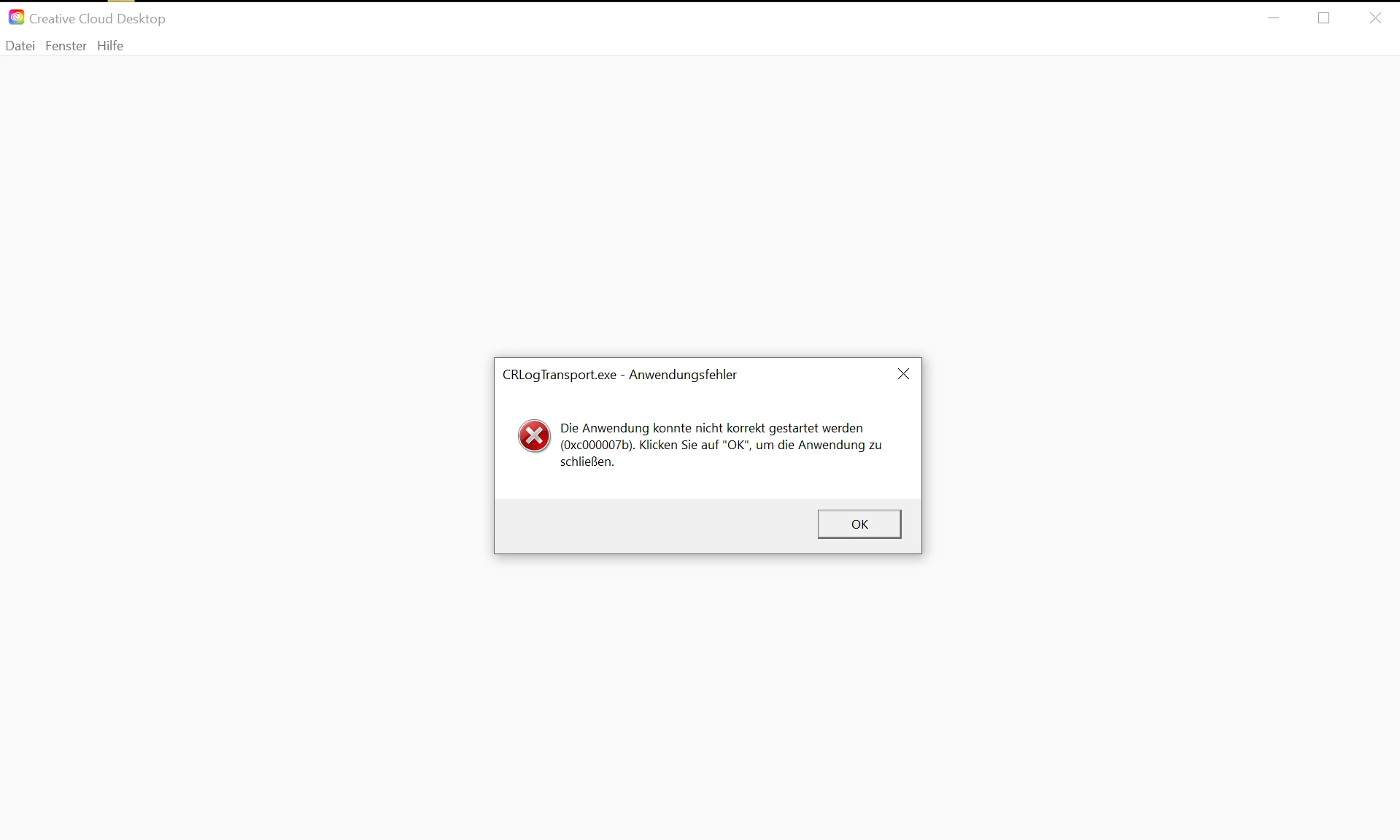
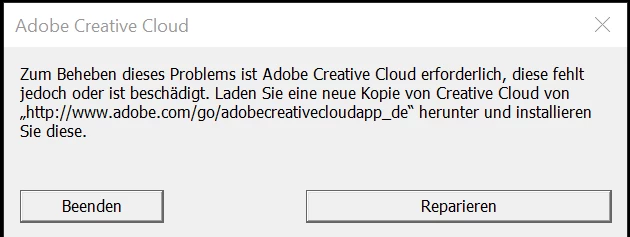
Ich habe seit dem her etliche Dinge probiert. Mir fällt absolut nichts mehr ein was ich noch machen könnte.

Was habe ich bin jetzt versucht (Alles als Admin)?


  • Cloud Deinstaliert mit dem Adobe Deinstallationprogramm, danach den CC Cleaner von Adobe
  • AIO Driver Package – Neu installiert
  • Microsoft Visual C++ Redistributable desinstalliert / installiert
  • Microsoft .NET Framework Repair Tool ausgeführt
  • cmd.exe - SFC/SCANNOW
  • DIRECTX desinstalliert / installiert
  • Alle Updates für Windows installiert 
  • zwischen allen Schritten den PC neu gestartet.
This topic has been closed for replies.

1 reply

kglad
Community Expert
Community Expert
October 28, 2020

at this point it's difficult to determine what's installed and working properly and what is not, but if you see windows errors like that exe error when using anything other than creative cloud, you should probably backup needed files, reformat your hd, reinstall your os and start with a clean computer.


if you don't need to fix your os, you probably need to skip to the steps after the bold text, but if you can apply prior fixes, they would be less time-consuming.


first try, resetting the cc app: To reset the Creative Cloud desktop app, make sure it's in the foreground, then press:

Win: Ctrl + Alt + R
Mac: Cmd + Opt + R

if that fails, try to repair
https://helpx.adobe.com/download-install/kb/creative-cloud-install-stuck.html

if that fails go ahead and uninstall/reinstall per the above link

if that fails, do a clean cc install following each applicable step:

uninstall every cc app including preferences, https://helpx.adobe.com/creative-cloud/help/uninstall-remove-app.html
then uninstall the cc desktop app, https://helpx.adobe.com/creative-cloud/help/uninstall-creative-cloud-desktop-app.html
clean your computer of cc files per http://www.adobe.com/support/contact/cscleanertool.html
check for, and if available, update your os
restart your computer (don't skip this)
reinstall the cc desktop app, https://creative.adobe.com/products/creative-cloud.
if you're unable to install the cc desktop app at this stage, use an administrator account (solution 4 here, https://helpx.adobe.com/creative-cloud/kb/creative-cloud-missing-damaged.html)
use the desktop app to install your cc programs/trials