

Answered
Accidentally Updated to Older Version of Photoshop
Hello
I updated to Photoshop 22.0.1.
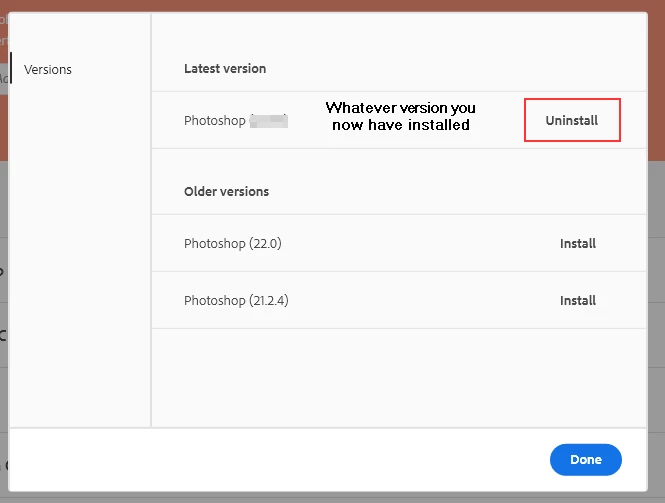
And, then, after accidentally updated to 21.2.4 (older version). Creative Clous showed that this version was still available for installation/update.
System info shows that I am running 21.2.4.
I have also Photoshop 2020 and 2021 installed on my laptop.
How do I get to running 22.0.1 and Photoshop 2021?
I assume that I can just uninstall everything and reinstall the latest version (22.0.1)
Unless that there is another workaround/fix???
Thanks
Andrew

 AdChoices