
Adobe apps ask for login; then say computer is out of date?! Please help!!!
Hi all,
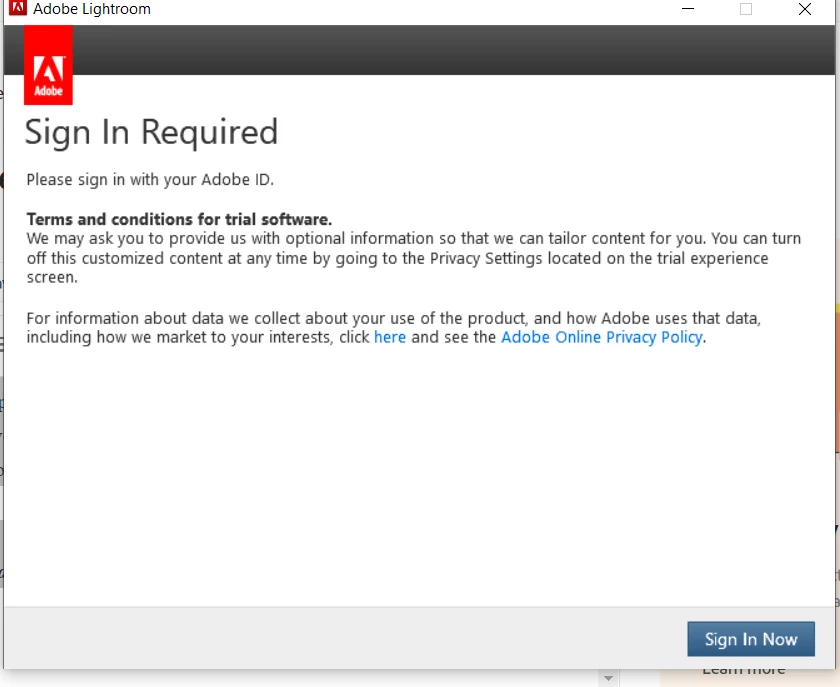
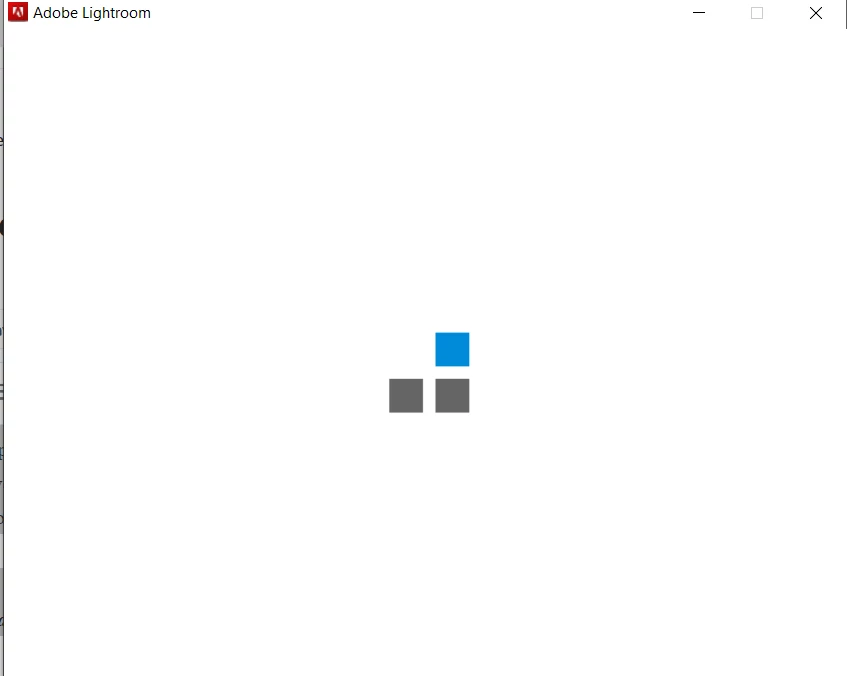
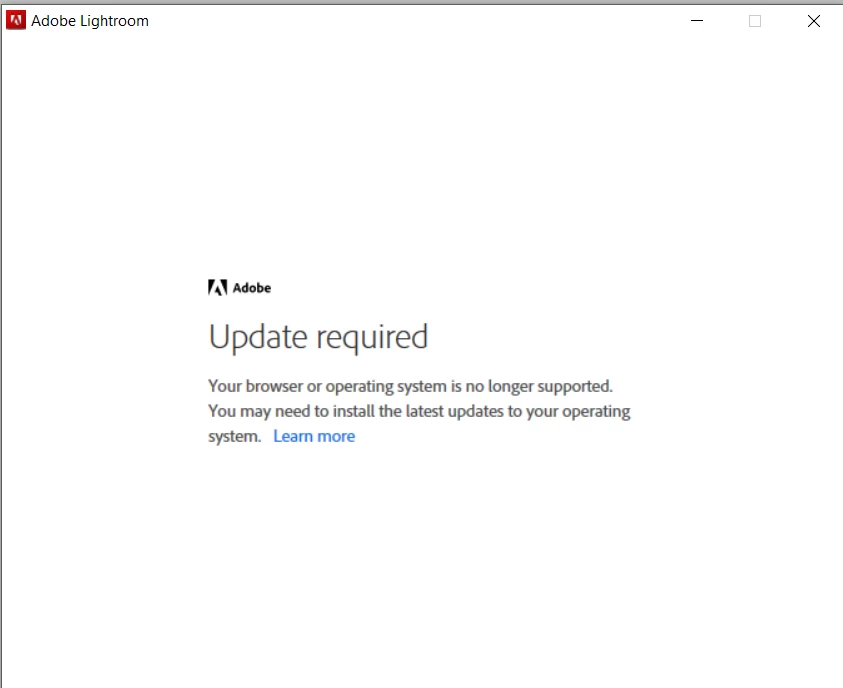
I was at a corporate meeting attempting to present a gallery of photos I had taken, when suddenly Lightroom requested I sign in. I pressed sign in, and it said "loading", showed a new pop up with 4 squares circling, and then it said "Your software is incompatable with Adobe products, please update" and force closed Lightroom. I tried in other programs, with the same issue. I know for a fact that I am updated. I tried restarting with no change. Every Adobe app now does it and I cannot get anything to work. I am fully logged in on the creative cloud program though which doesnt make any sense.
For reference, I am running the most up to date version of Windows 10 as well as all browsers and CC apps. Never had this issue until yesterday.
I have a limited amount of time to submit these photos and this is now completely blocking me from doing so. Any help is greatly appreciated!
Thanks in advance,
Dylan
 AdChoices