
Participant
April 23, 2018
Answered

Adobe Creative Cloud log in issue

  • April 23, 2018
  • 1 reply
  • 816 views

I downloaded Adobe Creative cloud under a wrong email (made a small typo) and I've changed my Adobe ID on the website. However, every time I click on the app this screen pops up
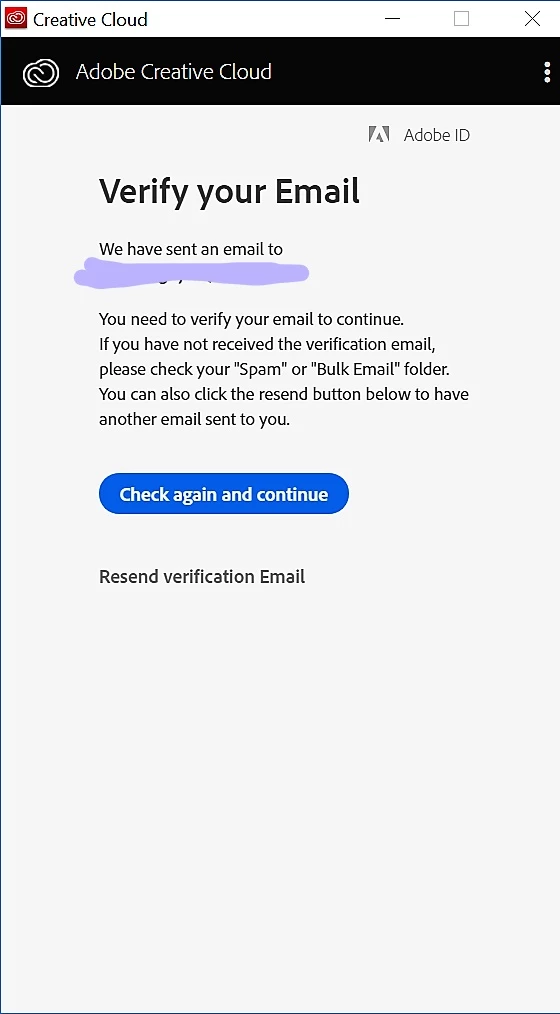
and there is no option for me to go back out to the log in screen or anything. I just paid and I wanna use it but I just absolutely cannot log in because I can't find a way to get out of that window. Could someone please guide me to the end of the tunnel please...i'd greatly appreciate it

This topic has been closed for replies.
Correct answer kglad

quit the cc app

remove the Adobe PCD folder and SLStore folders,  https://helpx.adobe.com/creative-cloud/kb/configuration-error.html

restart your computer and open the cc app.

1 reply

kglad
Community Expert
kgladCommunity ExpertCorrect answer
Community Expert
April 23, 2018

quit the cc app

remove the Adobe PCD folder and SLStore folders,  https://helpx.adobe.com/creative-cloud/kb/configuration-error.html

restart your computer and open the cc app.

Participant
April 23, 2018

remove like delete them completely? cause in that post it says to set permissions? sorry I'm not too much of a tech savy to understand it right off the bat.

kglad
Community Expert
Community Expert
April 23, 2018

yes, delete them.  the reference is so you know file locations.

if you want to be cautious, before removing any files, rename them, restart your computer and see if there's any problem.  if there is, you can always rename them back to their original.