

Answered
Adobe Creative Cloud not functioning after Macbook to iMac migration
I migrated everything on to my iMac from my Macbook. When I went to open Premiere Pro, I kept getting a message about the Adobe Application Manager being funky, and to redownload the most updated version. Clicked the link, and the Adobe page then linked me to the Creative Cloud download page, saying that downloading the newest update should solve the issue. However, now I'm stuck in a loop of downloading the update and then receiving this message during the installation process:
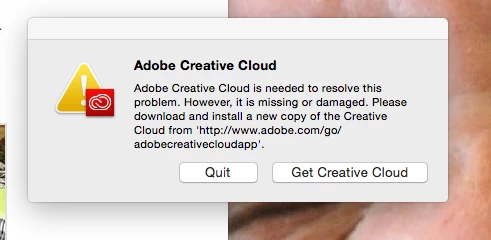
I've tried uninstalling everything, deleting all Adobe related files, using the Cleaner tool, restarting, but the same problem keeps popping up whenever I try to download any Adobe application.

 AdChoices