

Adobe, Enter a personal Email address request, 29 days to complete
I have an Adobe creative cloud account through work, (Full Account) which, after a fresh install, is asking me to enter a personal email address.
Before the program loads it has a pop up which requires you to enter the new email address, It has however rejected all new attempts at new email address, I now have 4 days left to enter a new email address, and I have run out of personal email addresses to use.
What would be the solution to this issue? has anyone had a similar issue?
Before suggestions are made...
I have entered a personal email address on a previous installation on another computer, this email address is a gmail address and is now not valid.
I am using windows 10
I have Successfully completed the following already.
- Changed my password
- Changed my personal email address in my adobe account
- Logged in and out of creative cloud.. Many times.
- Worked in all programs without issue, but have 4 days left to activate my personal email address.
- Entered 2 different Personal email which were rejected. (I have no more email addresses to use)
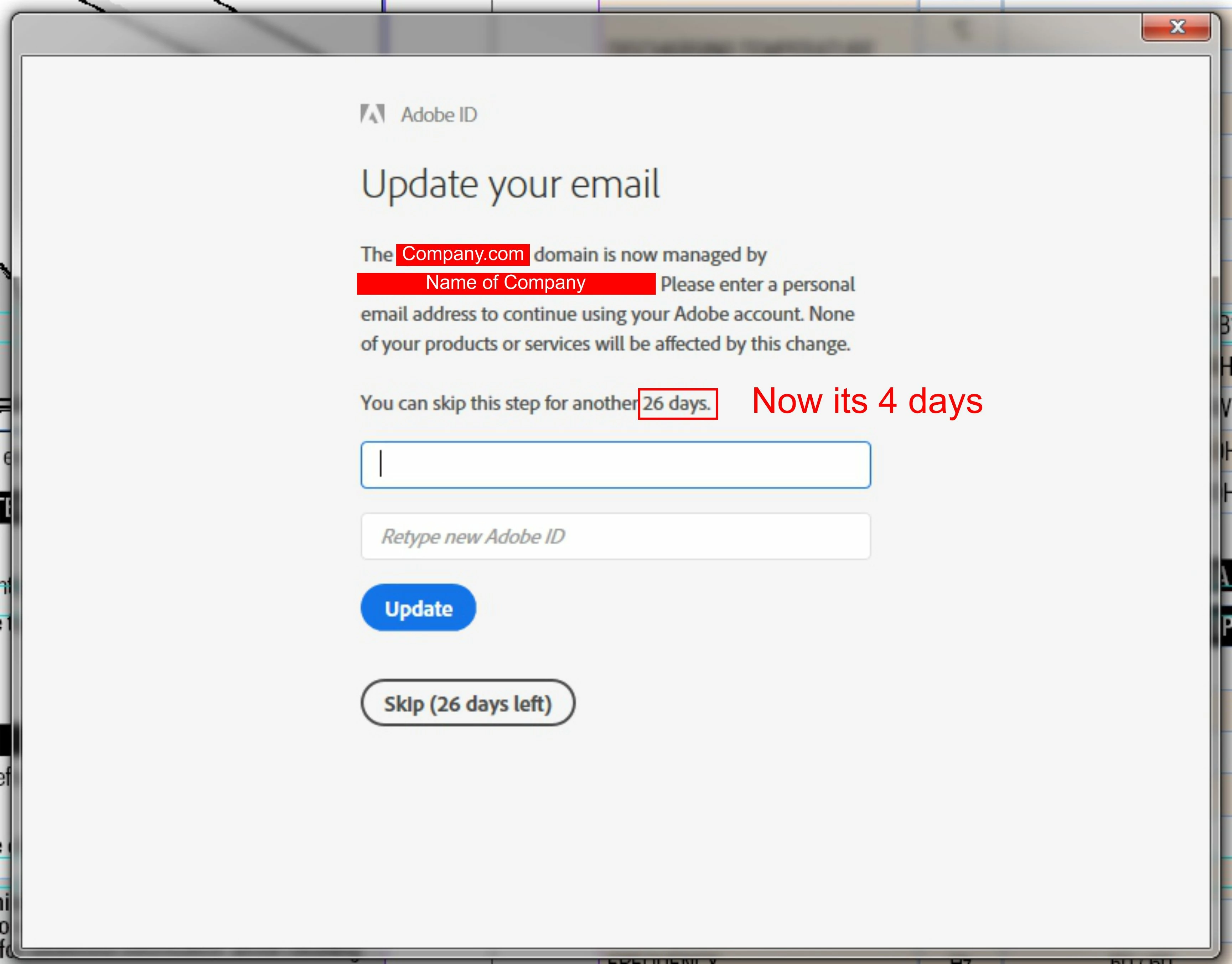
Our IT Team here at work is stumped too, maybe someone from Adobe can help me with this issue.
Message was edited by: Andrew Main
 AdChoices