
Participant
July 13, 2020
Answered

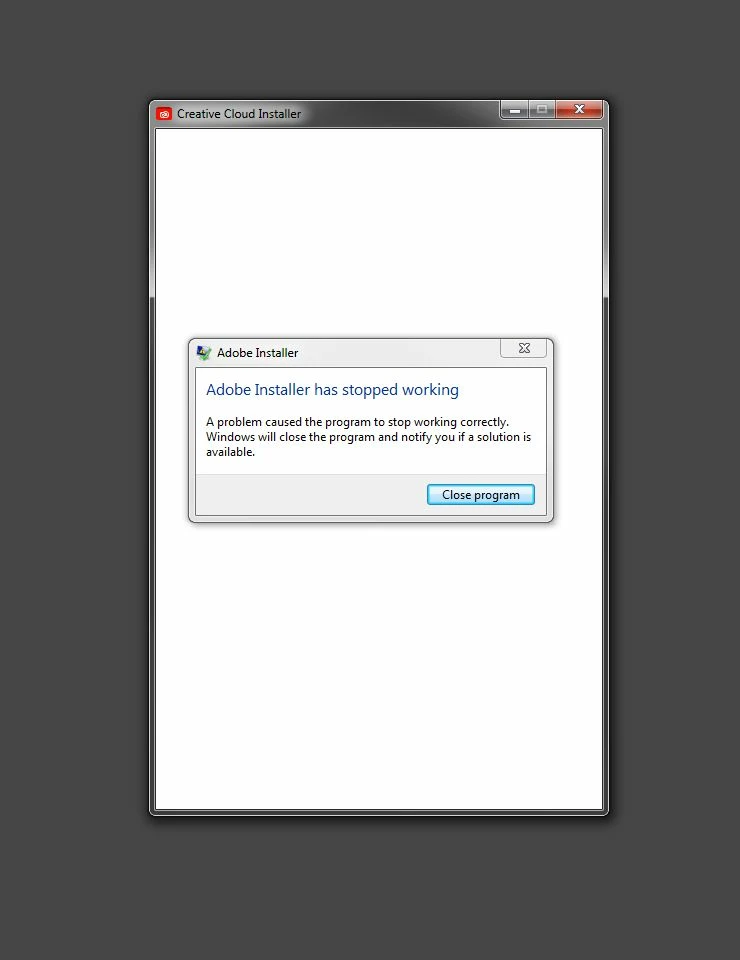
Adobe Installer has stopped working

  • July 13, 2020
  • 1 reply
  • 3053 views

Hello all. Hope I can get some help, Im stumped. I get this when I try to install Photoshop or Creative Cloud. Fresh install of Windows 7 Pro 64bit. No changes to hardware or software. Previous install worked fine. No other software installed at this time, just Win 7 and all updates. UAC is off, Admin account, no Anti-virus or Anti-malware installed. No Adobe software installed. I get the error 2 seconds after clicking the icon to install.


I dont need links to download the software.

I dont need to uninstall any Adobe software, there is none.

I've checked drive for errors, checked file integrity, redownloaded apps, even tried installing in safe mode. No go. Thanks for any help


This topic has been closed for replies.
Correct answer WhirledTraveler

Udonthganidave, the screenshot you posted would not be possible without the Creative Cloud desktop app.  Several logs are created as part of the download, installation, and activation process.


For your next steps please download and run the CC Log Collector Tool from http://helpx.adobe.com/creative-cloud/kb/cc-log-collector.html.  Once you have uploaded your log files then please begin a chat session at https://helpx.adobe.com/contact.html so that direct assistance can be provided to attempt to resolve the error.


Thanks for all the help. Nothing worked. I updated to Windows 10 Pro and all is well again. Thanks.

1 reply

John T Smith
Community Expert
Community Expert
July 13, 2020

Someone else may know more, but it MAY be that win7 is no longer supported

Minimum System requirements for Cloud Programs... scroll down and check each program
-http://helpx.adobe.com/creative-cloud/system-requirements.html

Participant
August 15, 2020

There is a problem With My  Adobe photoshop. Its Gives Me The Message Of ( BF4WebHelper.exe - Bad Image ) CAWindows\System32\Ac-tXPnry.d11 is either not designed to run on Windows or it contains an error. Try installing (link removed by moderator) the program again using the original installation media or contact your system administrator or the software vendor for support. Error status Oxc0000020. Please Give me The Solution To Solve It. I had To Reinstall This Application. But It's Not Running.


Legend
August 15, 2020

bf4webhelper is not Adobe software. I wonder if you downloaded a fake, with malware. Some are very convincing, but all are dangerous. Where exactly did you download it, Ans5FD4?