
Copy link to clipboard
Copied
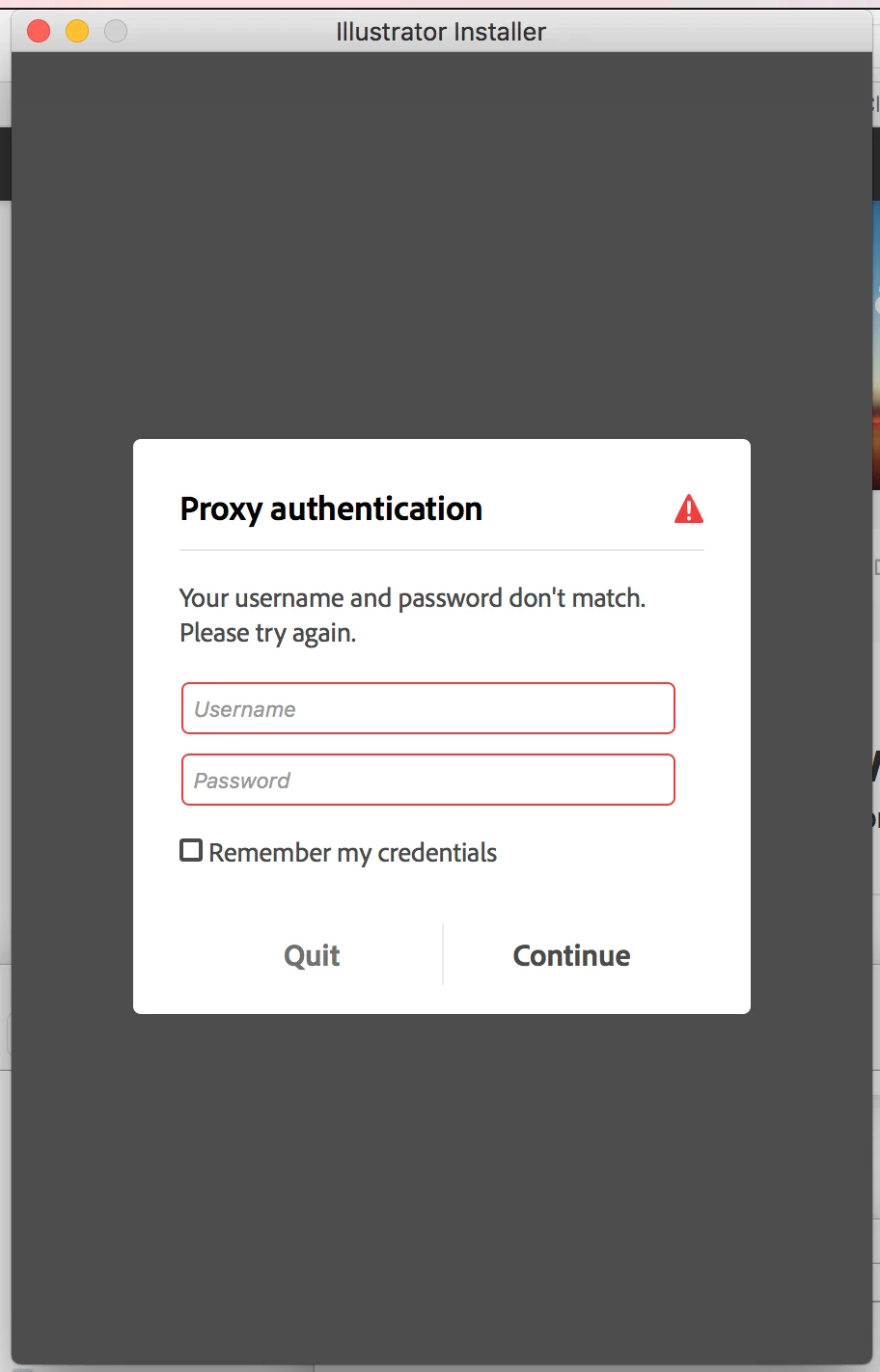
I have been trying to install trial versions of Photoshop and Illustrator for two days now, and I keep getting this proxy authentication screen when the installer starts. But I have no proxy that I am going through. What gives?!?!?!?!
Copy link to clipboard
Copied
I went through the troubleshooting guide for installing apps, I did the host file patching, and still have this issue. I would buy the apps if I thought it would install but I don't think that would help either.
Copy link to clipboard
Copied
hey, I bought them and This still pops up and they ask me for the same thing its super annoying
Copy link to clipboard
Copied
anyone with answers to this?
Copy link to clipboard
Copied
i am looking for help on this as well. i spent a long time today chatting with a tech via adobe chat and he told me to contact my IT department. seriously.
Copy link to clipboard
Copied
Hello, do you have a solution for this? I borrowed a new computer and cannot install anything.
Thanks
Copy link to clipboard
Copied
erikd42565648 wrote
I borrowed a new computer and cannot install anything.
If this is a Teams or Enterprise account, contact your IT department. See help article below.
Copy link to clipboard
Copied
That's the problem, it's my private, home connection and no proxy has ever been used here, or on computer.
Copy link to clipboard
Copied
Proxy settings are used when your Mac computer is connected to a network that requires a proxy server to access the internet. These can be discarded when your computer is directly connected to the router or the router installed is the default gateway for accessing the internet.
Copy link to clipboard
Copied
Is there a similar workflow for a Windows computer?
I have the same exact issue and I do not own a Mac. Many thanks in advance!
Copy link to clipboard
Copied
in your search button type in "Settings" then click on Network and Internet. Then click on Proxy.
Ours are all off by design from IT, yet we still get the error. Grrr
Get ready! An upgraded Adobe Community experience is coming in January.
Learn more