Inspiring
June 25, 2018
Answered

Can’t open Creative Cloud

  • June 25, 2018
  • 3 replies
  • 2355 views

Hello

I’m running OS X Yosemite 10.10.5. I have a problem with Creative Cloud.

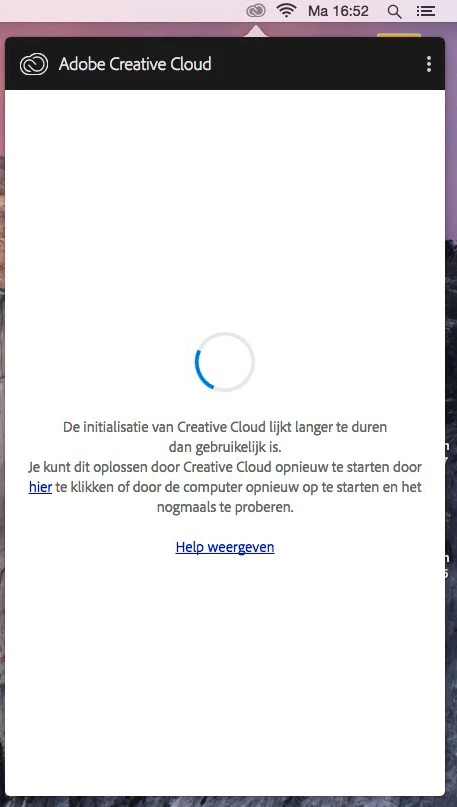
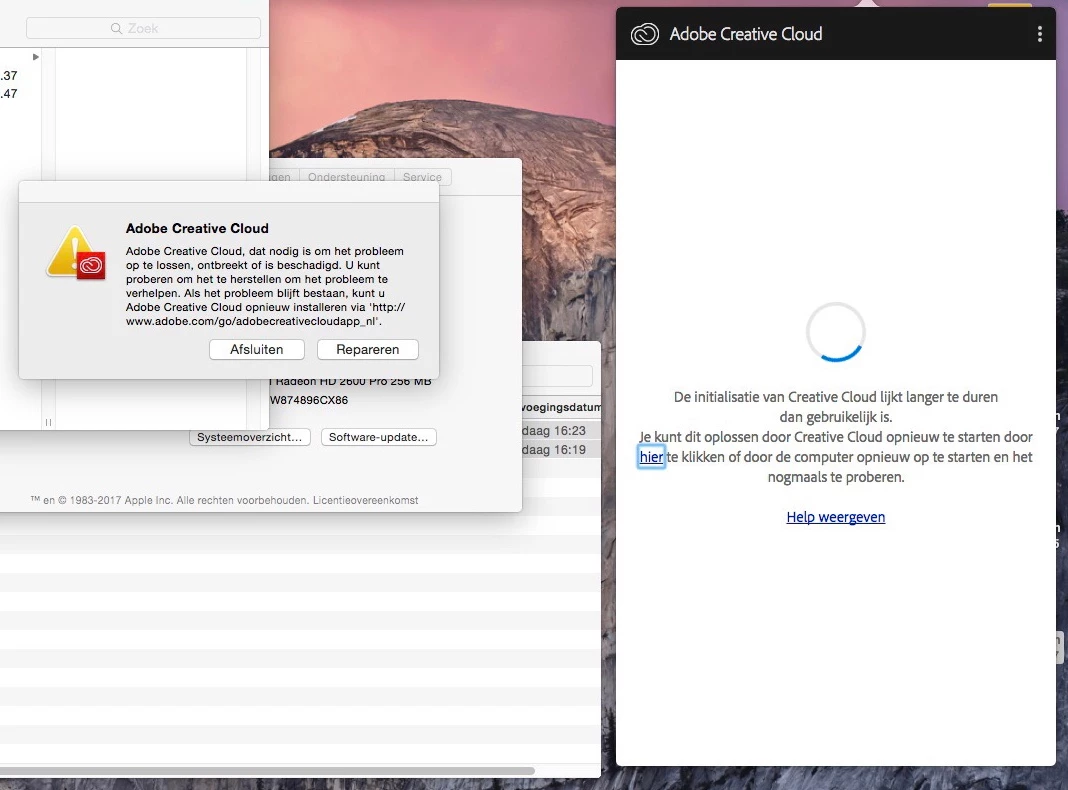
When I try to open it, keeps loading until it says that Creative Cloud is taking too long to load. Then it gives me a message that something went wrong and has the option to click on “repair”. That didn’t work so I tried uninstalling and re-installing Creative Cloud, wich didn’t work. Tried restarting my computer. Tried a different account on my computer, but all of these solutions didn’t work. I’m really desperate in what to do now since I already tried everything, does anyone know what I can do to fix this?
This topic has been closed for replies.
Correct answer jomy10

Ok, I recently tried removing the “adobe“ folder in “Documents”, I then tried uninstalling and reinstalling the creative cloud app and it works again.

3 replies

jomy10AuthorCorrect answer
Inspiring
July 30, 2018

Ok, I recently tried removing the “adobe“ folder in “Documents”, I then tried uninstalling and reinstalling the creative cloud app and it works again.

SoleClemente
Participating Frequently
June 26, 2018

I have the exact same issue with the same OS X.

kglad
Community Expert
Community Expert
June 25, 2018

uninstall everything cc including preferences, https://helpx.adobe.com/creative-cloud/help/uninstall-remove-app.html

then uninstall the cc desktop app, https://helpx.adobe.com/creative-cloud/help/uninstall-creative-cloud-desktop-app.html

clean your computer of cc files per http://www.adobe.com/support/contact/cscleanertool.html

restart your computer (don't skip this)

reinstall the cc desktop app, https://creative.adobe.com/products/creative-cloud.

if you're unable to install the cc desktop app at this stage, use an administrator account (solution 3 here, https://helpx.adobe.com/creative-cloud/kb/creative-cloud-missing-damaged.html)

use the desktop app to install your cc programs/trials

SoleClemente
Participating Frequently
June 26, 2018

Unfortunately, this didn't fix the problem for me.

arij2010
Inspiring
June 26, 2018

Hi ,

Go to Application > Utilities > Activity monitor .

Select the process and force quit

Adobe CEF Helper

Adobe Creative Cloud

Adobe IPC Broker

Adobe Genuine Software Integrity Service

CCLibraries

CCXProcess

Creative Cloud

CoreSync

2 - Rename The folders "SlStore" , "SlCache" and "OOBE" to "SlStore.old" , "SlCache.old" and "OOBE.old" in this location :

MAC HD/Users/<user folder>/Library/Application Support/Adobe/OOBE

MAC HD/Library/Application Support/Adobe/SlStore

MAC HD/Library/Application Support/Adobe/SlCache

Launch CC desktop