Inspiring
June 25, 2018
Answered

Can’t open Creative Cloud

  • June 25, 2018
  • 3 replies
  • 2355 views

Hello

I’m running OS X Yosemite 10.10.5. I have a problem with Creative Cloud.

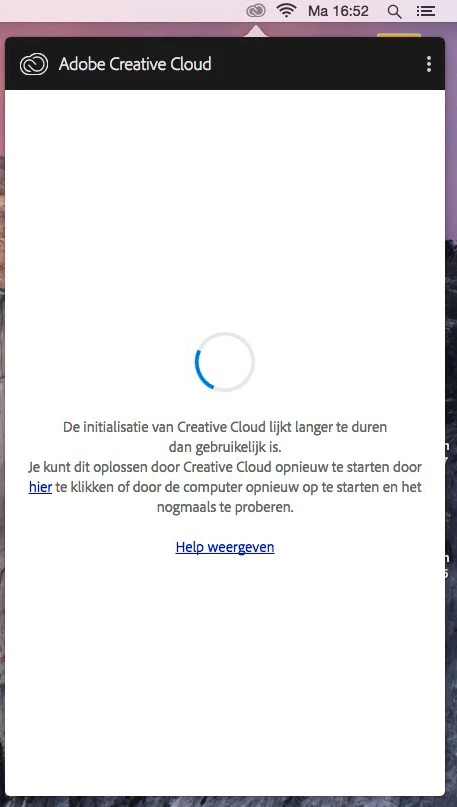
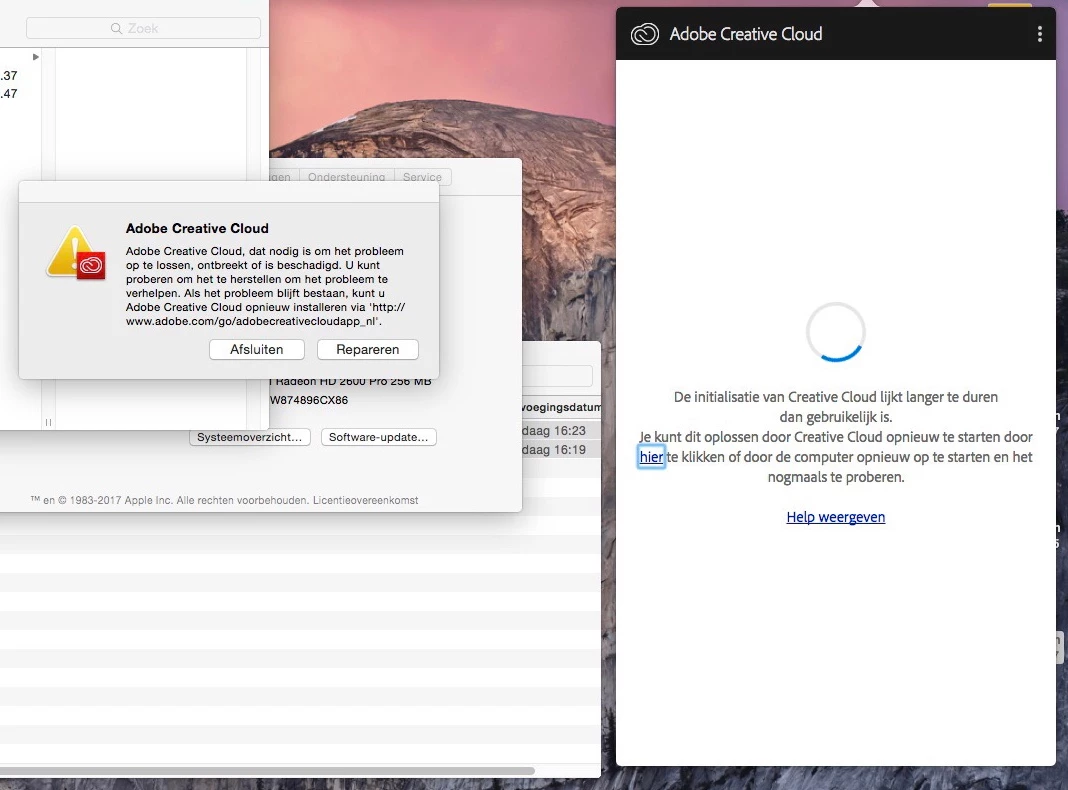
When I try to open it, keeps loading until it says that Creative Cloud is taking too long to load. Then it gives me a message that something went wrong and has the option to click on “repair”. That didn’t work so I tried uninstalling and re-installing Creative Cloud, wich didn’t work. Tried restarting my computer. Tried a different account on my computer, but all of these solutions didn’t work. I’m really desperate in what to do now since I already tried everything, does anyone know what I can do to fix this?
This topic has been closed for replies.
Correct answer jomy10

Ok, I recently tried removing the “adobe“ folder in “Documents”, I then tried uninstalling and reinstalling the creative cloud app and it works again.

3 replies

jomy10AuthorCorrect answer
Inspiring
July 30, 2018

Ok, I recently tried removing the “adobe“ folder in “Documents”, I then tried uninstalling and reinstalling the creative cloud app and it works again.

SoleClemente
Participating Frequently
June 26, 2018

I have the exact same issue with the same OS X.

kglad
Community Expert
Community Expert
June 25, 2018

uninstall everything cc including preferences, https://helpx.adobe.com/creative-cloud/help/uninstall-remove-app.html

then uninstall the cc desktop app, https://helpx.adobe.com/creative-cloud/help/uninstall-creative-cloud-desktop-app.html

clean your computer of cc files per http://www.adobe.com/support/contact/cscleanertool.html

restart your computer (don't skip this)

reinstall the cc desktop app, https://creative.adobe.com/products/creative-cloud.

if you're unable to install the cc desktop app at this stage, use an administrator account (solution 3 here, https://helpx.adobe.com/creative-cloud/kb/creative-cloud-missing-damaged.html)

use the desktop app to install your cc programs/trials

SoleClemente
Participating Frequently
June 26, 2018

Unfortunately, this didn't fix the problem for me.

kglad
Community Expert
Community Expert
June 26, 2018

Thanks everyone for your answers, but none of them seem to work :/


confirm that you can connect to the secure adobe servers by reading, http://helpx.adobe.com/x-productkb/policy-pricing/activation-network-issues.html

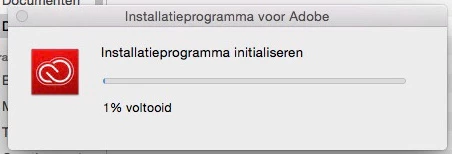
if you see both logos and still have a problem at 1% install, using a browser that allows popups and cookies,  contact adobe support during pst business hours by clicking here and, when available, click 'chat', http://helpx.adobe.com/x-productkb/global/service-ccm.html