
Copy link to clipboard
Copied
Some info:
- All applications open normally.
- Production Premium CS6 and Design and web Premium CS6 Installed (as well as CS5.5).
- Cannot update (Manually or through AAM)
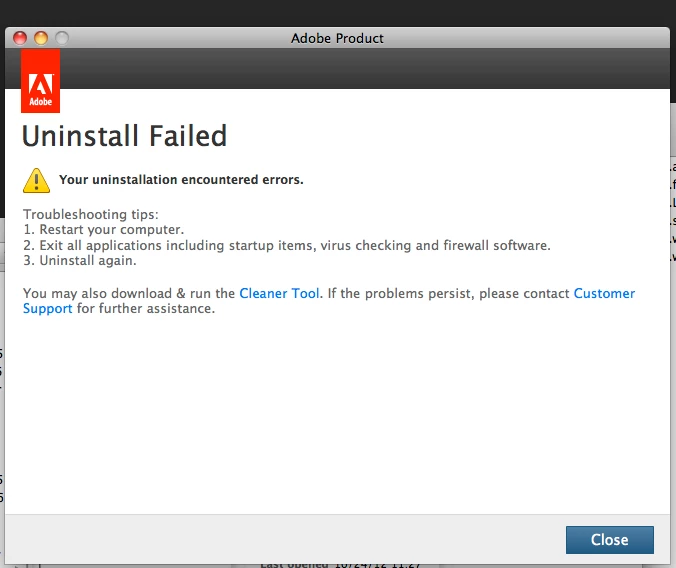
- Cannot uninstall (Through AAM or with Adobe Cleaner Tool).
- Have tried De-activating and Re-activating software as well.
- Cleaner tool doesn't even recognize CS6 or 5.5 installed.
- Mac Pro, 10.6.8.
Updates:

Uninstallation:
Cleaner Tool:
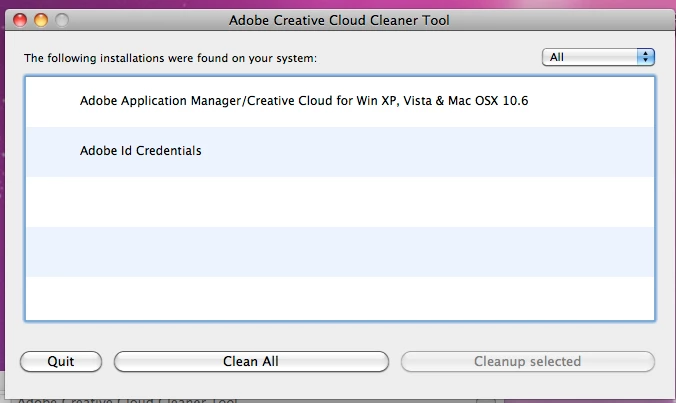
Is there a way to manually delete everything the way the cleaner tool does to try and re-install everything?
Thank you.
Copy link to clipboard
Copied
Digitalworkflows have you utilized the uninstallers located in Applications/Utilities/Adobe Installers?
Copy link to clipboard
Copied
Yes, I've tried the uninstallers as well. It results in the same 'Uninstall Failed' error.
Copy link to clipboard
Copied
Can you apply updates manually from the product update page at https://www.adobe.com/downloads/updates/? You may also want to review your installation log files from the attempts to apply the updates. You can find information on reviewing your installation logs at Troubleshoot with install logs | CS5, CS5.5, CS6 - http://helpx.adobe.com/creative-suite/kb/troubleshoot-install-logs-cs5-cs5.html.
Get ready! An upgraded Adobe Community experience is coming in January.
Learn more