Participating Frequently
July 13, 2017
Answered

cannot operate or uninstall Premiere pro

  • July 13, 2017
  • 2 replies
  • 11058 views

Alright, I'm having some very serious issues with Premiere Pro, praying to the video editing gods that someone can help me here.

A little over a month ago I downloaded the most recent PP upgrade. After I did that, Premiere pro stopped working. I can start a new project, import footage, scroll through the footage within the folder, but once drag it into the "source" window, and I scroll through the footage and stop on a scene in the source window, it completely freezes, and won't do anything after that. When I try to exit out of premiere pro, it says premiere pro is not responding.

I tried uninstalling and reinstalling my graphics card, and still had the same issue. So I came here, and after recommendation, was able to get it to run in an older version (2014) in administrator mode.

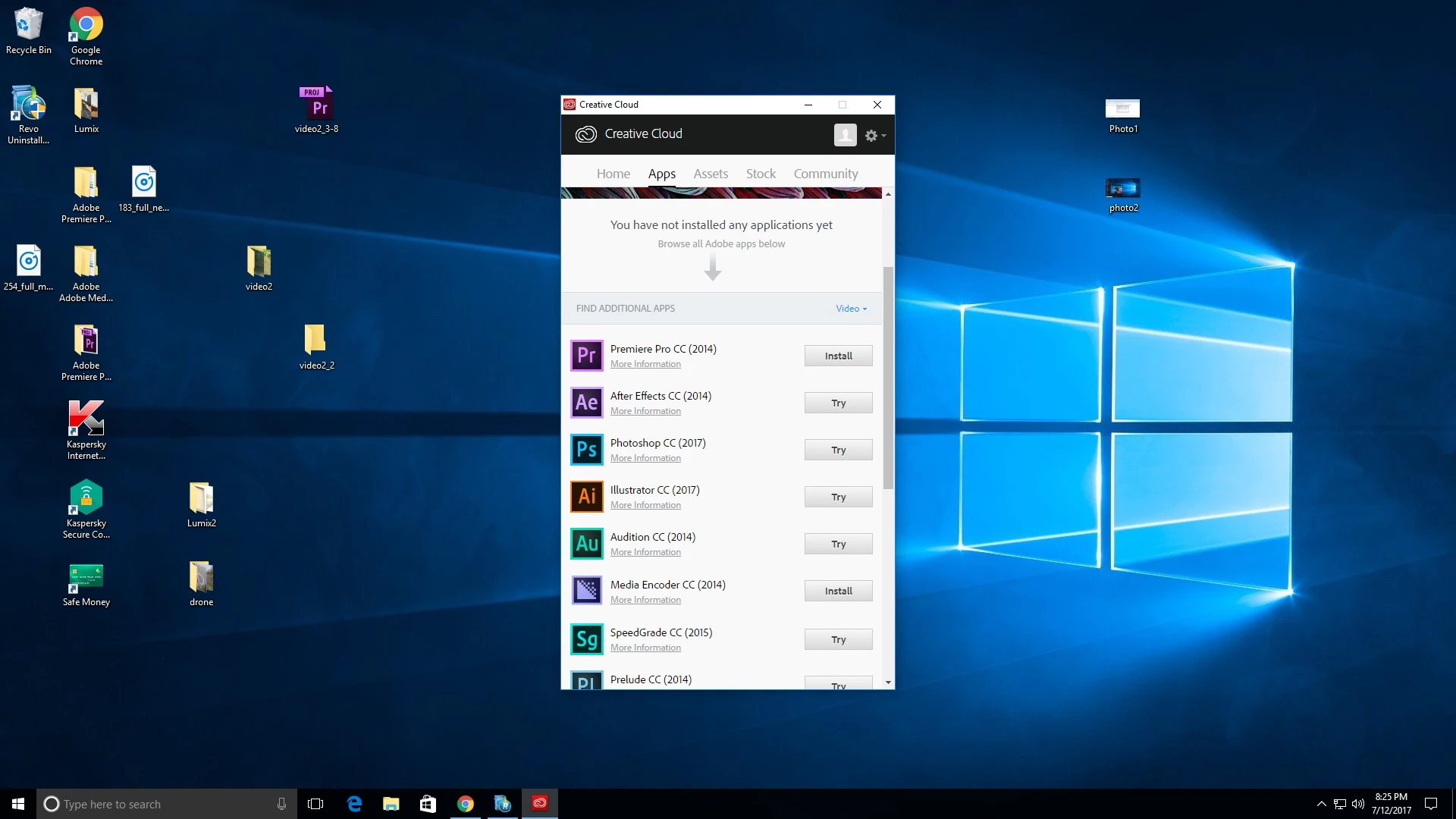
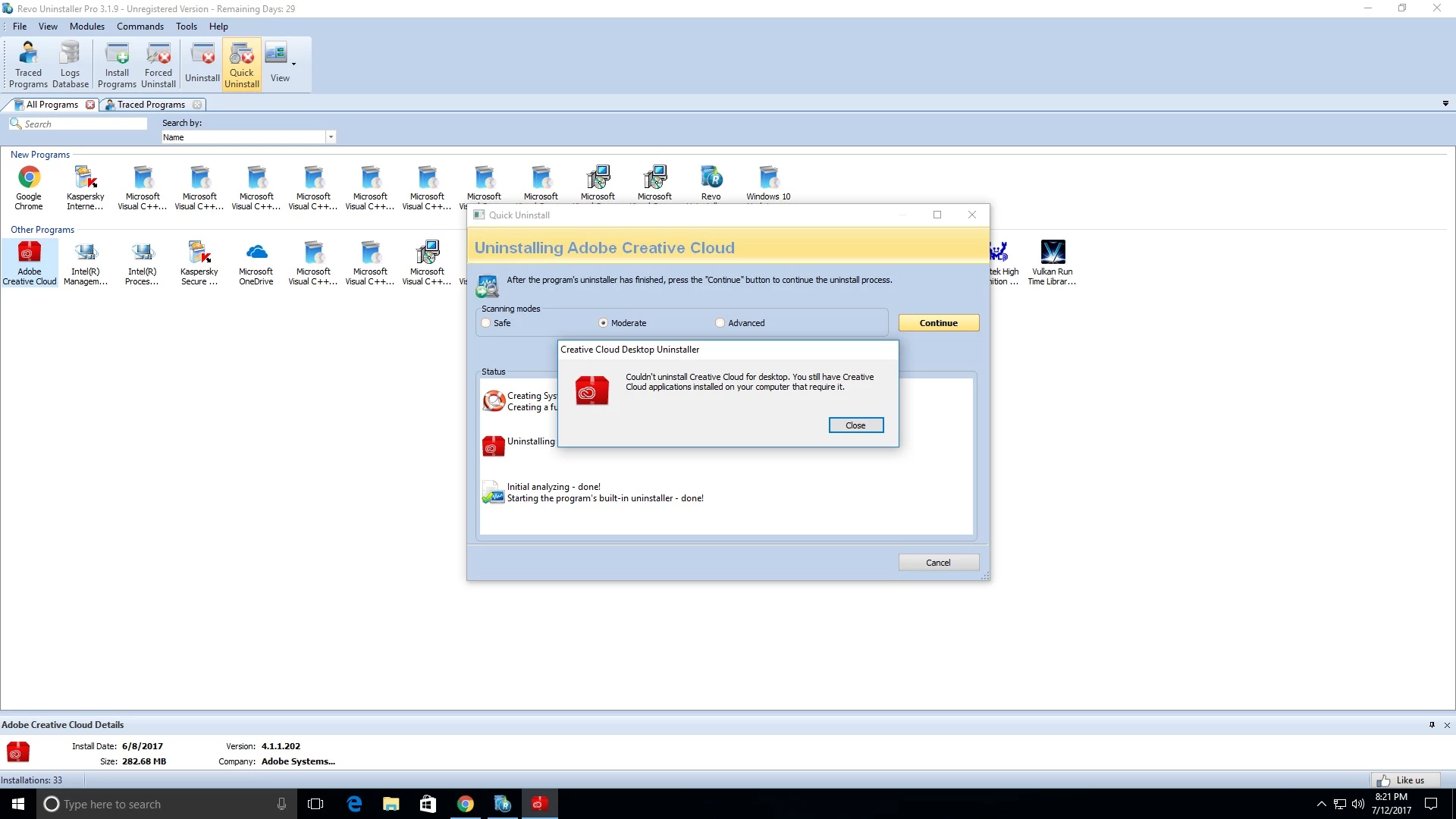
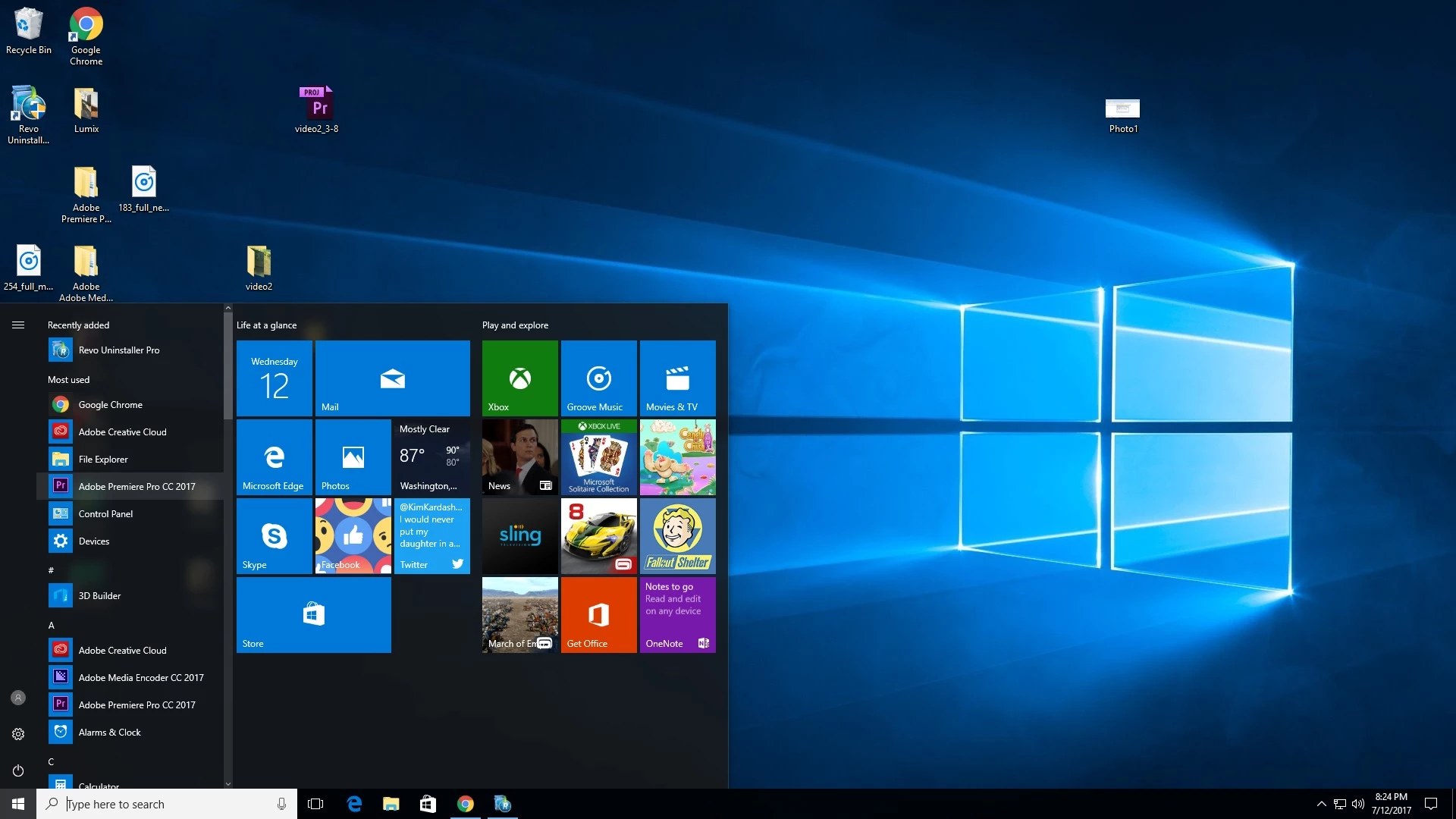
I finished my project, and hoped I could go back to the most recent version of PP. I tried the "check for updates" option, I tried uninstalling premiere pro within the control panel, and still, only the 2014 version popped up. I tried the adobe cleaner tool, nothing. So I tried REVO uninstaller, and here's where it gets weird, I uninstalled within REVO, and it no longer shows up within REVO, BUT it shows up when I click my windows tab in the bottom left of my screen. Even when I tried to uninstall creative cloud, it said I couldn't because Premiere Pro was still on my computer. But it no longer shows up in my control panel OR in REVO. Anyone have any idea what in the Hell is going on???

I literally just bought a new desktop about 1 month before this happened. I'm running the recent version of Windows 10, 64bit.

Any help would be SERIOUSLY appreciated.
This topic has been closed for replies.
Correct answer Jeffrey_A_Wright

Hey Jeff. I did everything you recommended, and still Premiere Pro and Media Encoder only pop up for install in my creative cloud in their 2014 versions. Restarted my computer and clicked check for updates. I don't know what the hell is going on. I did get a warning in my log after running the cleaner that said:

DB does not exist at: C:\Program Files (x86)\Common Files\Adobe\caps\Media_db.db

I don't know. I'm just gonna go get drunk now.


Josephk94007802 I am sorry you are continuing to face installation errors.  I would recommend contacting our support team directly at Contact Customer Care so that the current installation errors can be resolved.

In general please only utilize utilities, such as the Revo Uninstaller, if the normal method of uninstalling an application is unsuccessful.  Most applications, on Windows 10, can begin uninstall process from the Programs and Features Control Panel.

Josephk94007802 please do reference this forum discussion when contacting our support team.  If you continue to face difficulties then please update this discussion.

2 replies

Jeffrey_A_Wright
Community Manager
Community Manager
July 13, 2017

Josephk94007802 instead of utilizing the Revo Uninstallers please utilize the uninstallers provided with Premiere Pro CC 2017.  You can find details regarding the uninstall process at Uninstall or remove Creative Cloud apps​.  Utilizing the Revo Uninstaller can lead to unexpected results.

Once you have uninstalled Premiere Pro CC 2017 you can find information regarding the installation process at Download and install Creative Cloud apps​.  If you continue to encounter errors then please review the install log to determine the exact error preventing installation.  Information on how to locate the install log can be found at Creative Cloud download and install errors​.

If you have any questions Josephk94007802 or locate a specific error message in the install log then please update this discussion.

Participating Frequently
July 13, 2017

Thanks Jeff! I'll give that a try after work today and report back. I appreciate your reply!

Jeffrey_A_Wright
Community Manager
Community Manager
July 13, 2017

Thanks Josephk94007802 I will look forward to the update.  Please feel free to post any specific errors in the install log to this discussion.  The most recent errors will be at the end of the file.

Vidya Sagar
Adobe Employee
Adobe Employee
July 13, 2017

Hi josephk94007802,

Moved the thread to Creative Cloud installation space for issue specific assistance.

Thanks,

Vidya.